
Quick answer for U.S. players: If you have a specific Hollow avatar item in mind, save toward its displayed price and avoid impulse buys. If a survival tool would help you finish an objective you have not cleared, consider it—but only after checking the live shop and your current balance. Roblox has not published a complete official Ticket price sheet, so treat third-party prices as reported snapshots, not permanent guarantees.
Night 8 changes the decision because the event is nearing its finale, but the event’s finale and reward deadline are not the same. Roblox says the live finale is planned for October 31, 2026, while players can continue collecting eligible rewards until noon Pacific Standard Time on November 2. That gives players a reason to plan carefully rather than spend every Ticket as soon as a new item appears.
What is confirmed about The Hollow—and what is not?
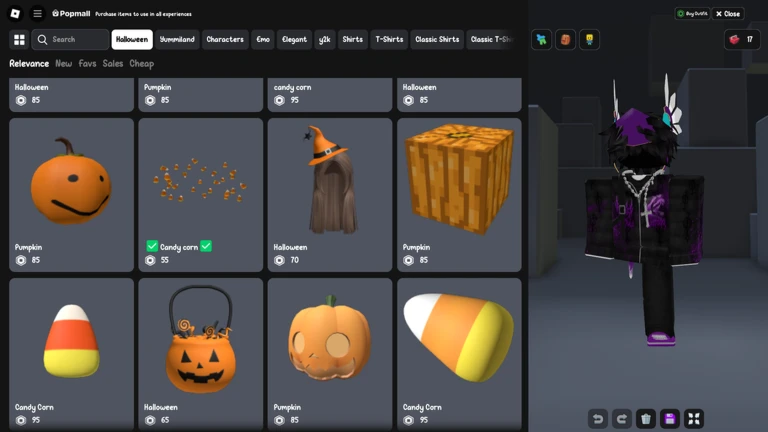
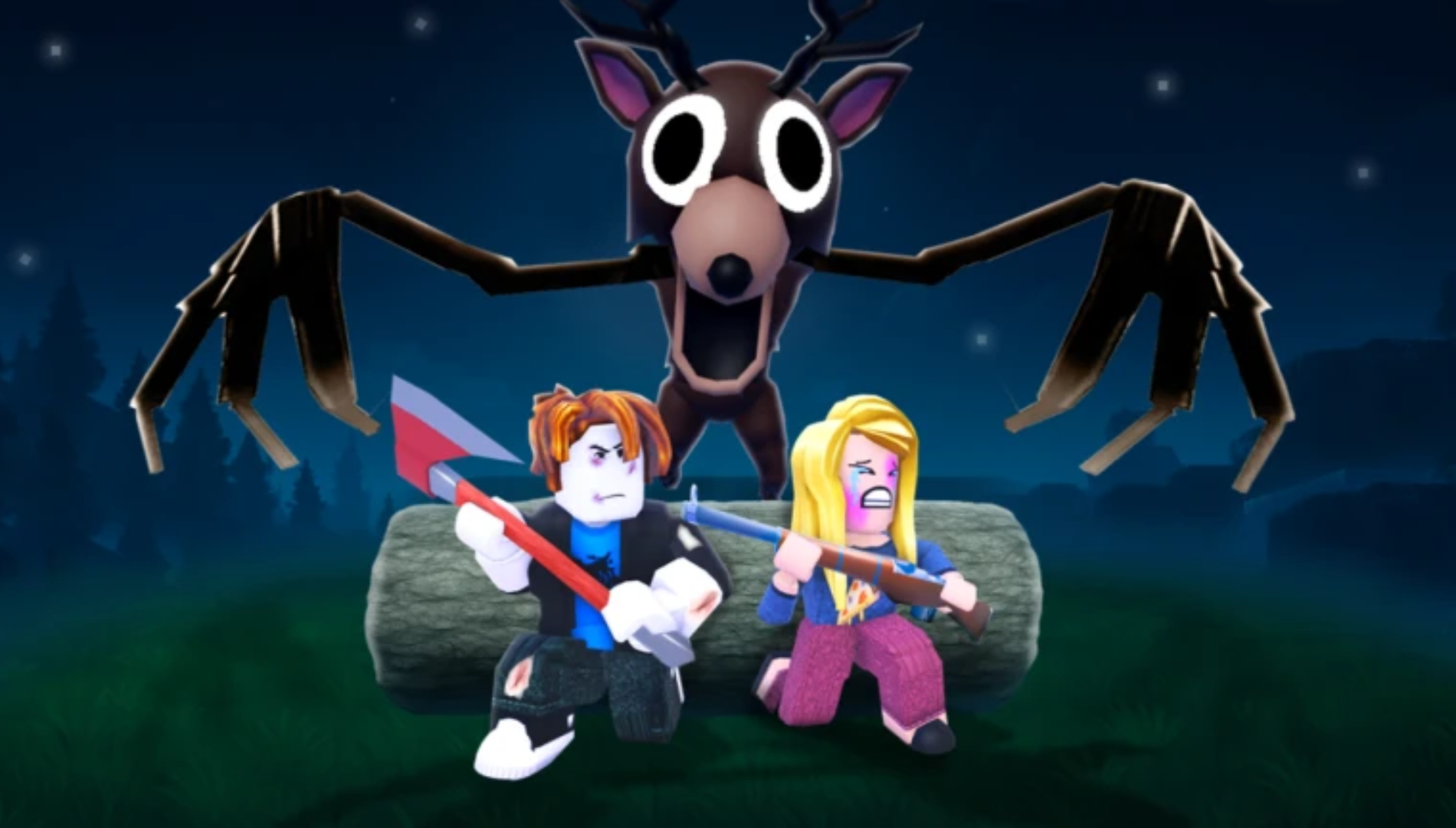
Roblox’s official event announcement says The Hollow features nine horror-game monsters over nine nights, limited-time Halloween Marketplace items, quests that award exclusive UGC and other rewards, a live finale on October 31, and reward collection through November 2. It names The Overseer from WARDEN in the monster lineup.
The official announcement does not list every shop item, every Ticket cost, or a guaranteed total every player can earn. Recent walkthroughs report that The Hollow uses Tickets in the Little Shop of Terror and that eligible partner-game objectives can be claimed through the hub’s Redeem Badges panel. Because these details can change or vary by objective, check the actual prompt and item card in your session.
Read Roblox’s official The Hollow announcement · Open The Hollow on Roblox.
Hold or spend? Use this three-part decision
1. Hold Tickets if you have a clear target
Write down the exact item name and price shown in your live shop. Subtract your current balance from that price. Then count only rewards that are visibly available and not already claimed. For example, if an item currently costs 100 Tickets and you have 60, your gap is 40. That is a planning calculation—not a promise that two future tasks will each pay 20.
Saving is especially sensible if the item is the main reason you are playing the event. Buying a low-cost cosmetic you do not really want can push a target item out of reach if you have limited playtime.
2. Spend on a tool only when it solves a real problem
Third-party shop guides have reported tool prices ranging from 20 Tickets for a Flashlight to 120 for an Invisibility Cloak, with Night Vision Goggles and a Radar Detector in between. These are reported prices, not a permanent Roblox-issued price list. Before spending, read the tool description in your own shop and ask whether it helps with an objective you still need to finish.
A tool is not automatically better value because it sounds powerful. If you have already completed the floors you care about and your priority is an avatar item, a utility purchase may have little practical value for your remaining session.
3. Spend small amounts only after checking the next unlock
The event introduces new content over multiple days, and shop rows can reveal new avatar items. Before buying a lower-priority item, look at the available and locked slots, check the displayed countdown if one exists, and decide whether you would regret using those Tickets if a preferred item appears later. Do not treat a fan countdown or old screenshot as an official guarantee.

Reported prices: a budgeting reference, not a promise
Recent third-party shop guides have reported several price points for The Hollow. Use them to understand the scale of the decision, then confirm the current item card. Roblox’s official announcement does not provide a complete price table.
| Reported item or tool | Reported Ticket cost | How to use the information |
|---|---|---|
| Flashlight | 20 | Consider only if you need the tool and it is still listed at that price. |
| Night Vision Goggles | 40 | Compare the description with your remaining objectives. |
| Radar Detector | 80 | Do not buy just because it costs more; confirm its usefulness. |
| Invisibility Cloak | 120 | A larger commitment—check your target cosmetic first. |
| Haunted Harvest Crown | 20 | A reported low-cost cosmetic; confirm availability and price. |
| Burned Necrobloxicon | 60 | Compare it with your personal target before spending. |
| Gourdlord: The Entangled | 100 | Set a target and count only confirmed, unclaimed rewards. |
These figures come from dated third-party shop observations and can become stale as new daily slots unlock. Do not infer a price increase just because a newer item costs more than an older one.
How to check your balance and avoid losing progress
- Join the official The Hollow experience and open the Little Shop of Terror using the in-game Ticket icon or the shop counter.
- Read the exact item name, current price, and any eligibility label. Check whether the item is already marked as owned.
- Open Visit Games and read the objective and displayed reward before leaving for a partner experience.
- Complete the objective, return to The Hollow, and open Redeem Badges.
- Confirm the eligible badge or reward and check that your Ticket balance actually changes.
- Record your balance before and after a claim if the result looks wrong. Do not assume a completed run means Tickets were credited.
Why “farm more later” can be a risky plan
Do not assume a task pays repeatedly, that every partner objective pays the same amount, or that a midnight reset makes old rewards claimable again. The reliable signal is the live objective panel and the redemption screen. If an objective is already completed and no new reward is shown, budget it as zero additional Tickets until the game says otherwise.
Also, never use a third-party site that asks for your Roblox password, verification code, session cookie, or an external “verification” step to deliver event Tickets. Roblox warns that free-Robux promises and suspicious off-platform links can be scams. The legitimate event shop is inside the experience.
Final recommendation before the October 31 finale
For most casual players, the safest plan is to choose one must-have item, reserve its displayed Ticket cost, and spend only the surplus on optional tools or cosmetics. If survival is your immediate obstacle, consider a tool after checking its current description and price. If you are collecting avatar items, prioritize the item you actually want instead of chasing every new listing.
Remember the two deadlines: Roblox says the live finale is planned for October 31, while eligible reward collection continues until noon Pacific Standard Time on November 2, 2026. Check the event hub for your account’s current tasks and availability; do not assume every item or quest remains unchanged until the final minute.
Official event post and useful links
Roblox Developer Forum announcement · Roblox Newsroom · The Hollow experience.
Frequently asked questions
Should I save Tickets before Floor 8 in Roblox The Hollow?
If you have a specific avatar item you want, yes—reserve its current displayed cost first. Spend on tools only if their in-game description helps with a remaining objective.
Are The Hollow Ticket prices officially confirmed by Roblox?
Roblox’s main event announcement does not publish a complete item-by-item Ticket price list. Specific costs in this article are reported by third-party shop guides and should be checked against the live item card.
Can I earn Tickets by replaying the same task?
Do not assume a repeat payout. Check Visit Games for a currently eligible objective and confirm the reward in Redeem Badges after completing it.
When does The Hollow reward collection end?
Roblox says eligible rewards can be collected until noon Pacific Standard Time on November 2, 2026. The live finale is planned for October 31.
Is it safe to use a website offering free Hollow Tickets?
Be cautious. Do not enter your password, verification code, or session cookie on an outside site promising Tickets or free Robux. Use the official Roblox experience and its in-game reward panels.
Sources and editorial note
- Roblox Newsroom: The Hollow Halloween survival event
- Roblox Developer Forum: The Hollow announcement
- AllThingsHow: Ticket earning and reported shop prices
- The Click: Ticket farming and shop observations
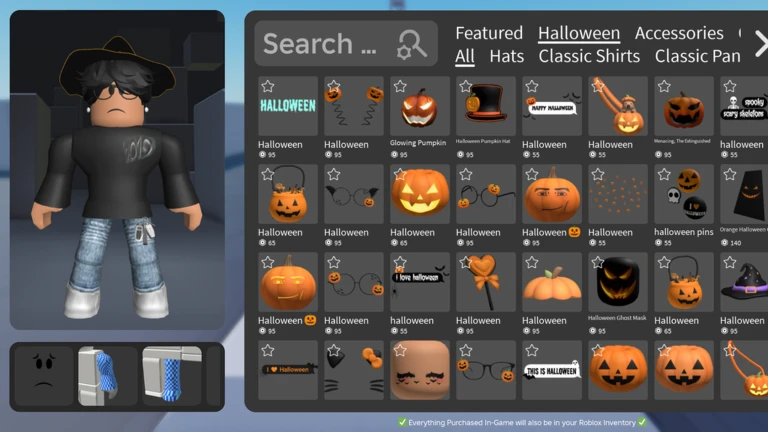
Editorial note: Roblox’s official announcement is used for event dates and structure. Item prices are attributed to third-party observations and may change. Some images above are general Roblox catalog or gameplay references, not screenshots of The Hollow’s current Ticket shop.