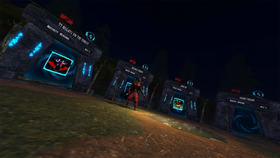
Quick answer: Roblox’s new in-experience makeup creation tools let supported experiences give players a way to design custom eye makeup, lip makeup, face makeup, eyebrows, and eyelashes, then save eligible creations to their Roblox inventory after purchase and moderation. The feature was announced on October 15, 2026. It is not automatically available in every Roblox game, and not every experience has implemented it.
Friends who enjoy matching avatars can use makeup creation as a shared creative activity: compare color palettes, build coordinated looks, make team-inspired face paint, or help each other test styles before deciding what to keep. Those are practical ways to use the tools—not claims that every Roblox friend group is already doing them.
What changed in Roblox makeup creation?
On October 15, Roblox announced in-experience creation for makeup. The update lets developers build experiences where players can create, pay for, and save custom makeup assets from inside a game. Supported creations include eye makeup, lip makeup, face makeup, eyebrows, and eyelashes. The tools are designed to show players a real-time preview on their avatar, which can make the design process less dependent on guessing how an item will fit.
Roblox says purchased creations are saved to the player’s inventory. However, these in-experience creations are for personal use: they are not listed on the Marketplace and cannot be resold or traded. Creations also go through Roblox’s moderation and validation process.
How friends can use the new makeup tools together
1. Build matching or complementary avatar looks
Friends do not need identical avatars to coordinate. One player might choose a soft blush and glossy lip, while another uses a bolder eye design in the same color family. Coordinated looks can be fun for group screenshots, role-play sessions, themed hangouts, or Halloween outfits. The feature supports creative expression; whether a particular game offers the creation tools depends on that game’s developer.
2. Make team colors and themed face paint
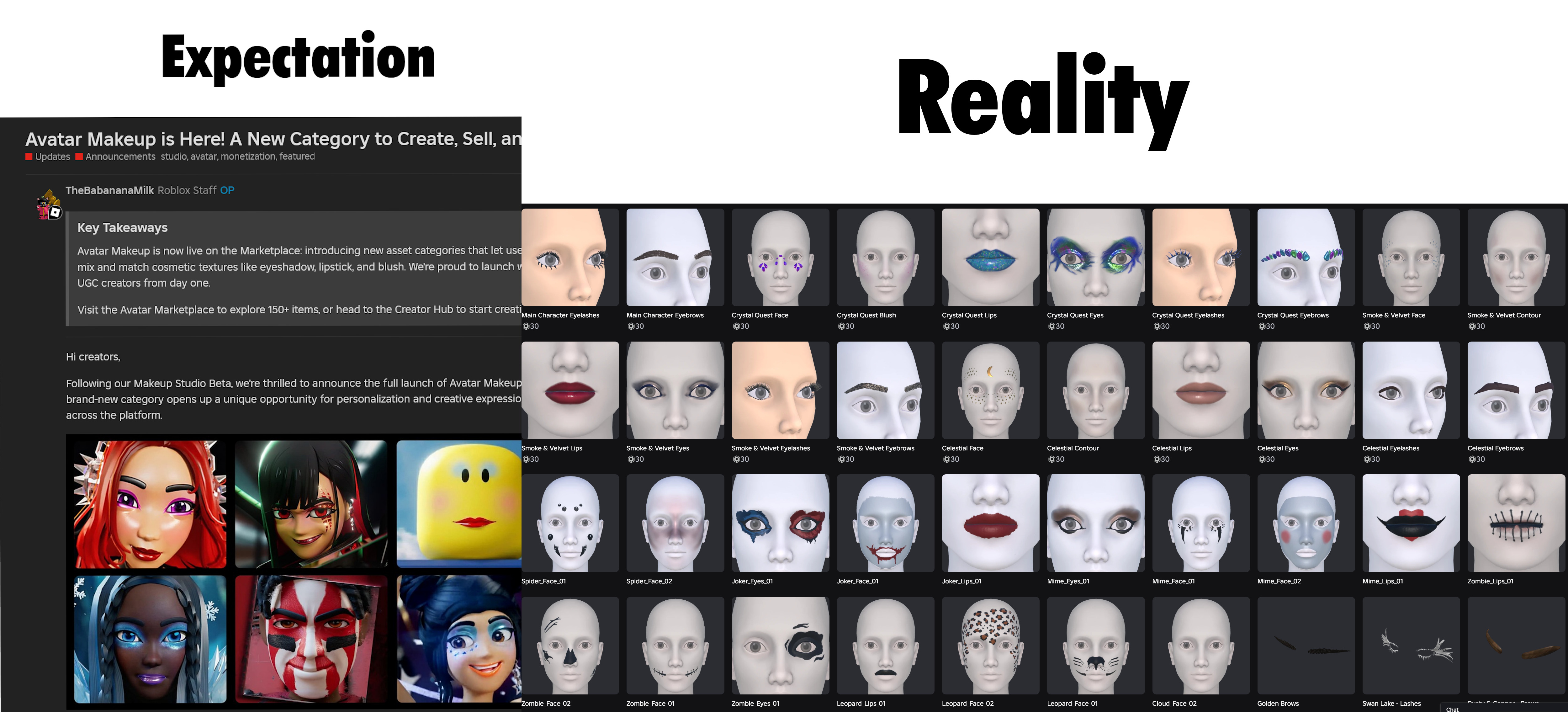
Roblox’s wider makeup system can support face paint, battle markings, camouflage, and other decorative designs in addition to traditional makeup. Friends can use a shared palette for a team, club, role-play group, or seasonal event. Keep designs readable at normal gameplay camera distances, especially if the look is meant to identify teammates quickly.

3. Compare looks before spending Robux
Previewing a design is useful, but players should check the price and purchase prompt carefully before confirming anything. The creation flow can involve creator tokens and paid purchases, depending on the experience and asset type. Agreeing on a theme with friends does not mean everyone needs to buy every item; free or already-owned avatar items can work just as well for a coordinated look.
4. Try different styles without assuming every item transfers everywhere
Roblox’s Marketplace makeup category is designed to let makeup components work across supported avatar heads, but in-experience creation has specific technical requirements. Roblox’s documentation says this creation flow supports R15 characters with MeshPart heads. A look may not behave exactly as expected in every experience, so check the experience’s instructions and preview the result.
Can you use the new makeup feature in any Roblox game?
No—not automatically. Developers need to implement the relevant in-experience creation systems, and the experience must meet Roblox’s technical and creator requirements. If you do not see a makeup editor or creation prompt inside a game, that does not necessarily mean your account is broken; the experience may simply not support it.
Roblox’s creator documentation describes the tools developers use to let players paint, combine, and submit makeup assets. Creation prompts include validation, and submitted assets must pass moderation before they are safe to use. Players should follow the experience’s on-screen instructions and avoid third-party sites that promise free Robux or ask for account credentials.
What players should check before creating a look
- Supported experience: Confirm that the game actually offers in-experience makeup creation.
- Avatar compatibility: The documented in-experience creation flow supports R15 characters with MeshPart heads.
- Price and tokens: Read the prompt and cost details before confirming a purchase.
- Moderation: User-created assets must pass Roblox validation and moderation.
- Ownership limits: In-experience creations cannot be resold or traded, according to Roblox’s documentation.
- Account safety: Never share your password, authentication codes, or account cookies to unlock makeup.
Official Roblox resources
For the feature announcement, read Roblox’s October 15 announcement about in-experience makeup creation. For setup details and technical limits, use the official In-experience creation for makeup documentation. The original Avatar Makeup Marketplace announcement explains the broader customization system.
Reporting note: This guide separates confirmed Roblox features from suggested ways friends could use them. It does not claim to have independently observed private friend groups or verify that every game has enabled the tools. Feature availability can vary by experience and may change as developers update their games.
FAQs
Is Roblox’s new makeup creation feature live?
Roblox announced in-experience makeup creation on October 15, 2026. Access depends on whether an individual experience has implemented the tools and meets the relevant requirements.
Can friends create makeup together?
Friends can plan matching themes and compare designs, but the exact multiplayer or collaboration features depend on how each experience is built. The announcement does not establish that every editor supports simultaneous co-editing.
Can I save custom Roblox makeup to my inventory?
Roblox says purchased in-experience creations save to the player’s inventory after the creation flow and required moderation. These creations cannot be resold or traded.
Does custom makeup work in every Roblox game?
No. Developers must implement the feature, and the documented in-experience creation system supports R15 characters with MeshPart heads. Individual experiences may have additional limits.
Do I need Robux to use it?
Costs depend on the experience and creation flow. Roblox’s announcement describes paid creation and creator tokens, so review all costs shown in-game before confirming.
Who wrote this guide?
Shivam Das.
Written by Shivam Das · Updated October 16, 2026 · Sources: Roblox Newsroom, Roblox Developer Forum, and Roblox Creator Hub documentation.