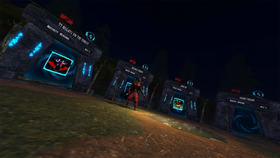
Quick answer: The best “hidden” rewards in Roblox The Hollow are often easy-to-miss quest steps rather than secret codes: finish a hub maze, complete a participating game’s event objective, return to the hub, and check whether a reward needs a separate claim interaction. Roblox confirms that The Hollow awards avatar items for quests in the hub and participating experiences. Follow the live objective instead of relying on old screenshots or code lists.
Updated October 26, 2026 · U.S. audience · By Shivam Das
With a nine-night Halloween event, a rotating maze, and objectives inside other Roblox experiences, it is easy to finish one challenge and assume you collected everything. Players can miss rewards by leaving before carrying a relic back, completing a partner-game task but not returning to the hub, or overlooking a reward display after earning a badge.
Roblox’s official newsroom announcement says The Hollow opened October 22, features nine horror-game monsters over nine days, and has a live finale planned for October 31. Eligible rewards remain collectible until noon Pacific time on November 2, 2026. The official post does not list every side quest or item requirement, so this guide separates confirmed event facts from community-reported routes.
In this guide: Hub relic routes · Partner-game quests · Claim steps · Paid-item warnings · Troubleshooting · FAQs
What counts as a hidden side quest?
Here, a “hidden side quest” means an optional-looking task, a less obvious objective inside a partner experience, or a final claim step that can be missed after the main challenge. It does not mean a secret redeem code. Roblox has not announced an official The Hollow code list; use the event hub and participating-game prompts as your source of truth.
- Hub maze objectives: Explore the current floor, find puzzle pieces or interactable objects, solve the puzzle, retrieve the relic, and return safely to the elevator.
- Partner-game objectives: Follow the event task inside the named experience. A normal round may not count if the event asks for a particular mode, map, item, or escape condition.
- Claim and inventory checks: After completing a task, revisit the hub and check the reward display, badge status, and avatar inventory. Some guides report a separate claim interaction, but confirm it in your current session.
1. Recheck hub floors for relic objectives
The official event description confirms a shared survival hub with a maze, clues, and monsters. Current walkthroughs report that early floors include relic puzzles and that players need to return to the elevator after solving them. Puzzle-piece positions may change between runs, so use landmarks and the current board rather than memorizing a fixed route.

What to do: Enter the official Roblox Presents experience, read the active floor objective, and search carefully before committing to the puzzle room. When the puzzle opens the route to a relic, pick it up and complete the return route. Opening a door or solving a board alone may not finish the run.
Why it matters: You may have to repeat a maze if you leave before completing the final objective. Before exiting, check the quest state and make sure you have the required object.
2. Check the DOORS event quest separately
DOORS is one of the experiences named in The Hollow’s official monster lineup. Community walkthroughs report a separate Candy Vault challenge associated with the event, distinct from the hub’s first-floor relic puzzle. Treat them as separate tasks: completing one does not prove that the other is finished.
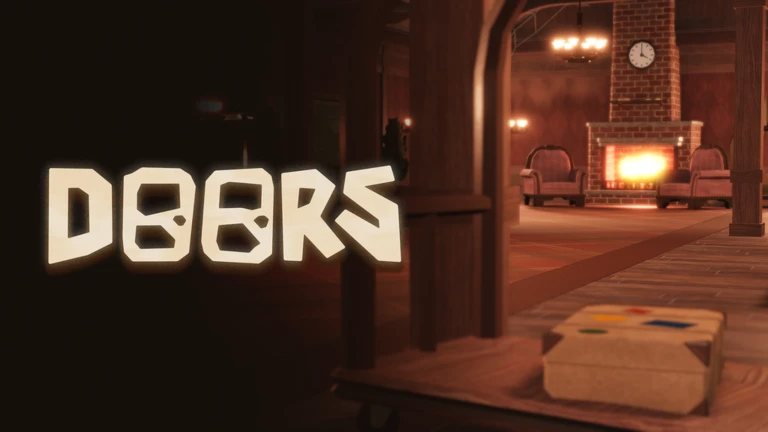
Practical checklist: Open the event-linked mode named in the current quest prompt, follow its stated objective and time limit, finish the required escape or completion condition, then return to The Hollow if instructed. A random DOORS run is not a substitute for the event-specific task. Some walkthroughs describe a claim interaction beside the DOORS portal; verify the prompt you see.
3. Look for the partner-game objective, not just a normal win
The Hollow connects players to other experiences. Roblox’s official lineup includes Dandy’s World, Flee the Facility, Animal Hospital, Scary Shawarma Kiosk, Demonology, The Mimic, Piggy, 99 Nights in the Forest, and WARDEN. Current third-party guides describe event tasks in some of these games, but Roblox’s newsroom post does not publish a full partner-quest checklist.
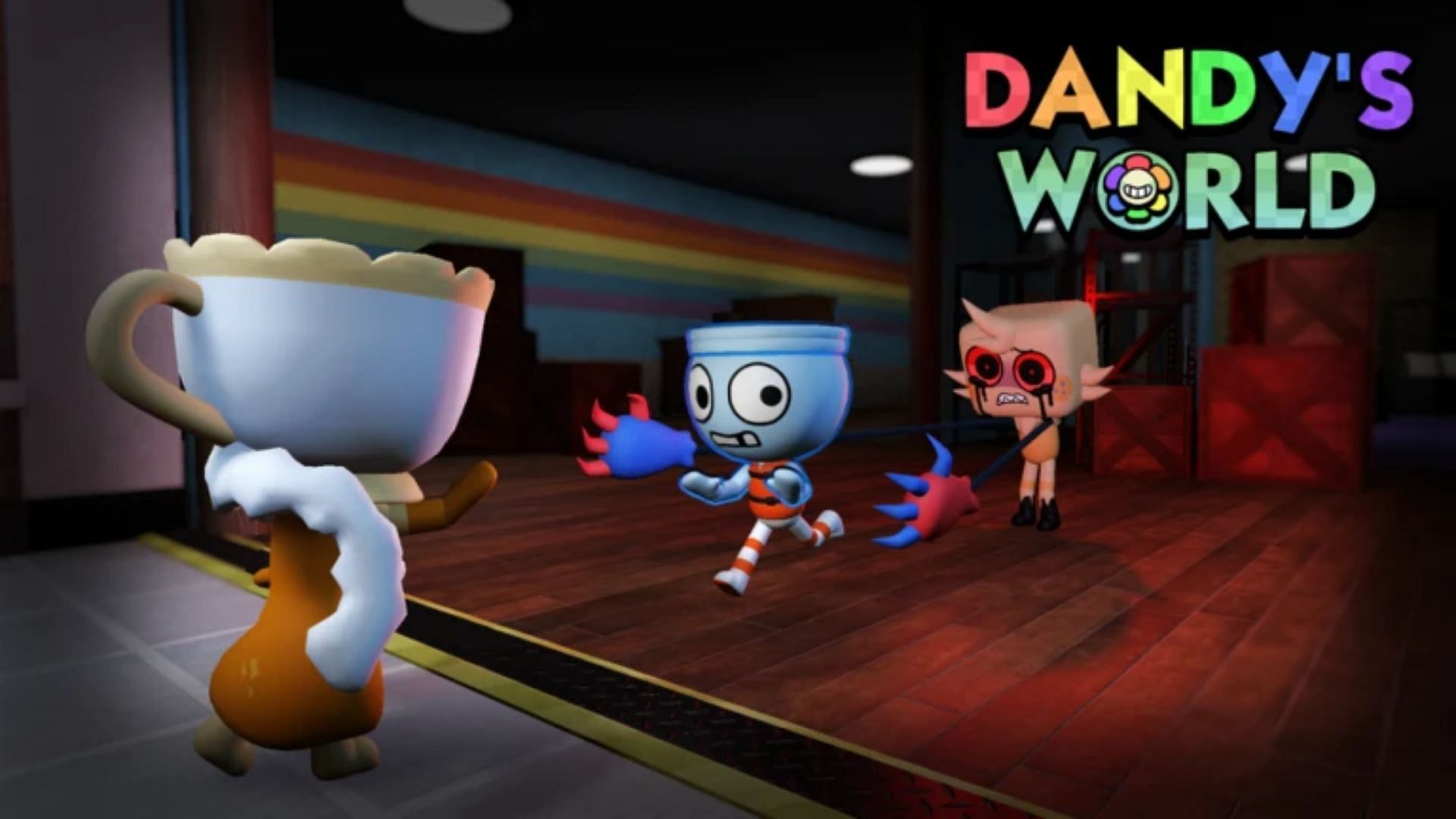
When a task seems hidden, read the objective wording twice. Look for requirements such as collecting a particular object, entering a named mode, completing a run as a survivor, reaching an exit, or interacting with a hub display afterward. Ordinary gameplay in the same experience may not count if the quest asks for a specific mode.
4. Check Flee the Facility before leaving a round
Community guides have reported an event-linked Flee the Facility objective involving collecting candy and escaping as a survivor. This is community-reported guidance, not a detailed requirement published by Roblox’s newsroom. Use the live quest panel to confirm the exact target, role, and map conditions before spending time on a run.
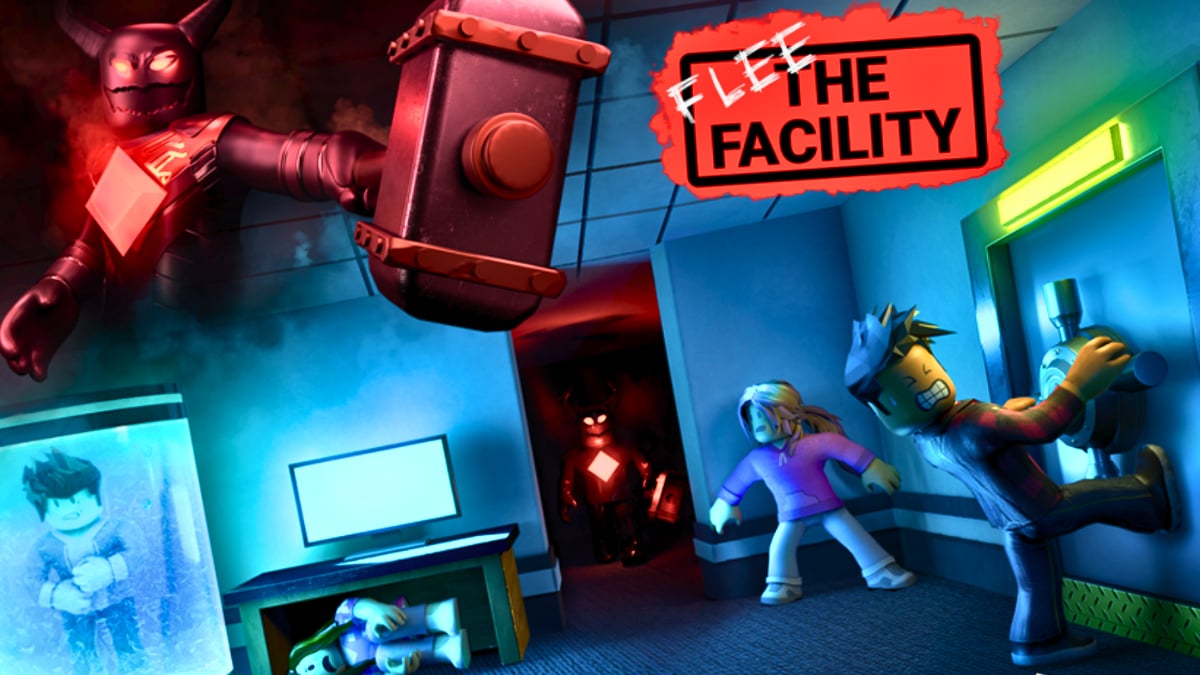
Efficiency tip: If the quest requires a survivor escape, prioritize that objective over optional exploration. Track the event counter during the round, and do not assume collected items count until the game confirms progress.
5. Verify AOONI Nightmare before grinding
Some community reward guides report an AOONI Nightmare route associated with collecting pumpkins and a Hollow reward. The official event announcement does not include the exact steps, so treat specific counts or reward names as provisional until the in-game task confirms them.

Before starting a long session, look for the event quest banner, read the target count, and confirm whether the objective is tied to a particular mode or difficulty. If progress is not moving, stop and check the exact task rather than repeating the same run blindly.
6. Don’t overlook event ghosts or hub reward displays
Community reward trackers discuss ghost-style UGC that may appear through in-game launchers or spawned ghosts. Roblox’s official newsroom confirms that Roblox Plus subscribers receive an item launcher they can use to gift items during the event, but it does not verify every reported ghost spawn or item-claim method.
- Return to the official Hollow hub and inspect the current reward board or display.
- Check the relevant badge or quest completion state on your Roblox account.
- Look for an interaction prompt near the item or reward pedestal.
- Check your avatar inventory after claiming.
- If an item is tied to Roblox Plus, confirm the requirement instead of treating it as free for every account.
Roblox Plus benefits and paid Marketplace items are not the same as free quest rewards. Roblox says limited-time Halloween items are for sale on the Marketplace and describes separate Plus perks. Never spend Robux based only on a video title claiming an item is free.
What is confirmed, and what is community-reported?
- Officially confirmed: The Hollow is a nine-monster Halloween survival event. Quests in the hub and participating experiences can earn avatar items. The live finale is planned for October 31, and reward collection continues until noon Pacific time on November 2, 2026.
- Community-reported: Specific relic puzzles, Candy Vault steps, partner-game item counts, and separate claim interactions. These are useful leads, but check the active game for the final requirement.
- Not established by the official announcement: A universal secret code list, a guarantee every hidden task is available to every account at all times, or a promise that all Halloween-themed Marketplace cosmetics are free.
Common reasons a side quest does not pay out
- Wrong mode: You played the base game instead of the event-linked mode.
- Incomplete exit: You solved the puzzle but did not return to the elevator or finish the escape condition.
- Missing claim step: The badge or task completed, but a hub interaction may still be required.
- Old instructions: A guide shows an earlier event state. Trust the current prompt over a dated screenshot.
- Inventory confusion: You earned a badge but have not equipped the cosmetic, or checked the wrong inventory section.
- Paid-item confusion: A Marketplace item looks like an event reward but has a Robux price or Plus requirement.
Safety: avoid fake codes and reward generators
Never share your password, one-time verification code, or browser session cookie with a site promising free UGC. Avoid downloads and extensions that claim to unlock event items. Legitimate rewards should be earned and claimed through Roblox’s own experience and account systems. If a guide sends you away from Roblox to log in again, stop and verify the address.
Official links and related guides
- Roblox Newsroom: The Hollow Halloween survival event — official event format, monster lineup, Plus perks, and deadline.
- The Hollow by Roblox Presents — verify tasks on the live event board.
- DOORS on Roblox.
- Flee the Facility on Roblox.
- Related guide: Best Free Hollow Items for Simple, Clean Roblox Avatar Looks.
- Related guide: Free Roblox The Hollow avatar items to claim before November 2.
Frequently asked questions
Are there secret codes for The Hollow?
Roblox’s official event announcement does not publish a The Hollow code list. Focus on the live quest board, hub puzzles, and participating-game objectives. Treat unrelated code lists as unverified unless Roblox confirms them.
What is the easiest hidden reward to check first?
Start with the active hub floor and any incomplete relic objective, then inspect the reward board after returning to the lobby. Verify a hub task before beginning a long partner-game run.
Do I need Roblox Plus to earn The Hollow rewards?
Roblox Plus provides separate perks, including early hub access and an item launcher. Roblox says quests earn exclusive UGC and rewards, but it does not say every quest reward requires Plus. Check the specific item’s eligibility.
Why did I finish a quest but not get the item?
Confirm the exact mode and completion condition, return to the hub if instructed, look for a claim prompt, and check your avatar inventory. Follow what the live game displays.
When is the last day to claim The Hollow rewards?
Roblox says eligible rewards remain collectible until noon Pacific time on November 2, 2026. The live finale is planned for October 31, so these are different dates.
Are the images screenshots of current Hollow quests?
No. The images are credited context images for related games or a community puzzle-video thumbnail. They are not presented as proof of a current quest state or guaranteed reward. Check the live experience for the actual objective.
Editorial note: Roblox’s official event announcement supports the dates and overall mechanics. Specific side-quest routes are labeled community-reported where Roblox has not published exact steps. Requirements may change during a live event.
Video walkthrough and community discussion
This creator video is an external puzzle reference, not official confirmation that every server uses the same puzzle layout.
Players have also discussed The Hollow’s first impressions and reward routes on Reddit. Community comments can help surface questions, but they are not official reward instructions.
First impressions of The Hollow event from r/roblox
Author: Shivam Das
Article URL: https://shivam-das-5.myshopify.com/blogs/roblox/hidden-side-quests-free-rewards-roblox-the-hollow-october-2026