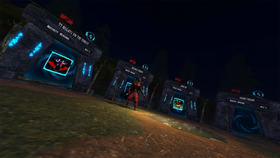
Quick answer: For a solo Hiachi run in Roblox, prioritize audio awareness, keep escape routes in mind, use corners and solid walls to break line of sight when the map allows it, and complete only the objective shown in the active event. Roblox confirms Hiachi is one of the monsters featured in The Hollow, but it has not published a detailed Hiachi-specific solo walkthrough or confirmed that the monster behaves exactly as it does in the original The Mimic. Treat the tactics below as a careful preparation guide—not a guaranteed route or a claim that every tactic works in the live event.
For U.S. players · Updated October 26, 2026 · By Shivam Das
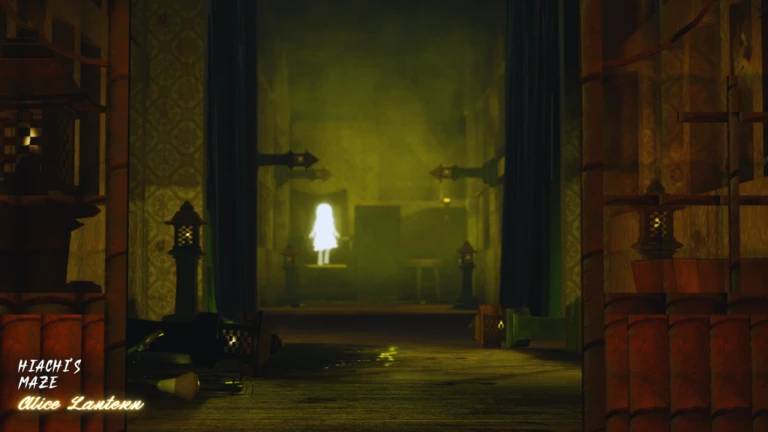
Table of Contents
- What is confirmed about Hiachi in The Hollow?
- Before you start a solo run
- Use audio cues without guessing direction
- Movement: corners, cover, and stamina
- Prioritize the objective over exploration
- Solo mistakes that waste attempts
- A practical solo-clear checklist
- Frequently asked questions
What Is Confirmed About Hiachi in The Hollow?
Roblox’s official The Hollow announcement describes a Halloween survival event built around nine horror-game monsters appearing over nine days. It explicitly lists Hiachi from The Mimic among those monsters and says players can earn event rewards by completing quests. The official The Hollow experience page is the best place to check the active objective and current in-game instructions.
What the announcement does not provide is a Hiachi-specific map, exact chase timings, a guaranteed safe spot, or a universal solo-clear route. A guide for Hiachi in the original The Mimic can help you understand the character, but it should not be treated as proof that every mechanic carries over unchanged to the platform-wide event.
Community documentation for the original The Mimic describes Hiachi as a monster whose audio cues can include humming, footsteps, and a heartbeat that changes with proximity. That same documentation warns that the heartbeat may play in both speakers, making it unreliable for determining which side she is on. See the community reference at The Mimic Wiki’s gameplay page. Because this is community-maintained material about the original game, verify any mechanic in your current event run.

Before You Start a Solo Run
1. Check the objective before moving
Read the event’s current quest text first. If it asks you to find clues, activate an object, unlock a route, or reach an exit, use that objective as your priority. Do not assume that an older The Mimic walkthrough describes the live event’s task sequence. The event may use a different layout or ruleset.
2. Make the game easy to read
- Close demanding background apps if your device is struggling with frame drops.
- Choose a control and camera setup that lets you turn smoothly without losing sight of the path.
- If you use headphones, keep the volume at a comfortable level. You need to notice cues, not risk your hearing.
- On mobile, make sure your movement and camera controls are comfortable before entering a high-pressure section.
3. Start with a simple route plan
As you enter a new area, identify the route you came from, the next visible doorway or objective, and at least one direction you could retreat. This is not a claim that a particular doorway is always safe; it is a way to avoid running blindly into a dead end.
Use Audio Cues Without Guessing Direction
Audio can provide early warning in horror games, but one sound should not be treated as a complete radar. In the original The Mimic, community guides describe humming, louder footsteps at close range, and a heartbeat that becomes more intense as Hiachi gets closer. If those cues are present in your version, use them as a warning to slow down, check cover, and prepare to change direction—not as a guarantee that you know her exact location.
Practical rule: a distant, ambiguous sound is a reason to pay attention; close footsteps or a rapidly intensifying cue are a reason to stop exploring and prioritize escape. If the heartbeat sounds equally loud in both ears, do not pick left or right based on that cue alone.
Movement: Corners, Cover, and Stamina
Use walls to break line of sight when possible
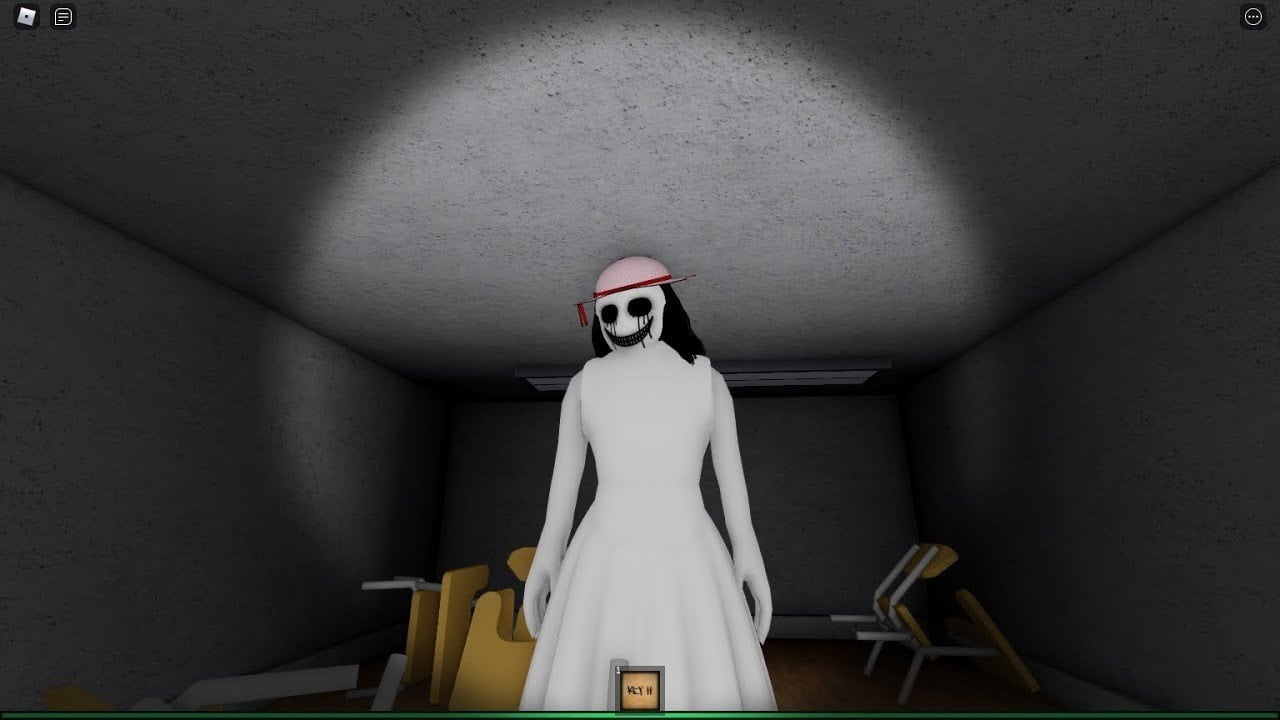
Community descriptions of Hiachi in the original game recommend using solid walls because her line of sight can be dangerous. In a solo attempt, move from one piece of cover to the next rather than sprinting through a long exposed corridor. A corner can give you a moment to reassess the route, but it is not a guaranteed safe zone; do not stand still beside it if the threat is already close.
Do not sprint continuously without a reason
Long, uncontrolled sprints make it harder to react to a turn, read the environment, or correct a wrong route. Walk or move at a controlled pace while the path is clear and the objective is nearby. Save your fastest movement for a chase, an exposed crossing, or a time-sensitive interaction—if the current game’s controls and mechanics support that approach.
Choose a turn before you need it
Before crossing an open section, note the nearest turn or doorway. If you hear a close-range warning, move toward that planned cover instead of making several panicked camera turns. If the path ahead is unfamiliar, avoid committing to a long sprint until you can see where it leads.
Prioritize the Objective Over Exploration
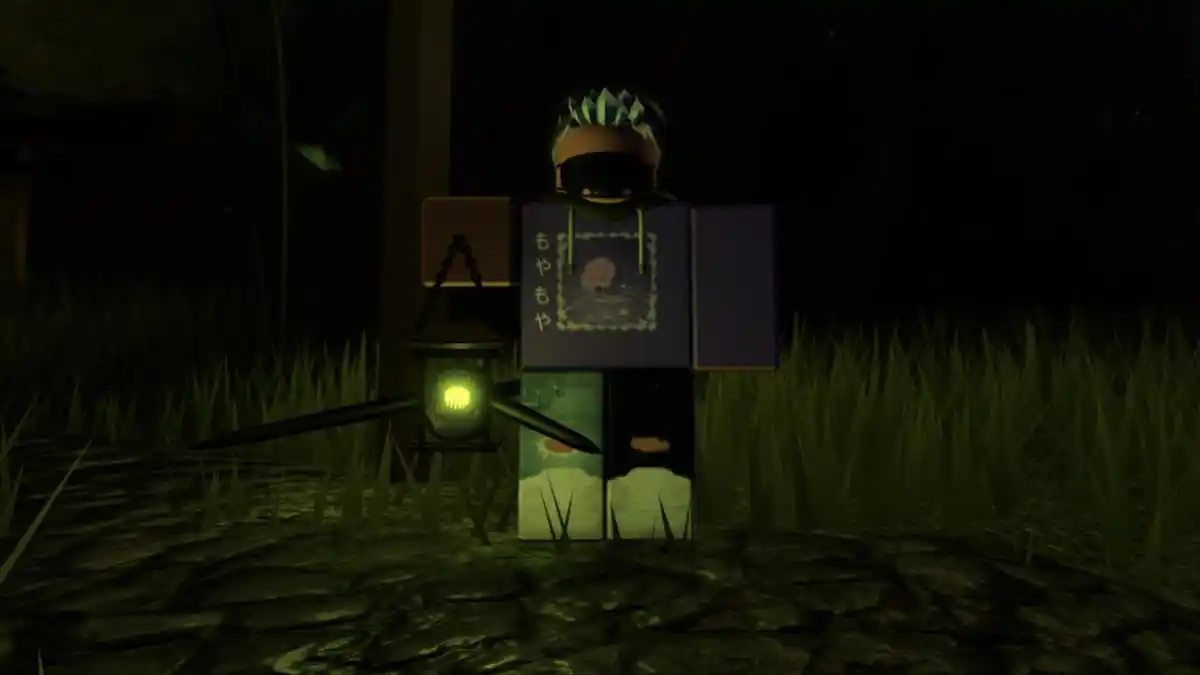
Solo players have no teammate to distract a monster, share clues, or revive a failed route. That makes unnecessary detours expensive. If the quest asks for a specific clue or interaction, search the immediate area methodically, then move on. Avoid checking the same empty corner repeatedly unless new information points you back there.
- Read: identify the exact quest requirement shown in-game.
- Scan: check the nearest visible route, interactive objects, and any clue indicators.
- Commit: move toward the most relevant objective instead of roaming without a goal.
- Reassess: if you hear a threat cue or reach a dead end, use cover to reset your route.
- Confirm: look for an in-game update that shows the task actually completed before leaving the area.
This method does not promise a one-run clear. It reduces avoidable mistakes and helps you distinguish progress from wandering. The active event’s own quest panel should override any advice from an older video or fan guide.
Solo Mistakes That Waste Attempts
- Following a route from a different version: map layouts and event objectives can change. Treat videos as references, not guaranteed instructions.
- Using one sound to guess the monster’s exact side: the original game’s community documentation says the heartbeat may not identify direction reliably.
- Running into unknown corridors: fast movement is less useful if you do not know where the route ends.
- Ignoring quest text: survival alone may not complete a quest if the game requires an interaction or clue.
- Trusting reward claims from reposts: use Roblox’s event experience and official announcements to verify event details; never enter your password on a third-party “free reward” page.
A Practical Solo-Clear Checklist
- ☐ Confirm Hiachi or the relevant objective is active in the live event.
- ☐ Read the exact quest instructions before moving.
- ☐ Check your controls, camera movement, and audio settings.
- ☐ Identify a route back and nearby cover before crossing an exposed area.
- ☐ Treat audio cues as warnings, not perfect directional tracking.
- ☐ Move deliberately and reserve fast movement for moments that require it.
- ☐ Verify each objective in the event UI instead of assuming it counted.
- ☐ If the attempt fails, note where you were caught and change one decision on the next run.
The most useful improvement after a failed run is specific: “I sprinted past the turn,” “I ignored the close footsteps,” or “I missed the clue prompt.” A clear diagnosis gives you something to change. “Hiachi is impossible” does not.
Frequently Asked Questions
Can you clear Hiachi solo in The Hollow?
Roblox confirms Hiachi is featured in The Hollow, but its official announcement does not publish a guaranteed solo-clear route. Whether a solo run is practical depends on the active event rules, map, and your execution. Check the current quest instructions in-game.
What is the best solo strategy against Hiachi?
Start with the objective, keep a retreat route in mind, use walls or corners to manage line of sight when the map permits, and respond to audio warnings without assuming they reveal her exact direction.
Should I use headphones?
Headphones can make game audio easier to notice, but they are optional. Keep the volume comfortable and remember that sound cues in the original game may not provide precise directional information.
Does the original The Mimic Hiachi guide work for The Hollow?
Not necessarily. The original game’s documented behavior can help you prepare, but Roblox has not confirmed that every original mechanic or route is reproduced identically in The Hollow. Follow the live event’s instructions first.
Is there a guaranteed safe spot or exact route?
No verified, universal Hiachi route or safe spot is established by Roblox’s official event announcement. Be cautious with guides that promise a guaranteed route without identifying the exact map or version.
Where can I check the real event objective?
Open the official The Hollow experience and read the quest or objective text shown in-game. Roblox’s official announcement confirms the event format and featured monsters.
Sources and Editorial Note
- Roblox Newsroom: The Hollow Halloween survival event — official event format and monster list.
- The Hollow on Roblox — official live experience and event instructions.
- The Mimic Wiki: Gameplay — community-maintained context about original-game audio cues.
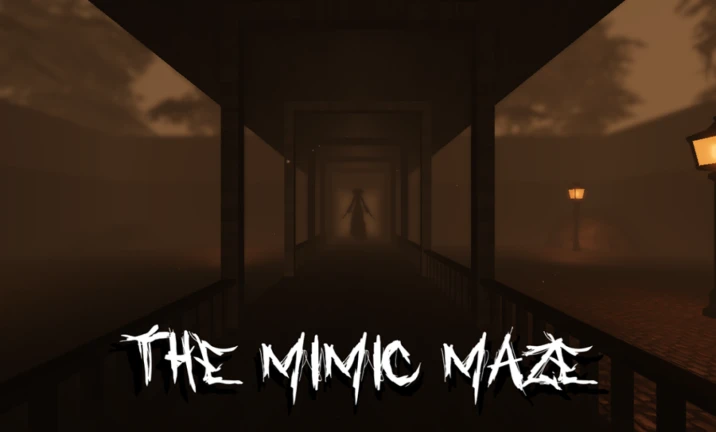
Editorial note: This guide separates Roblox’s official event facts from community descriptions of Hiachi in the original game. Images are credited contextual imagery from related Roblox experiences or guides, not verified screenshots of the current The Hollow event. Mechanics can change; in-game instructions take priority.