

Quick answer: The Fuwatty Side Satchel is being reported as a Night 2 reward connected to AOONI Nightmare in Roblox The Hollow. Community guides describe collecting 50 event pumpkins in AOONI Nightmare, earning the event badge, then returning to The Hollow hub and checking the Floor 2 reward room. Roblox has not published an item-specific drop rate, so there is no verified percentage to report. Treat the live in-game reward board as the final authority if your route differs.
For U.S. players · Updated October 23, 2026 · By Shivam Das
Players searching for the “Fuwatty Side Satchel drop rate” after The Hollow’s Night 2 reset need one important distinction: the available guides describe a quest reward, not a random loot drop with a published percentage. That changes the best strategy. Instead of repeatedly resetting a run hoping for a lucky roll, focus on the event objective and verify that the reward has been claimed to your Roblox account.

Is there a confirmed Fuwatty Side Satchel drop rate?
No verified percentage is available. Roblox’s official announcement confirms that The Hollow awards exclusive UGC through quests, but it does not publish a separate drop-rate table for every item. The available item guides describe a task-and-claim route rather than a random chance. Until Roblox or the event’s live reward board states otherwise, claims such as “1% drop rate” or “guaranteed after three resets” should be treated as unverified.
That matters because a drop-rate headline can send players into unnecessary repeat runs. If an item is tied to a quest counter and a claim interaction, progress tracking and the final claim step are more useful than grinding blindly.
How to get the Fuwatty Side Satchel
- Open the official AOONI Nightmare experience. Use the Roblox game listing for AOONI Nightmare by AOONI PROJECT, and enter through the event route when it is available.
- Check the correct mode and objective. Community walkthroughs report that the Night 2 task involves collecting 50 event pumpkins in AOONI Nightmare. Read the live objective carefully before starting; a similarly named mode or ordinary gameplay may not count.
- Track the counter instead of guessing. Sweep accessible rooms, watch the on-screen counter, and confirm that it reaches the stated requirement. If progress appears to stop, re-check the event instructions before restarting.
- Return to The Hollow hub. Guides report that the associated reward is claimed from the hub’s Floor 2 reward area. Some third-party descriptions differ on the exact interaction, so follow the current in-game marker and reward board rather than relying only on a screenshot.
- Verify the claim. Interact with the item or claim prompt, wait for the confirmation, then check your Roblox avatar inventory. Seeing a display model is not, by itself, proof that the item was added to your account.


What to do if the reward does not appear
- Reopen the event objective and confirm the counter reached the required amount.
- Return to The Hollow and check the Floor 2 reward area indicated by the current quest marker.
- Interact with the actual claim prompt; do not assume the badge alone automatically places every accessory in your inventory.
- Allow a short moment for the claim to register, then refresh or reopen your avatar inventory.
- If the counter, badge, or claim prompt is missing, capture a screenshot and check the official experience page or developer community for a current issue report.
Never enter your Roblox password, session cookie, or verification code on a third-party “UGC claim” site. A legitimate event reward should be claimed through Roblox itself.

What is confirmed about The Hollow?
Roblox’s official announcement describes The Hollow as a platform-wide Halloween survival event with daily mazes, monsters, clues, and quest rewards. The event runs into early November, with the live finale planned for October 31 and reward collection continuing until noon Pacific Time on November 2. The public announcement confirms the broad reward system but does not list a percentage drop rate for the Fuwatty Side Satchel.
Read the official Roblox Developer Forum announcement and open The Hollow on Roblox to check current instructions. For more coverage, see our Roblox The Hollow UGC claim guide, free Hollow accessories checklist, and guide to The Hollow’s shared hub and daily mazes.
Official AOONI social post
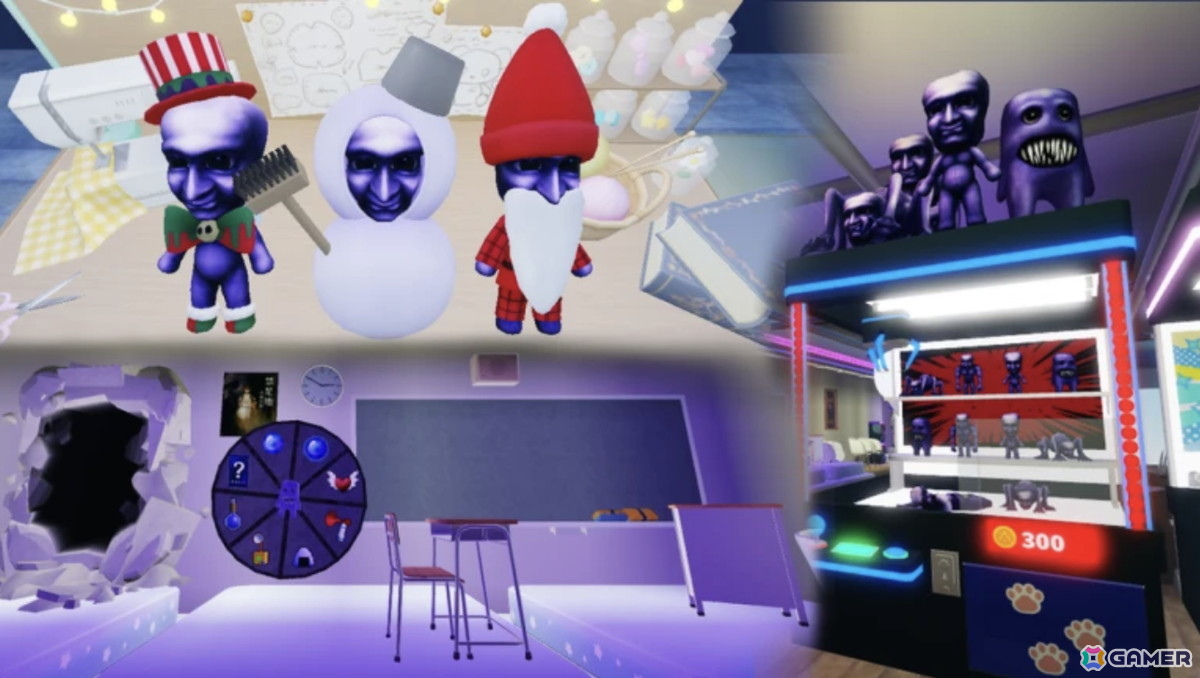
The post below is from the official AOONI series account and provides gameplay context. It is not proof of the satchel’s drop rate or a confirmation of its exact claim route.
AOONI Nightmare gameplay update
— 【公式】青鬼シリーズ (@aooni_official) October 10, 2026
Frequently asked questions
What is the Fuwatty Side Satchel drop rate?
No reliable official percentage has been published. Current community guides describe an objective-based reward route, not a confirmed random drop.
How many pumpkins do I need for the AOONI Nightmare quest?
Recent third-party walkthroughs report 50 event pumpkins. Confirm the requirement on the live in-game objective because event instructions can change.
Where do I claim the Fuwatty Side Satchel?
Guides report returning to The Hollow hub and checking the Floor 2 reward area. Follow the current in-game marker and interact with the claim prompt.
Does earning the badge guarantee the item is in my inventory?
Do not assume that it does. Complete the claim interaction if one is shown, then check your Roblox avatar inventory.
Is the Fuwatty Side Satchel a random drop after Night 2 reset?
That has not been verified. The best available descriptions point to a quest and claim process, so check the objective and reward board before repeating runs for a supposed percentage chance.
When does The Hollow reward collection end?
Roblox says reward collection continues until noon Pacific Time on November 2, 2026. Check the live event page for any item-specific requirement or change.
Bottom line: Do not waste time chasing an unverified drop percentage. Check the Night 2 objective, work toward the reported 50-pumpkin requirement, return to the hub’s marked reward area, and verify the satchel in your inventory. The exact item-specific route should be confirmed in the live game.






