

For U.S. Roblox players · Updated October 22, 2026 · By Shivam Das
Quick answer: Open Roblox’s official listing for The Hollow, enter the live hub, and follow the reward board’s current requirements. Complete the objectives shown in-game, return to the claim point if instructed, and check your avatar inventory before leaving. Roblox has confirmed that The Hollow awards exclusive UGC for quests, but its public announcement does not list every item-specific requirement. No guide can honestly promise that every accessory is already claimable in one session without checking the live board.
Status note: This guide separates confirmed event details from item requirements that must be verified in-game. If a name, price, or unlock condition is not visible on the official board, treat it as unconfirmed.

What is confirmed about The Hollow rewards?
Roblox announced The Hollow as a shared survival event running from October 22 through November 2, 2026. A new maze and monster appear across nine days, and players can earn exclusive UGC by completing quests. Roblox also announced a live finale for October 31 and says reward collection continues until noon Pacific on November 2. Its public announcement does not provide a complete item-by-item list of free accessories and exact claim steps.
That distinction matters: promotional art, a Marketplace listing, or a creator preview is not proof that an item is free. Check the requirement line in the live hub before spending time or Robux. Read Roblox’s official announcement for the event schedule and broad mechanics.
One-session checklist: do this in order
- Enter through an official Roblox link. Use Roblox’s own event listing or newsroom link, not a look-alike experience or third-party claim site.
- Read the full reward board first. Record which items are free, paid, subscriber-only, or locked until a later stage. Screenshot the board so you can compare it after completing tasks.
- Prioritize objectives available right now. Choose tasks with visible requirements and progress indicators. Do not assume a reward teased for a later night has already unlocked.
- Follow the live objective text. Roblox confirms the event involves navigating mazes, searching for clues, evading monsters, and completing quests. Specific puzzle routes may change, so follow current in-game prompts instead of relying on an old map.
- Return to the claim point. If the objective requests it, go back to the hub and press the claim button. Finishing a task and claiming an item may be separate actions.
- Verify the inventory. Check the appropriate avatar accessory category and make sure you are using the account that completed the quest. Not every reward appears in a game’s backpack.
- Write down what remains locked. Screenshot the requirement and revisit it after the next event update. This avoids repeating completed tasks or mistaking a future reward for a currently available one.
Free accessory or paid Marketplace item?
Roblox says limited-time Halloween avatar items, including the Hollow Horseman, are for sale on Marketplace. Those purchases should not be counted as free quest rewards. Roblox Plus also has separately described benefits, including early hub access, a profile frame and background, and an item launcher. Those perks are not the same as a universally available free accessory.
- Free quest reward: complete the live requirement and claim it through the event flow.
- Robux price or Marketplace purchase button: treat it as paid.
- Roblox Plus requirement: assume eligibility is restricted unless the live board says otherwise.
- Only shown in promotional art or a rumor post: do not count it as available until its requirement appears in the official hub.

How to avoid wasting your session
- Use one Roblox account for the entire run; switching accounts can make progress appear missing.
- Read the requirement before starting, especially if it names a separate experience.
- Do not assume progress in one participating game automatically completes a Hollow hub objective.
- After claiming an item, check your inventory before repeating the same task.
- Never enter your password, session cookie, or verification code on a third-party free-UGC site.
- If a guide conflicts with the live board, trust the live board and Roblox’s official announcement.
What if a reward does not appear?
- Confirm the objective shows as complete in the event interface.
- Look for a separate claim interaction or return-to-hub instruction.
- Refresh the inventory or reopen the relevant avatar category.
- Check that you are logged into the account that completed the task.
- Review the requirement again; some rewards may be locked until a later stage.
- If the official hub shows an error, capture the message and use Roblox’s official support resources instead of an unofficial fix tool.

Can you collect every free Hollow accessory in one session?
Only if every item you want is already available and its requirement can be completed in that session. Roblox has not published a complete item-by-item public checklist in its announcement, and the event progresses across nine days. A guide that guarantees every accessory in one run without checking the live board overstates what is known. Collect every reward whose requirements are currently visible, then return as new objectives open.
Frequently asked questions
When does The Hollow reward collection end?
Roblox says collection continues until noon Pacific Time on November 2, 2026. Check the live hub for item-specific deadlines.
Are all Hollow accessories free?
No. Roblox says limited-time Halloween avatar items, including the Hollow Horseman, are sold on Marketplace. Check whether an item is a quest reward, subscriber benefit, or paid listing.
Do I need Roblox Plus for free quest rewards?
Roblox says the event is available to Roblox or Roblox Select accounts, subject to regional age and access rules, while Plus has separate benefits. Follow the eligibility line for each reward.
Why is a rumored item missing from the reward board?
A preview or social post may show an item before its requirement is published. Until the official hub lists a claim condition, treat availability and unlock steps as unconfirmed.
Where can I verify current instructions?
Use Roblox’s official newsroom announcement and the live event hub. Avoid sites that ask for account credentials in exchange for free items.
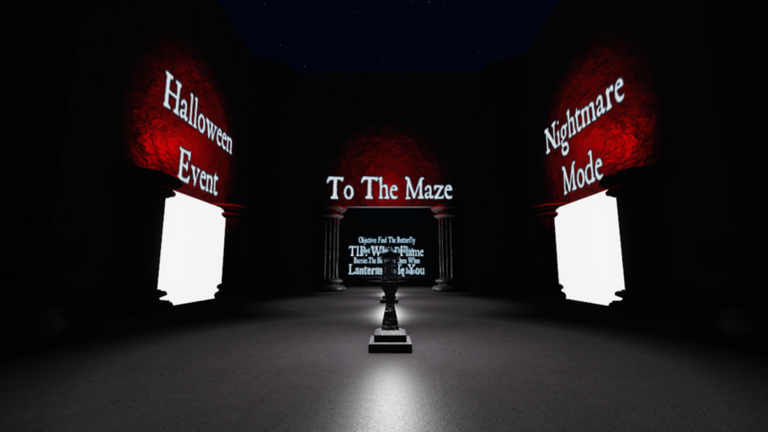
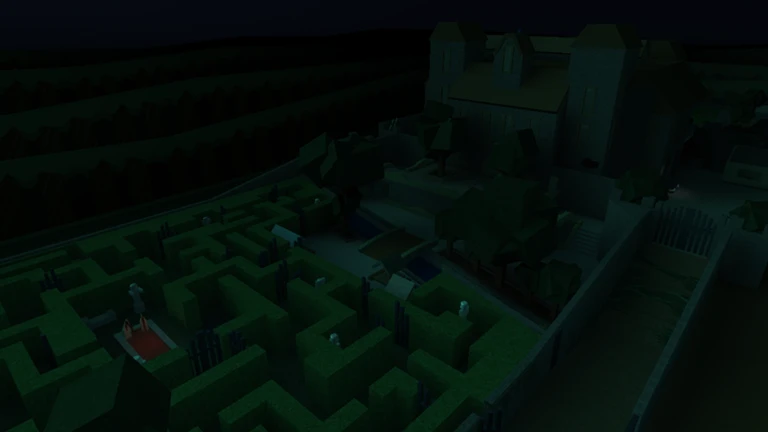
Editorial note: Updated October 22, 2026. Confirmed event mechanics are distinguished from item-specific details that must be verified in the live hub. Supporting maze images are labeled as illustrative references, not screenshots of The Hollow.






