Quick answer: For a premium-looking Roblox avatar without spending Robux, prioritize The Hollow’s reported free Beasthammer and Witches Brew-nado back accessories, then add a shoulder piece such as Lord Umberhallow BLOXikin or one of the event’s ghost accessories. Keep the rest of your outfit simple so the free UGC becomes the focal point.
For U.S. Roblox players · Updated October 26, 2026 · By Shivam Das
Important: “Looks expensive” describes styling, not verified resale value or Limited status. Roblox’s official announcement confirms that The Hollow awards exclusive UGC for quests and that reward collection continues until noon Pacific on November 2, 2026. It does not publish a complete item-by-item catalog. Item names and routes below are based on current third-party guides, so check the active objective and claim prompt in your game.
What Is Confirmed About The Hollow?
The Hollow is Roblox’s platform-wide Halloween survival event. Roblox says it opened October 22, features nine horror-game monsters over nine nights, and lets players continue collecting rewards until 12 p.m. Pacific on November 2, 2026. Read the official Roblox Newsroom announcement and visit the official The Hollow experience page.
The best way to build an expensive-looking outfit for free is to focus on shape, color, and balance—not assumptions about rarity. A single large back accessory gives the avatar a focal point. A compact shoulder companion adds personality without taking over the whole look. Keep to two main colors and one accent color, and avoid stacking several oversized effects at once.
Best Free Back Accessories From The Hollow
1. The Beasthammer: A Strong Centerpiece
Why it works: A large, readable accessory gives an avatar a clear silhouette. The Beasthammer suits dark, industrial, warrior, monster-hunter, or survival-themed outfits. Pair it with black, charcoal, dark brown, or muted red clothing, and let the hammer be the only oversized feature.
Reported unlock route: Current event guides say to play Flee the Facility during The Hollow event, deposit a cumulative 100 Candies into the event bucket, complete the quest’s required escape condition, and return to the hub to claim the accessory from its display. Candy in your inventory is not necessarily the same as Candy deposited, so watch the quest counter. See the Pro Game Guides walkthrough for the reported route.
Styling tip: Use a plain shirt and pants, with only one smaller matching detail elsewhere in the outfit. Another large back item will compete with the hammer and make the avatar look crowded.
2. Witches Brew-nado: Best for a Colorful Fantasy Look
Why it works: Witches Brew-nado has a potion-inspired, swirling look that fits witch, alchemist, Halloween, and colorful fantasy outfits. A bright effect can feel intentional when the clothes around it use only one or two supporting colors.
Reported unlock route: Guides identify Witches Brew-nado as the free back accessory connected to Floor 2 of The Hollow hub. Players are instructed to find the Dandy’s World-themed puzzle room, align the pillar beams within the turn limit shown in-game, obtain the relic, and return safely to the elevator. Maze details can change, so follow the live puzzle prompts rather than a memorized route. See the TechWiser Floor 2 guide.
Styling tip: Try black and violet for a spooky look or green and cream for a potion-maker theme. If the accessory is visually busy, avoid patterned clothing that competes with it.
Best Free Shoulder Accessories From The Hollow
3. Lord Umberhallow BLOXikin: A Character-Driven Accent
A shoulder companion can make an avatar feel more curated because it adds a second character or story element without covering the whole body. Lord Umberhallow BLOXikin is reported as the shoulder accessory tied to The Hollow hub’s Floor 1 puzzle. The reported route is to complete the first floor’s puzzle, retrieve the relic, and escape back to the elevator.
Use it to support a dark fantasy, pumpkin, or horror theme. The premium effect comes from the combination, not from an unverified market valuation. Check the live reward display and the Avatar Editor to confirm that the item is available and correctly claimed.

4. Spotlight Specter: A Ghost Companion With a Creator Route
Spotlight Specter is reported as a shoulder accessory obtained when a Roblox Star Creator launches the event’s ghost reward. Unlike a normal floor-clear reward, it may require finding a participating creator in The Hollow and approaching the launched ghost. A creator being online does not guarantee that a drop will be available at every moment.
Use Roblox’s own join features and creator channels. Do not trust random third-party “free UGC generators,” and never share your password or verification codes to claim an avatar item.
5. The Phantom in the Code, Incorporeal Incorporated, and Little Plus-tergeist
Current event guides also list The Phantom in the Code and Incorporeal Incorporated among the ghost-style shoulder accessories associated with developer and Roblox admin ghost launchers. Little Plus-tergeist is reported as another shoulder ghost tied to a Roblox Plus subscriber’s launcher. These are situational rewards: the challenge is finding the right in-game opportunity, rather than completing the same floor puzzle used for the back accessories.
Do not buy an unrelated item or follow an off-platform “unlock generator.” Check the item description and the current event instructions. If a guide’s route conflicts with the prompt shown in the experience, trust the live prompt.
Outfit Combinations That Look Premium Without Robux
You do not need a rare item or paid bundle to make an avatar look polished. Give each accessory a job and use contrast to make it stand out.
- Dark fantasy: Use the Beasthammer with black or charcoal clothing, one muted red detail, and no competing oversized back item.
- Potion-maker: Build around Witches Brew-nado with violet, green, or cream accents. Keep the torso and legs simple so the swirl remains visible.
- Haunted companion: Use one shoulder ghost or BLOXikin with a clean monochrome outfit. A single companion reads more clearly than several bright accessories stacked together.
- Low-cost Halloween: Combine a free Hollow accessory with classic catalog clothing you already own. Do not buy Robux items just to make a free reward feel complete.
- Color-matched look: Choose two main colors and one accent. Repeat the accent once elsewhere, such as in a shirt graphic or hat, so the accessory feels intentional.
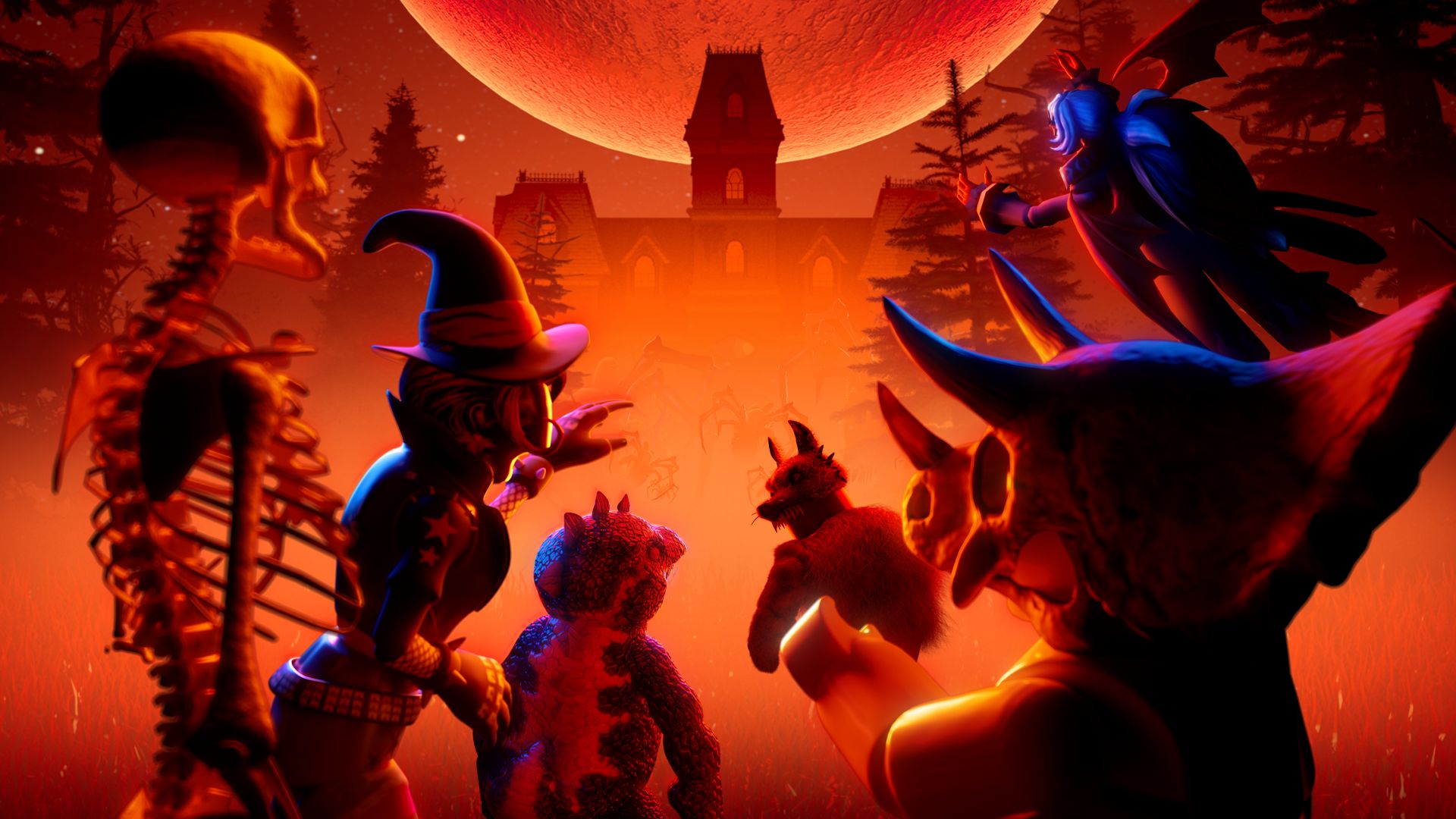
Use this image as general Roblox Halloween inspiration, not as a product photo for the specific Hollow rewards.
How to Claim The Hollow Rewards Safely
- Open the official The Hollow experience.
- Read the active objective before entering a maze or partner game. Some rewards come from floor puzzles; others use participating experiences or ghost launchers.
- Finish every requirement shown in the game. For multi-step quests, a progress counter, badge, or deposited-item requirement may matter separately from picking up items.
- Return to the hub if the prompt directs you to a reward display or claim point.
- Open the Roblox Avatar Editor and check the correct category—Back or Shoulder—after claiming.
- Collect eligible rewards before noon Pacific on November 2, 2026, the deadline listed in Roblox’s newsroom announcement.
Mistakes That Waste Time
- Assuming “looks expensive” means valuable: appearance, favorites, resale status, and Robux price are different things. No future value is guaranteed.
- Confusing paid Marketplace cosmetics with free quest rewards: Roblox says some Halloween items are sold on the Marketplace, while quest rewards are earned through objectives. Check the exact item before buying.
- Leaving before claiming: if the game tells you to return to the hub or interact with a display, complete that step and verify the item is in your inventory.
- Trusting fake claim links: do not enter account credentials on unofficial sites or install software to unlock UGC.
- Waiting until the last minute: server queues, missed prompts, and unfinished objectives can eat into the remaining event window.
Frequently Asked Questions
Which free back accessories from The Hollow look the most expensive?
The Beasthammer and Witches Brew-nado are two reported free back accessories that can anchor a themed outfit. “Most expensive-looking” is subjective and does not indicate verified resale value or Limited status.
Which free shoulder accessories can I get in The Hollow?
Current guides list Lord Umberhallow BLOXikin and ghost-style shoulder accessories including Spotlight Specter, The Phantom in the Code, Incorporeal Incorporated, and Little Plus-tergeist. Their routes differ, and the ghost items depend on the appropriate launcher opportunity.
Do these free items cost Robux?
The listed quest and ghost rewards are described by current guides as free to earn through their event requirements. Separate Halloween Marketplace items may cost Robux, so verify the exact item before buying anything.
Can I sell these items later for Robux?
Do not assume that. A free UGC reward is not automatically tradable or Limited. Check the official item page for its current sale and trading status; this guide makes no resale or investment claim.
When does The Hollow reward window close?
Roblox’s official newsroom says players can continue collecting rewards until noon Pacific on November 2, 2026. Check the official event page for any later update.
Do I need Roblox Plus to get every shoulder ghost?
Current guides associate Little Plus-tergeist with a Roblox Plus subscriber’s ghost launcher, but that does not mean every player must subscribe to collect it. Confirm the current distribution route in the event before spending money.
What should I do if a reward does not appear?
Recheck the objective counter, badge status, and claim prompt, then return to the correct reward display if the game asks you to. Check the item category in the Avatar Editor. If the reward still does not register, consult Roblox’s official support resources rather than using third-party claim tools.
Sources and Further Reading
- Roblox Newsroom: The Hollow Halloween survival event — official dates, event format, and general reward information.
- The Hollow on Roblox — official experience listing.
- TechWiser: The Hollow free UGC items — third-party item list and reported quest routes.
- Pro Game Guides: Beasthammer quest — reported Flee the Facility requirements.
- TechWiser: Witches Brew-nado Floor 2 guide — reported Floor 2 puzzle route.
Editorial note: This article distinguishes Roblox’s official event dates from item-by-item details reported by third-party guides. Captions identify general visual references that are not exact screenshots of The Hollow reward items.