

Quick answer: When Roblox’s The Hollow opens, enter through Roblox’s official app or event listing, read the live rules, choose one clearly listed objective, and verify that your progress registers. Use the first minute to find the official event, minutes 1–3 to check requirements, minutes 3–8 to attempt one task, and the final two minutes to confirm progress. The October 22, 2026 date has been reported, but treat any unofficial exact launch time, quest list, or reward leak as unconfirmed until Roblox verifies it.
Updated October 21, 2026 · By Shivam Das · For U.S. players
Launch day can make every second feel urgent. Social feeds fill with “secret” routes, players jump between games, and a crowded server can make it seem as if you are already behind. The smarter approach is to make your first ten minutes a controlled check-in: find the real event, understand what it asks you to do, and learn how progress is tracked.
Use Roblox’s own event listing and the instructions inside the live experience as your source of truth. Roblox’s previous platform-wide Halloween events have used hubs, gateways, and event-specific progress systems, but that history does not prove The Hollow will work the same way. See Roblox’s official 2025 Halloween Spotlight recap for historical context—not as confirmation of The Hollow’s 2026 mechanics.

Your first 10 minutes
Minute 0–1: Find the event through Roblox
Open Roblox using the official app or website and look for The Hollow through Roblox’s own event listing or a direct official announcement. Avoid copied countdown pages, shortened links, and third-party websites that ask you to sign in to unlock an event reward. If the official entry is not visible yet, do not assume a fan-made hub is the real event.
Minute 1–3: Read the rules before entering a game
Check the participating experiences linked from the live hub, the objective, how progress is recorded, and whether any reward has a separate requirement or deadline. If a rule is not stated, treat it as unknown rather than filling in the gap with a rumor. A matching Halloween update does not automatically mean a game is part of The Hollow.

Minute 3–4: Pick one achievable objective
Do not try every rumored game at once. Choose one experience that is actually linked from the event hub and has a clear first task. If there are several options, favor the one with the clearest instructions—not the one a viral post calls “the fastest” without evidence.
- Playing solo: Choose an objective you can attempt without waiting for a team.
- With friends: Agree on one destination before entering so the group does not split across servers.
- On mobile: Check that the controls and camera are manageable before committing to a long challenge.
- Short on time: Start with a visible completion condition and save exploration for later.
Minute 4–8: Complete the task, not the rumor
Follow the in-game instructions. Focus on the stated objective instead of testing alleged secret codes, reward glitches, or shortcuts from comments. A regular game achievement, a seasonal badge, and a The Hollow event reward may be different things; count the task as complete only when the game or event interface confirms it.
Minute 8–10: Verify progress and decide what comes next
Return to the event interface if possible and check whether your objective registered. If a counter does not update, re-read the requirement and allow the interface a moment before repeating a long task. At minute ten, decide whether to continue, choose another officially linked experience, or return after the first rush. The goal is to know what worked and where progress is tracked.
If The Hollow is crowded or will not load
A crowded destination does not necessarily mean all of Roblox is down. Try the event hub once, check Roblox’s official service status, and then retry or switch to another experience linked from the event. Avoid repeatedly reconnecting in a loop, and never use a third-party “private server unlock” or reward page as a workaround.
For a backup plan, read our guide to backup Roblox games if The Hollow servers are full. If you have not prepared yet, see what to do before The Hollow launches or use our 45-minute Day 1 guide.
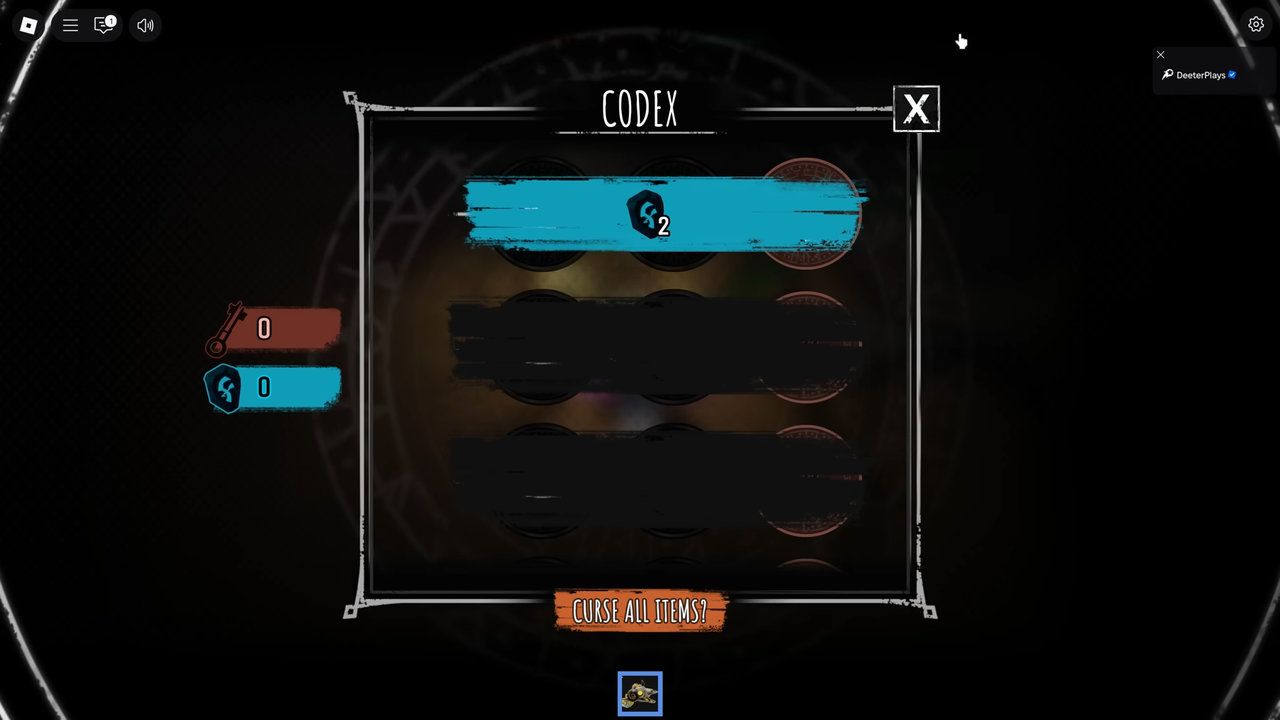
Three mistakes to avoid
- Trusting an unofficial launch time. Check the live Roblox listing rather than planning around an unverified countdown.
- Chasing every rumored game. A matching theme or update date does not prove participation.
- Risking your account for a reward. Never share your password, verification code, backup code, or browser cookie. Read Roblox’s account safety guidance.
Frequently asked questions
What should I do first when The Hollow goes live?
Enter through Roblox’s official app or listing, read the live instructions, and choose one clearly defined objective.
Is the exact launch time confirmed?
As of October 21, 2026, treat a specific hour circulating in unofficial coverage as provisional unless Roblox confirms it through an official page or announcement.
Should I join every game in the first ten minutes?
No. Start with one experience linked from the live event hub and verify progress before planning the next task.
What if a completed task does not show a reward?
Recheck the requirement and progress screen, allow time for the interface to update, and consult official troubleshooting guidance if available.
Can I trust a post promising a secret reward?
Only treat a reward as confirmed when it appears in the live event or is announced by Roblox or the relevant developer. Never enter credentials on a third-party reward page.
Bottom line
Your first ten minutes should establish where the official event begins, which task is actually available, and how the game confirms progress. That is a better launch-day advantage than racing through unverified tips. If Roblox publishes different live instructions, those take priority over any pre-launch guide.
Editorial note: This is a practical launch checklist, not a claim that unannounced quests, rewards, participating games, or an exact start time are confirmed. All images are clearly labeled as historical context and are not represented as The Hollow 2026 screenshots.






