
Quick answer: If a Steal An Egg server is full during the Halloween Dimension launch, open the game's official Roblox page, use its Servers section to choose a public server with available space, refresh the list if the counts look stale, and try again. If the event has just updated, leave the old session and rejoin so Roblox can load the latest experience version. A full server does not mean the whole game is down.
Updated October 17, 2026. This is an independent player guide, not an official Roblox or game-developer announcement. Server availability changes constantly, so the steps below are troubleshooting advice—not a guarantee that a slot will open immediately.
Open Steal An Egg on Roblox and check the live game page before relying on screenshots or third-party server counts.

Why you may see “Server Full” even when a slot appears open
Popular Roblox experiences can fill quickly when a limited-time event begins. The public server list may also be behind the actual game state: a server that appears to have room can fill before your join request arrives. Roblox developer forum users have reported this kind of mismatch in server counts, so treat the displayed number as a snapshot rather than a promise.
There are three different situations to separate:
- One server is full: Other public servers may still have room.
- The game is updating: An older session may not show the newest event content until you rejoin.
- Roblox is having a platform issue: If multiple experiences fail to load, check the official Roblox status page before repeatedly restarting.
How to join another Steal An Egg server
- Leave the full instance. Return to the experience page instead of repeatedly pressing Join on the same server.
- Open the Servers section. On the Roblox experience page, scroll to the server list. If the list offers an option to exclude full servers, turn it on.
- Choose a server with room. Prefer a listing that clearly has open capacity, but remember that other players may join before you do.
- Refresh and retry once. If the server list looks stale or a join attempt fails, refresh the list and choose another server. Roblox's public server list does not always update in real time.
- Rejoin through Play if needed. If you cannot find an available server, return to the main experience page and try again after a short wait. Roblox may assign a different instance, but it is not guaranteed.
What if the Halloween Dimension just launched?
When a major update draws a crowd, the quickest practical plan is to avoid spending several minutes retrying the same full instance. Go back to the game's page, refresh the server list, and try a different public server. If you were already playing before the update, leave and launch the experience again so you have a chance to load the updated version.
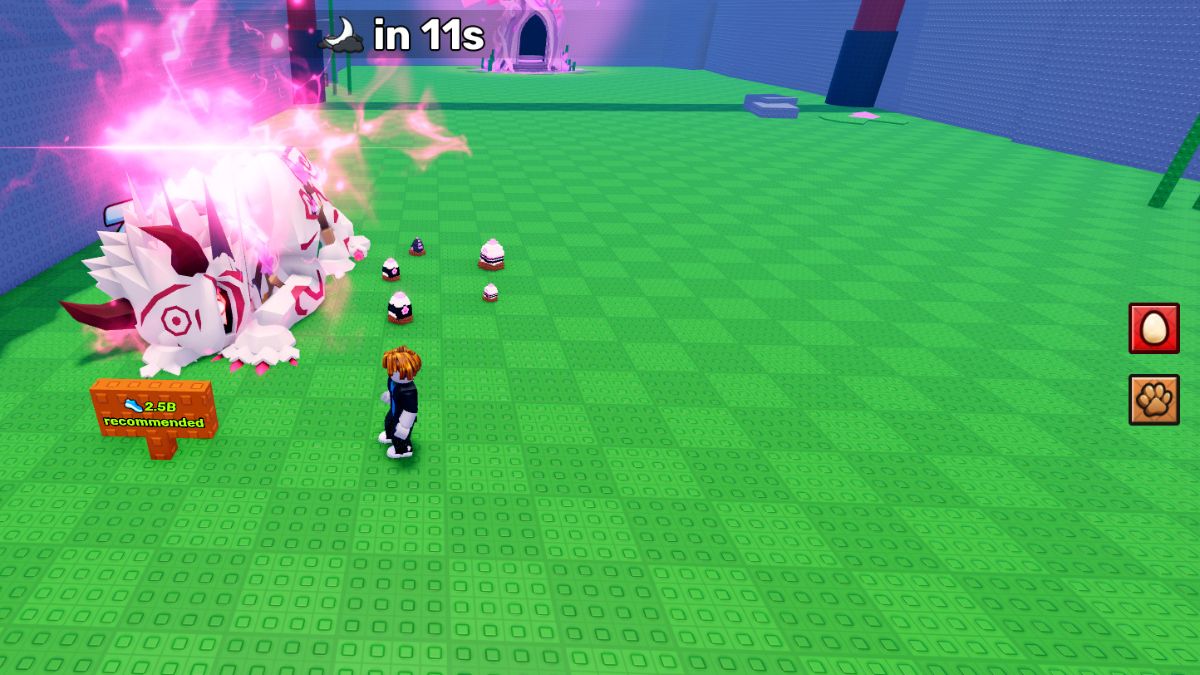
The Halloween Dimension event listing describes a gateway, bosses and secret eggs as part of a two-part Halloween event. However, a server-full error by itself does not confirm that you are missing a special reward, that your account is restricted, or that a secret egg has spawned. Check the in-game event and the developer's official announcements for confirmed details rather than trusting unverified “secret server” links.
Should you buy a private server?
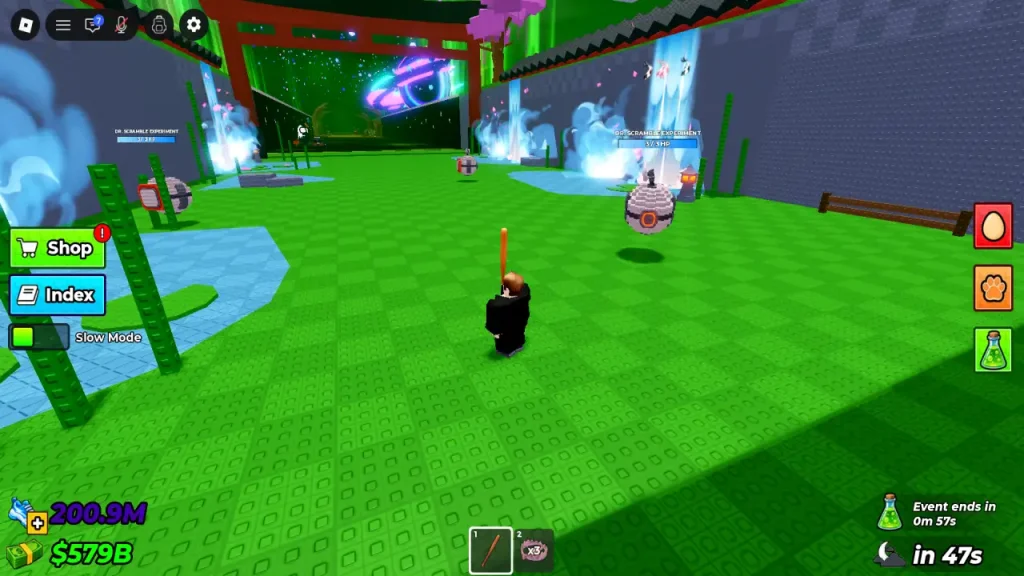
Not as your first fix. A private server is useful only if the experience creator has enabled the feature and you specifically want a private session with friends. Roblox says private servers may cost Robux, with prices and availability set by the experience creator. They are not a guaranteed shortcut into a public event server, and you should check the price and renewal terms before purchasing anything.
For the basic server-full problem, try the free public-server list first. If a private server option is available, read the on-screen details carefully and make sure your friends can join under the server's access settings.

How to tell whether Roblox itself is down
If you cannot join several different experiences, the issue may be broader than one crowded Steal An Egg server. Check Roblox Status for reported problems with Games, Game Join, the website or mobile app. If Roblox reports normal service but only one server rejects you, continue with the server-switching steps above.
Do not enter your Roblox password into a third-party “server unlocker,” download an unknown extension promising guaranteed access, or share account cookies. A server-full message does not require you to give anyone your login details.
Quick troubleshooting checklist
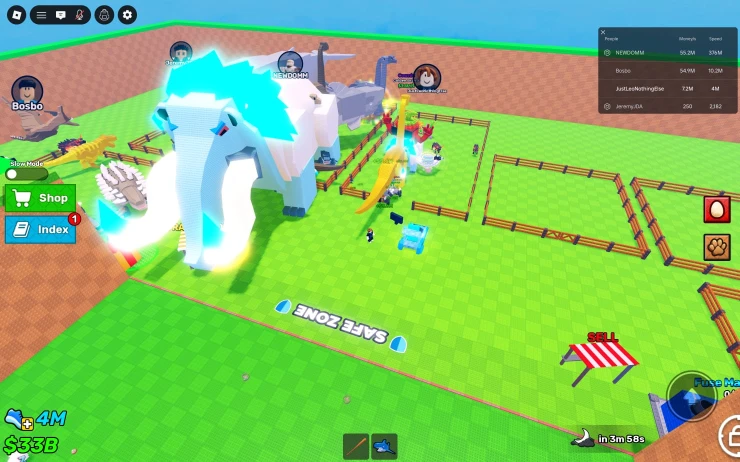
- Leave the full server instead of repeatedly selecting the same one.
- Open the official Roblox experience page and check the Servers section.
- Exclude full servers if that option is available; refresh if counts seem wrong.
- After a new update, rejoin from the main experience page.
- Check Roblox Status if multiple games fail to load.
- Use only official Roblox pages for login and account settings.
- Do not assume a third-party image, video or “leak” proves an event feature is live.
Frequently asked questions
How do I fix “Server Full” in Steal An Egg?
Return to the official game page, open Servers, select a public server with space, and refresh the list if the player count appears outdated. If the update has just launched, leave the old session and rejoin.
Can I force Roblox to put me in an empty server?
The standard Play button does not guarantee a particular server. The public Servers list gives you more control when it is available, but the slot can fill before you connect.
Will leaving the game delete my eggs or pets?
This guide cannot guarantee how every game state saves during an update. Before leaving, allow any visible saving indicator to finish and follow the experience's own instructions. Do not assume a server error means your inventory has been deleted.
Do I need to pay Robux to join the Halloween Dimension?
A server-full message alone is not evidence that you need Robux. Check the official experience page and in-game instructions for entry requirements. Private servers, if enabled, may have separate costs.
Where can I check whether Roblox is down?
Use the official Roblox Status page. If services are operational, the problem may be limited to a specific experience or server.
Sources and further reading
- Steal An Egg — official Roblox experience page
- Roblox Status — official platform status
- Roblox Support: Private / VIP Servers FAQ
- Roblox Developer Forum: public server counts can be out of sync
Author: Shivam Das
Editorial note: Server capacity, available slots, event content and interface labels can change. This guide explains practical troubleshooting steps and does not claim that any server, reward or event feature is guaranteed to be available.






