

Quick answer: After finishing Roblox’s October 17, 2026 Halloween events, claim every reward manually, verify it appears in your inventory, check each event’s official end date, and prioritize limited-time tasks before returning to longer events. Roblox Halloween is not one shared event: individual experiences have separate schedules, quests and rewards.
Updated October 17, 2026 · U.S. readers · By Shivam Das
Halloween weekend can feel like a race across Roblox. Dress To Impress, Fisch, 99 Nights in the Forest, RIVALS and other experiences are rolling out seasonal activities on different clocks. Finishing one event does not automatically complete the others, and a scheduled end date does not guarantee every reward remains claimable until the final minute.
What to do immediately after finishing an event
- Claim rewards manually. Reopen the event page, quest board, calendar, shop or reward screen.
- Check your inventory. Confirm the item, badge, currency or cosmetic appears where the game says it should. Screenshot missing rewards.
- Record the deadline. Check the game’s official Roblox Events listing and developer announcements; schedules can change.
- Spend event currency carefully. Check whether currency expires and confirm the price before spending Robux.
- Move to the shortest event next. A confirmed 24-hour activity should usually take priority over an event running for several weeks.
October 17 Halloween events: what happens next?
Published schedules show a staggered launch rather than one Roblox-wide countdown. Reported events include RIVALSWEEN, Steal An Egg Halloween Dimension, Dress To Impress Halloween, FischFright 3 and 99 Nights in the Forest. These are schedule references, not guarantees that developers cannot change.
| Experience | Next step | Schedule note |
|---|---|---|
| RIVALSWEEN | Review challenges, reward track and limited cases; confirm rewards are claimed. | Reported to run into November; verify the live game page. |
| Steal An Egg: Halloween Dimension | Track discovered eggs and boss progress. Avoid unverified secret-egg lists or unreleased pet stats. | Listed first window runs to October 24, 2026; confirm Part 2 with developers. |
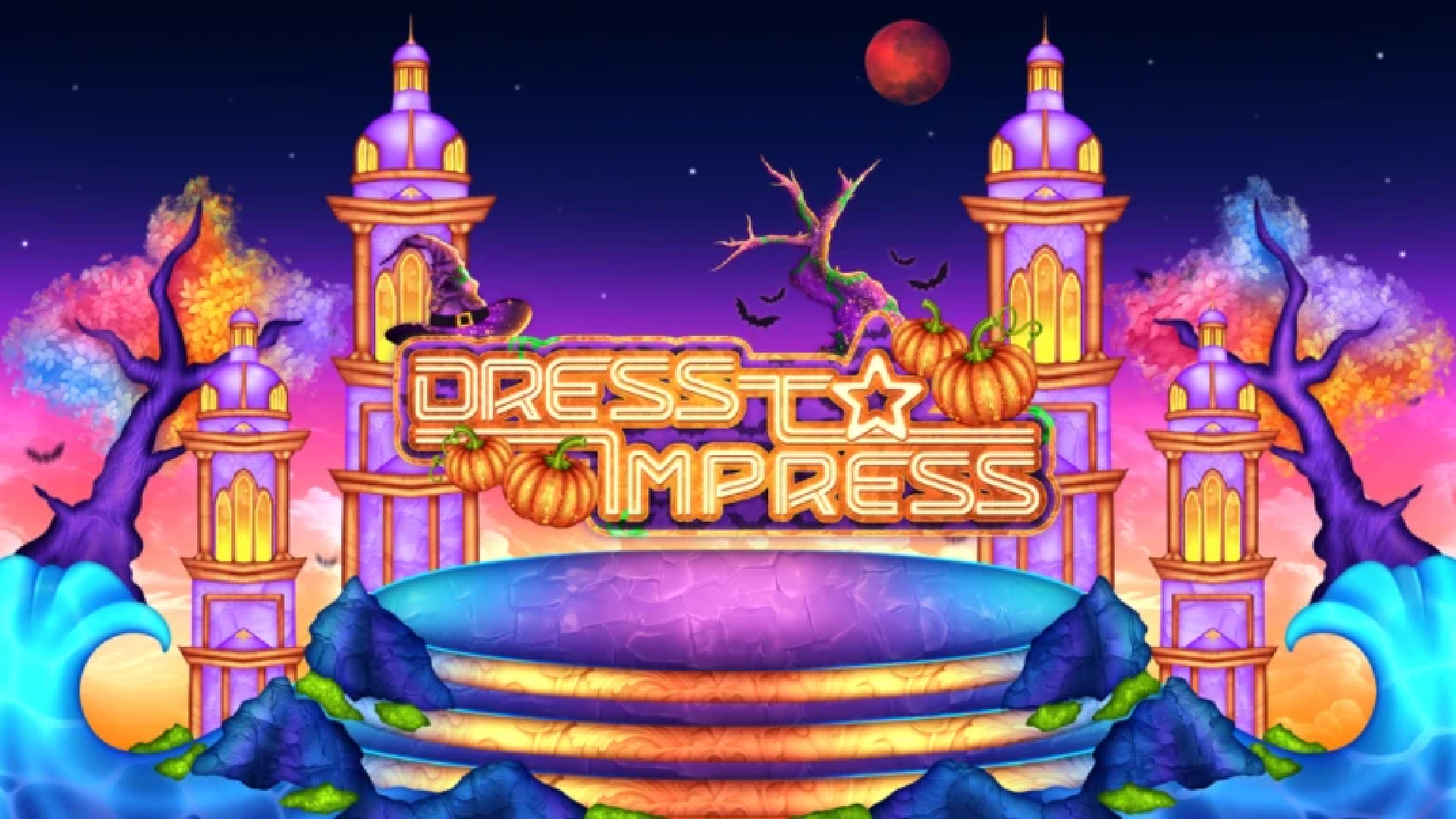
| Dress To Impress Halloween | Check quests, seasonal currency, shop prices and pass requirements before spending. | Reported to run into November. Teasers do not confirm every price or unlock method. |
| FischFright 3 | Check event NPCs, limited fish or bestiary progress, and reward prompts. | Reported to run into November; check the live listing for changes. |
| 99 Nights in the Forest: Trick or Treat | Review quest objectives and unfinished tasks. | Reported Part 1 window ends October 24, 2026. |
Check each experience’s own event panel for exact requirements. Start at the official Roblox website and open the event page linked from the game.

How to choose the next event
Use a deadline-first approach. Finish tasks that expire soon, then tackle rewards requiring a team, boss fight or several stages, and return to longer-running shops afterward. If two games have similar deadlines, choose the one where you have made the most progress or where a limited reward matters most.
- First: events ending within 24 hours, if confirmed by the live listing.
- Second: multi-stage quests, boss fights and team objectives.
- Third: longer-running seasonal shops and cosmetic tracks.
- Last: optional exploration with no unique reward attached.

What if a reward does not appear?
Do not repeat a purchase immediately or trust a third-party “reward recovery” link. Rejoin the experience, check your inventory and quest status, and read the developer’s official support instructions. Keep a screenshot of the completed objective and any error message. Never share your password, browser cookies or verification codes to claim an item.
If servers are crowded, try a fresh server after the scheduled launch time. This may load an update more reliably, but it is not guaranteed. Avoid unofficial links promising free Robux or secret rewards in exchange for account details.
Does finishing every October 17 event unlock a bonus?
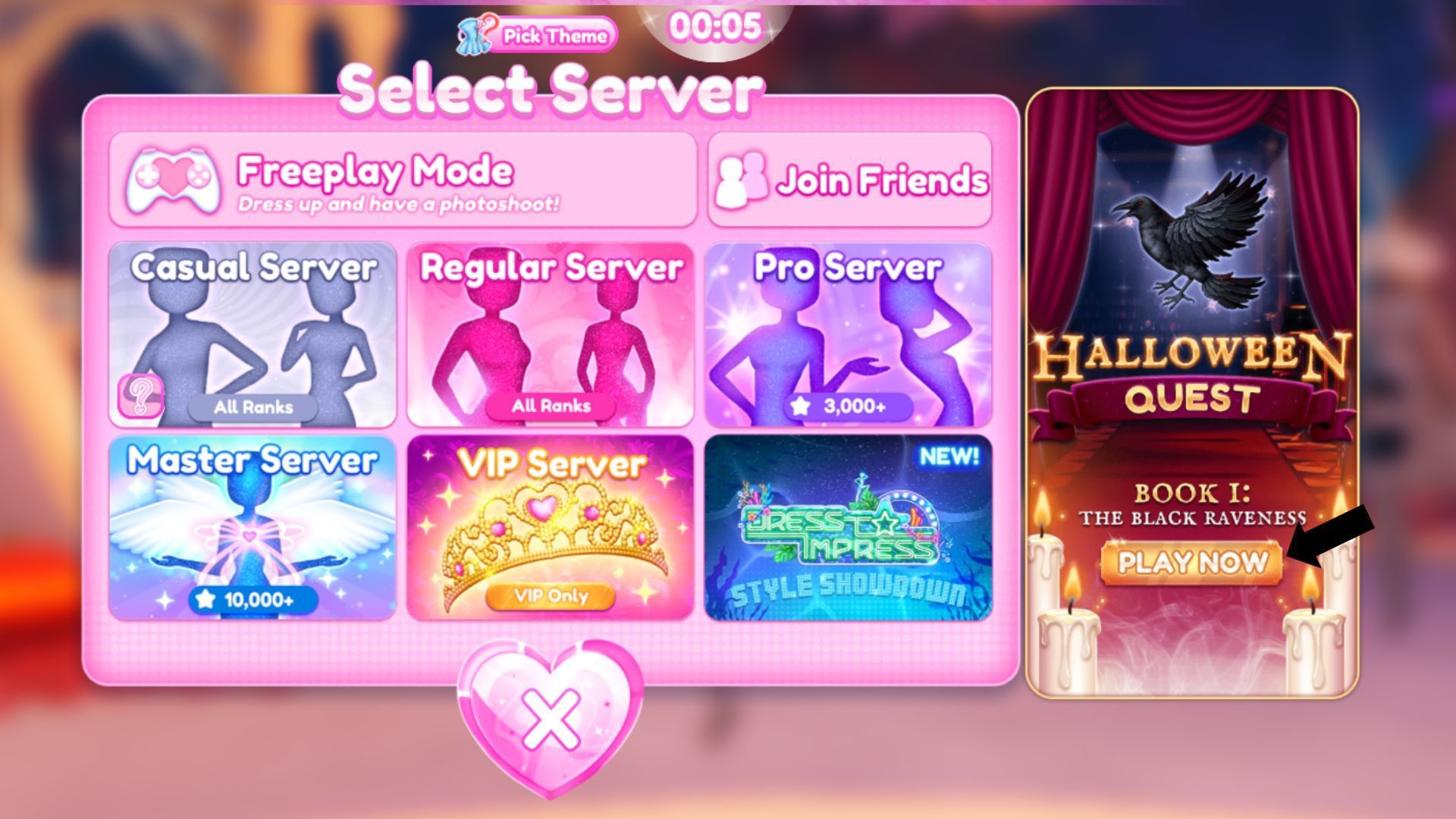
Do not assume that completing unrelated Halloween events across different Roblox experiences unlocks one shared bonus. Each game’s developers control their own quests, badges, currencies and rewards. Unless an official announcement explicitly describes a cross-game reward, treat the events as separate. An older platform-wide seasonal event is not evidence that the same system is active this year.
Quick checklist before logging off
- All completed quest rewards claimed.
- Inventory checked for the expected item or badge.
- Event currency spent only after checking what expires.
- Official end dates saved for unfinished events.
- Missing rewards documented with screenshots.
- No passwords or account codes entered on third-party reward sites.
Frequently asked questions
Does finishing one Roblox Halloween event complete the others?
No. Each experience generally has its own quests and rewards. Complete each game’s tasks separately unless an official announcement confirms a shared objective.
Will I get a bonus for completing all October 17 events?
Do not assume so. A cross-game bonus needs an official announcement. Without one, treat each game’s rewards as separate.
Which Halloween event should I finish first?
Prioritize the event with the earliest verified end time, especially if it has a limited reward or multi-stage quest. Recheck the live listing because dates can change.
What should I do if a reward is missing?
Rejoin the game, inspect the inventory or quest screen, capture evidence and follow the developer’s official support instructions. Avoid third-party sites asking for credentials.
Are all Halloween items free?
No. Some items may be earned through gameplay, while others may require event currency, a pass or Robux. Check the in-game price and requirements before spending.
Where can I verify Roblox event dates?
Start with the relevant experience’s official Roblox page and Events section, then compare it with the developer’s verified announcements. Third-party schedules can lag behind changes.
Sources and further reading
- Roblox — official platform
- More Roblox event guides on Shivam Das News
- Halloween weekend schedule reference
- Roblox Halloween 2026 schedule reference
Editorial note: Event dates and rewards can change after publication. This guide distinguishes reported schedules from unconfirmed reward details. Historical images are labelled as such and are not presented as current 2026 gameplay proof.
Author: Shivam Das






