

By Shivam Das | Updated October 18, 2026
Quick answer: The Roblox event listing for Violence District: The Butcher X Halloween currently shows a start of Saturday, October 24, 2026, at 5:00 a.m. Pacific Daylight Time (PDT). That converts to 8:00 a.m. Eastern, 7:00 a.m. Central and 6:00 a.m. Mountain. Alaska players should use 4:00 a.m. AKDT; Hawaii players should use 2:00 a.m. HST. The live Roblox event page is the final source if the schedule changes.
The event preview lists The Butcher, Halloween content, ranked mode, a UI overhaul, a new map, a new item, new perks, new skins and quality-of-life changes. These are previewed features—not confirmed prices, reward requirements or a guarantee that every feature will arrive at the same moment.
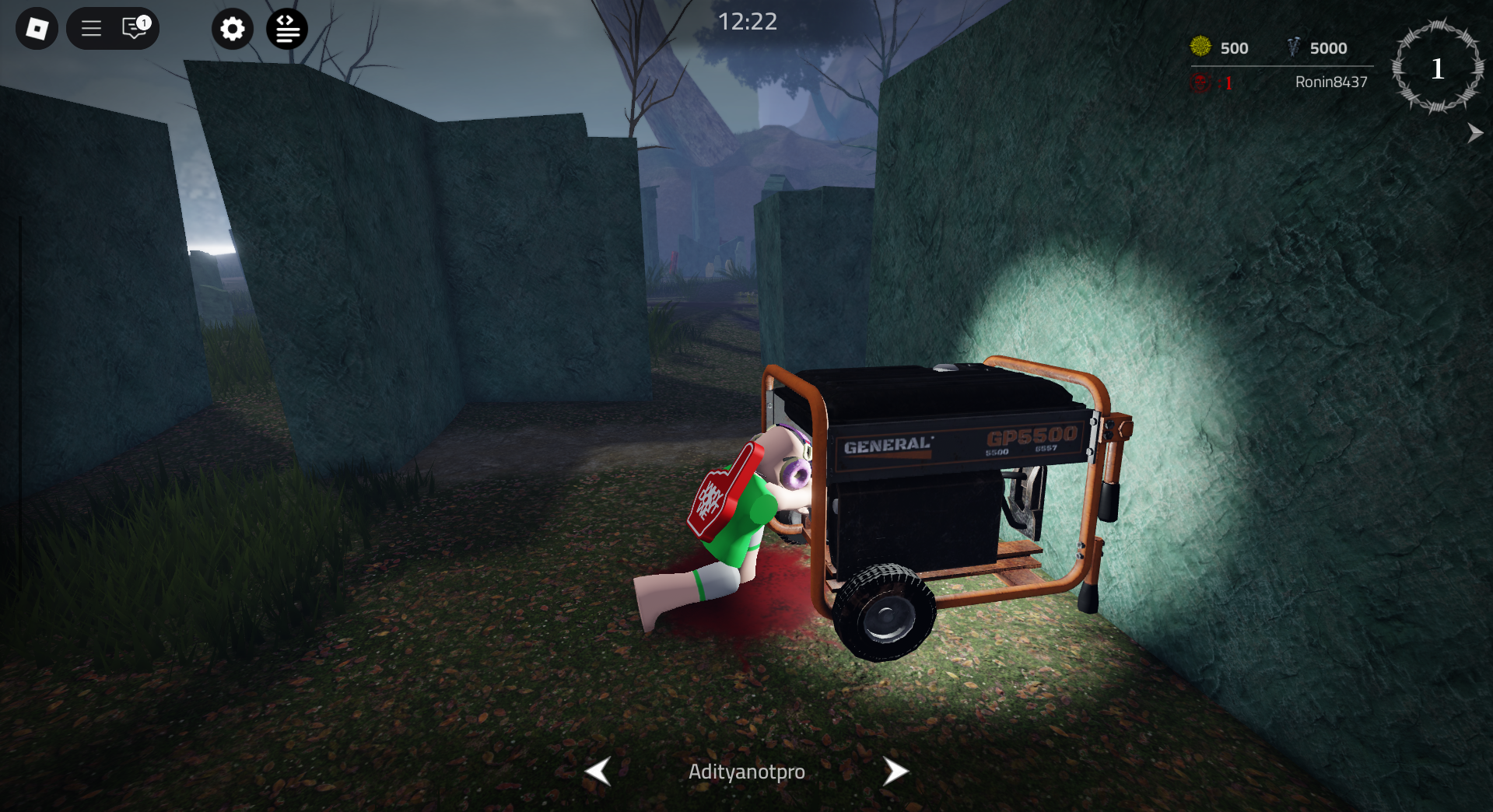
Violence District event start time by US time zone
The currently listed start is 5:00 a.m. PDT on October 24. The United States is still observing daylight time on that date in most regions, so use the daylight-time abbreviations below.
| US time zone | Local start | Date |
|---|---|---|
| Hawaii (HST) | 2:00 a.m. | Saturday, October 24 |
| Alaska (AKDT) | 4:00 a.m. | Saturday, October 24 |
| Pacific (PDT) | 5:00 a.m. | Saturday, October 24 |
| Mountain (MDT) | 6:00 a.m. | Saturday, October 24 |
| Central (CDT) | 7:00 a.m. | Saturday, October 24 |
| Eastern (EDT) | 8:00 a.m. | Saturday, October 24 |
Important: These are conversions of the currently listed 5:00 a.m. Pacific start, not a promise that every server will update at that exact minute. If the countdown or event card changes, follow the Roblox event listing and the official Violence District game page.
What is confirmed about The Butcher X Halloween?
The public event listing names The Butcher X Halloween and gives the October 24 start. A community-shared preview lists the following planned content:
- The Butcher
- Halloween event content
- Ranked game mode
- User-interface overhaul
- New map
- New item, perks and skins
- Quality-of-life improvements
The preview does not establish exact item names, costs, drop rates, unlock steps, ranked eligibility or whether individual cosmetics will be free. Treat any reward chart that claims those details before the live patch as unverified unless the developer confirms it.
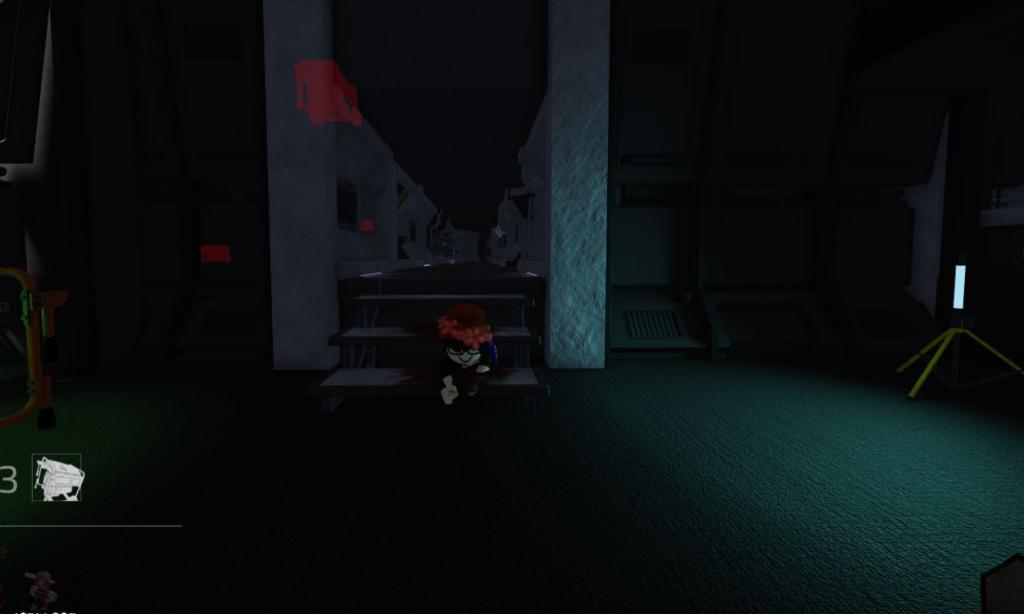
How to prepare before the event goes live
1. Check the official event card again
Open the Roblox event listing before the scheduled start. Save the official game page and use it as your first stop if a countdown differs from a repost or fan calendar.
2. Record your current inventory and settings
Take personal screenshots of your items, perks, currency and control settings before the update. They can help you compare changes after a UI overhaul. Never share your Roblox password, recovery codes or account cookies with anyone promising early access or free rewards.
3. Review survivor basics
Violence District is an asymmetrical horror game built around five survivors trying to survive against one killer. Survivors work on objectives and use limited resources such as pallets to create an escape opportunity. Before trying a new map, communicate with teammates, watch for chase routes and avoid spending a defensive resource when a safer path is available.

4. Learn the new interface before playing ranked
If ranked mode becomes available as previewed, first inspect its entry rules, rating system and match settings. Play a low-pressure round to locate objectives, exits and UI indicators before treating a result as a serious rank test. A major interface or balance change can make older guides less useful.
5. Inspect item descriptions before spending currency
Check each item’s displayed price, cooldown, effect and limitations in the live game. Do not assume that a skin shown in a teaser is free, exclusive or available on day one. If a reward requirement is not stated in the game or developer notes, wait for confirmation instead of risking currency on a rumor.

What to do if the update does not appear
Because the creator describes Violence District as an alpha experience, bugs and changes are possible. If the event is listed but you do not see the content immediately, check the event card again, restart Roblox, rejoin a server and look for developer notices. A delayed appearance does not automatically mean your account is ineligible. Avoid unofficial downloads or websites that ask you to sign in to claim a reward.
For survivors, use your first run on the new map to identify generators, exits, safe turns and line-of-sight breaks. For killer players, learn the layout and the new character’s documented ability description before relying on familiar routes. Do not assume a rumored ability, skin price or reward is final until it appears in-game or in a reliable developer announcement.
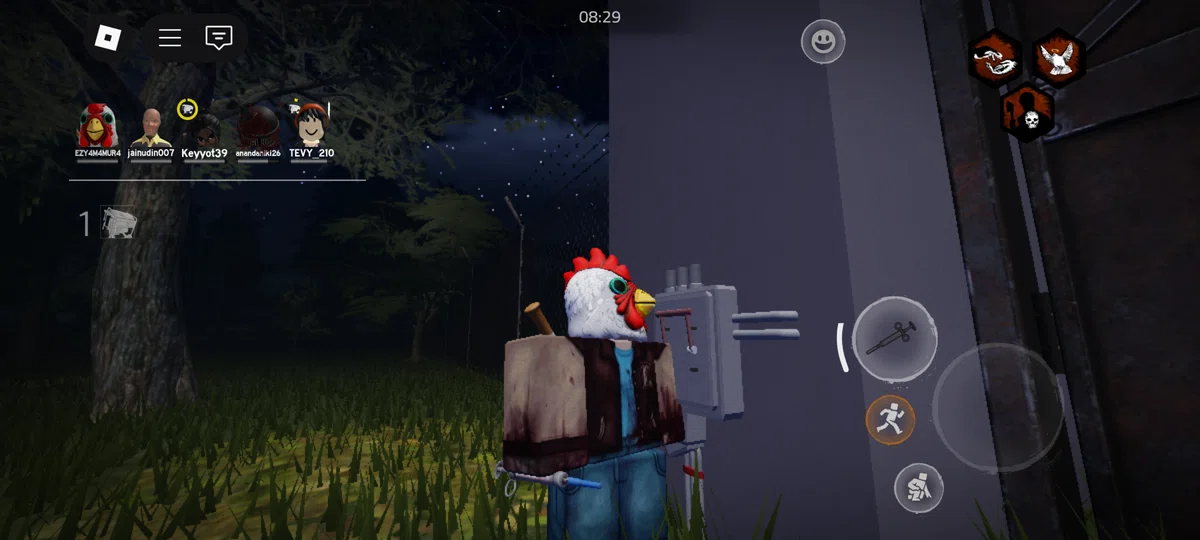
Community announcement and gameplay post
The community-shared event preview below lists planned features. It is useful as early context, but it is not a replacement for final patch notes or the live Roblox event card.
Here is a separate public X gameplay post showing an earlier match. It is gameplay context, not an official announcement of the Halloween update.
Violence District gameplay shared by a player on X.
View the original post on X
Sources: official Violence District Roblox page, Roblox event listing, and community event preview on Reddit. Image sources are credited individually above; none of the gameplay images should be mistaken for unreleased Halloween promotional artwork.
Frequently asked questions
When does Violence District The Butcher X Halloween start?
The current listing shows Saturday, October 24, 2026, at 5:00 a.m. PDT, which is 8:00 a.m. EDT. Recheck the official event card near launch in case it changes.
What time is the event in Central and Mountain time?
Based on the current Pacific-time listing, the start converts to 7:00 a.m. Central Daylight Time and 6:00 a.m. Mountain Daylight Time on October 24.
What features are expected?
The community preview lists The Butcher, Halloween content, ranked mode, a UI overhaul, a new map, a new item, new perks, new skins and quality-of-life changes. Exact details may change before launch.
Will The Butcher or Halloween skins be free?
The sources reviewed do not confirm final prices or unlock requirements. Check the in-game shop and event menu after the update becomes available.
What if the update is late in my server?
Recheck the official event page, restart Roblox and rejoin a server. Since the game is in alpha, a short delay or bug is possible; follow developer notices rather than unofficial fix sites.
Related Roblox coverage
- Violence District Halloween Event 2026: The Butcher X Prep Guide
- Roblox Halloween Event Calendar: US Times and What’s Next
- What to Do Before Roblox The Hollow Launches on October 22, 2026
Bottom line
For now, the most useful confirmed detail is the listed October 24 start at 5:00 a.m. PDT. Convert it to your local US zone, check the live event page before launch and treat the feature list as a preview until the game’s actual update notes are available. This guide distinguishes the listed schedule from unconfirmed reward details and should be refreshed when the developer publishes new information.






