

For U.S. Roblox players · Updated October 23, 2026 · By Shivam Das
Quick answer: Roblox has confirmed that The Hollow is a nine-night Halloween survival event with daily maze exploration, a new monster each day, clues, quests, and avatar rewards. But Roblox’s official announcement does not promise that every unfinished quest, counter, maze clue, or unclaimed item carries over automatically. After Day 2 begins, the safest approach is to check each objective’s own wording, record your tracker before leaving, and verify it again after rejoining.
What changed today? The Hollow is live, and Roblox’s experience page lists a Seek livestream event for Friday, October 23. That is a useful current event signal, but it is not proof of a universal progress-save rule. This guide separates what Roblox has confirmed from what players should test in their own session.
What Roblox has confirmed about The Hollow
In its October 21 announcement, Roblox described The Hollow as a shared survival event that opened to the public on October 22 at 2 p.m. Pacific. The event runs through November 2, features nine horror-game monsters appearing over nine days, and builds toward a live finale on October 31. Players can complete quests in The Hollow and participating experiences to earn exclusive UGC and other rewards.
- Confirmed: A different monster appears each day across the nine-night event.
- Confirmed: Players search mazes for clues, evade monsters, and complete quests.
- Confirmed: Quest completion can award exclusive avatar items and other rewards.
- Confirmed: Roblox says reward collection continues until noon Pacific on November 2, 2026.
- Not universally specified: Whether every unfinished objective saves, resets, or transfers between experiences when you leave.
- Not universally specified: Whether every completed task automatically claims its reward or requires a separate action.
Read Roblox’s primary announcement: The Hollow: New Platform-Wide Survival Event for Halloween. Open the experience directly here: The Hollow on Roblox.
Does progress carry over from Night 1 to Day 2?
There is no published blanket rule confirming that all progress carries over. The event announcement explains the overall format and rewards, but it does not define a single save policy for every quest type. Treat these as separate things until the in-game interface says otherwise:
- Completed objective: A task may show complete in its own experience or tracker. Recheck the relevant screen after returning to the hub.
- Unfinished objective: Partial progress may behave differently from completed progress. Do not assume a half-finished maze or multi-step quest will resume at the same point.
- Reward earned but not claimed: Completion and claiming are not always the same action. Look for a claim button, confirmation prompt, inventory entry, or reward notification.
- Tickets or event currency: Check the displayed balance before and after spending or changing experiences. Do not infer the balance from another player’s report.
- Clues and maze route: Because the event introduces a new maze and monster each day, an old route may not apply to the next session even if some account-level rewards remain.
How to test your own carry-over status safely
Use this quick check before quitting or switching games. It gives you evidence for your own account without pretending one player’s result proves a rule for everyone.
- Capture the starting state: Take a screenshot of the objective name, progress counter, ticket balance, and any visible claim status.
- Finish a small, clearly defined step: Prefer an objective whose completion can be seen in the tracker or a reward message.
- Record the exact state: Note whether the game says “complete,” “claim,” or shows a numeric counter. These are not interchangeable.
- Return to the hub: Use the game’s normal exit or teleport flow. Avoid force-closing the client in the middle of a reward animation.
- Rejoin and compare: Check the same objective, inventory, and currency balance. Keep the before-and-after screenshots.
- Repeat only if necessary: A single task’s behavior does not establish how all quests work. If the result is inconsistent, record it as a report, not a confirmed universal rule.
Do not share account credentials, verification codes, or private account details with anyone offering to “restore” lost progress. Use Roblox’s official support channels for account-specific issues.
Day 2: what players should prioritize
With the event underway, focus first on actions that have clear in-game confirmation. The live Roblox experience page lists a Seek livestream event for October 23. Roblox’s announcement confirms the broader nine-night structure, but players should rely on the current hub and objective text for the precise task available in their session.
- Check the event board before beginning a long quest.
- Finish objectives that are already close to completion if the tracker clearly identifies them.
- Claim any reward that is visibly marked as ready, then verify that it appears in the inventory or reward record.
- Take note of any task-specific deadline. The overall reward window ending November 2 does not necessarily mean every individual objective has identical requirements.
- Recheck the event board after returning from a participating experience.
Five visual references from the games represented in The Hollow
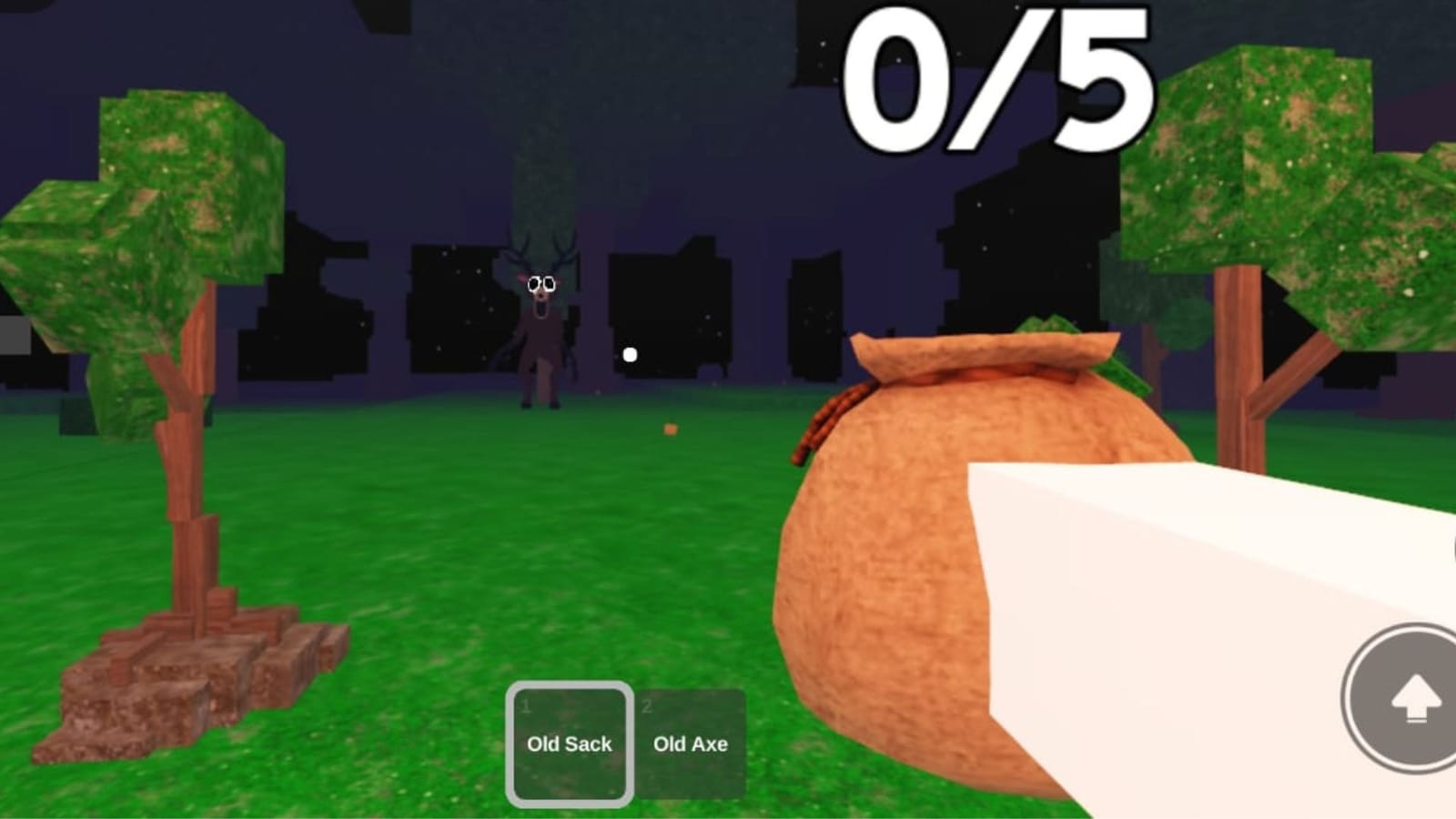
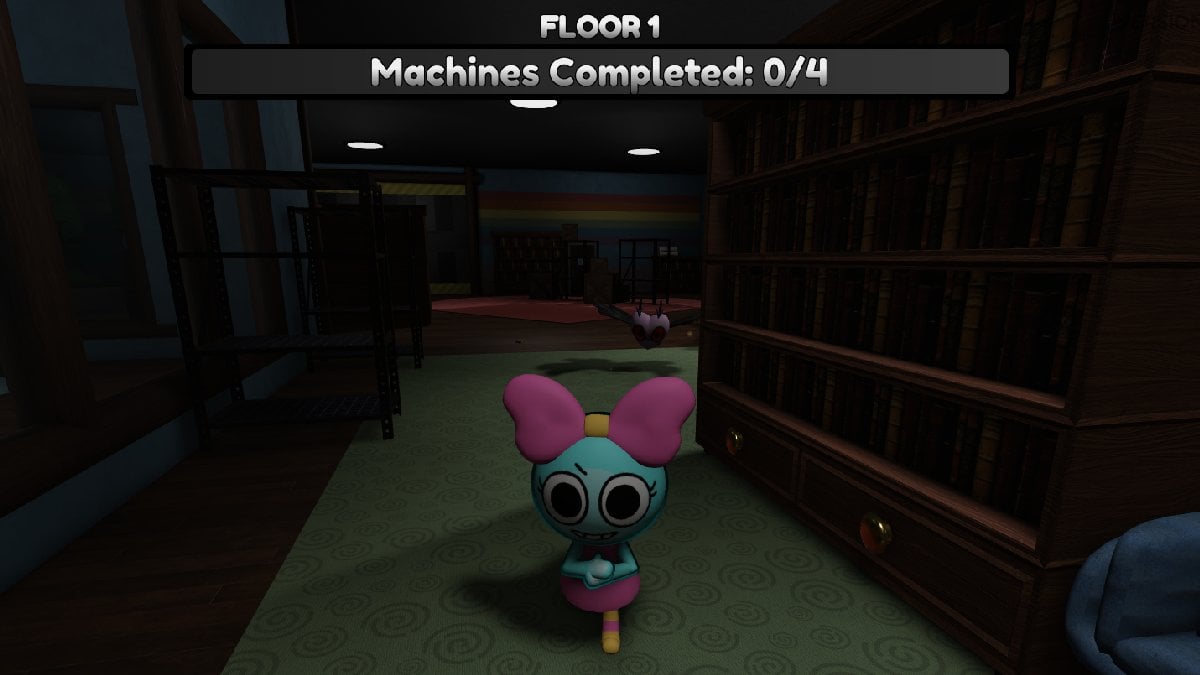
The images below are gameplay references from participating Roblox experiences, not screenshots of your personal Day 2 tracker. They illustrate the kinds of monsters and environments connected to the event; they do not prove that a particular quest has saved or reset. Each image links to its source and is labeled with its context.



Related Roblox Halloween guides
For more context, read our The Hollow quest board update for October 23 and what changes when The Hollow maze resets each night. These guides cover event objectives and maze changes separately; neither should be treated as proof of a universal progress carry-over rule.
Official social updates and the live event
Use the official Roblox newsroom and the live experience page as the first places to check for changes. Roblox’s event announcement is the strongest source for event-wide dates and structure; the live objective screen is the better source for account-specific progress.
Roblox on X · Roblox on Instagram · Open The Hollow on Roblox
Frequently asked questions
Has Roblox confirmed that all The Hollow progress carries over between nights?
No. Roblox confirms the nine-night event and quest rewards, but its public announcement does not state a universal carry-over rule for every counter, unfinished quest, or reward.
Will I lose unfinished progress if I leave The Hollow?
The official announcement does not say that leaving always saves progress or always erases it. Check the tracker before leaving and compare it after rejoining.
Does a completed quest mean the reward has been claimed?
Not necessarily. Look for a separate claim action or confirmation and check the inventory or reward record afterward.
Do new monsters mean all previous quests reset?
Not automatically. Roblox confirms a new monster appears each day, but that does not establish a universal reset rule for all earlier objectives.
When does The Hollow reward collection end?
Roblox’s October 21 announcement says players can continue collecting rewards until noon Pacific time on November 2, 2026. Check the live hub for any separate task deadlines.
What should I do if my progress disappears?
Capture the before-and-after state, note the objective and time, restart the experience normally, and check whether the reward is in your inventory. If it still appears missing, contact Roblox Support through official channels; never share passwords or verification codes.
Bottom line: verify the tracker, not the rumor
The Hollow’s Day 2 activity is underway, but a new monster or a new daily maze does not prove that every quest resets—or that every unfinished step carries over. Roblox has confirmed the event structure and reward window, not one save rule for all objectives. Record your own tracker, claim rewards when the game says they are ready, and treat unsupported community claims as reports until they can be reproduced.
Author: Shivam Das
Editorial note: Images are historical gameplay references linked to their sources. They are not represented as current live-server evidence.






