

Quick answer: Roblox has not publicly confirmed that a progress-reset bug affects only mobile players in The Hollow. The official event announcement confirms a nine-night survival event with a new maze and monster each day, but it does not document a mobile-only reset defect. If your quest counter appears to reset on a phone or tablet, verify the objective in the live tracker before assuming the progress is permanently lost.
Updated October 24, 2026 · For U.S. players · By Shivam Das

Is The Hollow progress reset bug affecting only mobile players?
That claim is not verified by the public sources reviewed for this article. Roblox's official announcement describes The Hollow as a shared Halloween survival event featuring nine well-known horror-game monsters over nine nights. Players navigate a new maze, search for clues, evade monsters and complete quests for avatar rewards. The announcement does not identify a mobile-only bug or state that mobile quest progress is being erased.
That distinction matters. A player seeing a counter change after reconnecting is a useful report, but it does not by itself establish the cause, prove that progress was permanently deleted, or show that desktop players are unaffected. The problem could involve an objective's own reset rules, a delayed tracker refresh, a reward that still needs to be claimed, a temporary connection issue or a genuine game defect. Those are possibilities to test—not confirmed explanations.
Read Roblox's official announcement for The Hollow and open the official The Hollow experience for current in-game instructions.
What Roblox has confirmed—and what remains unknown
- Confirmed: The Hollow is a nine-night Halloween survival event with a different monster appearing each day.
- Confirmed: Players explore mazes, search for clues and complete quests for event rewards.
- Confirmed: Roblox announced that reward collection continues until noon Pacific time on November 2, 2026.
- Not confirmed in the public announcement: A bug that affects only mobile players.
- Not confirmed: A universal rule that all unfinished quest progress resets when a player leaves or changes devices.
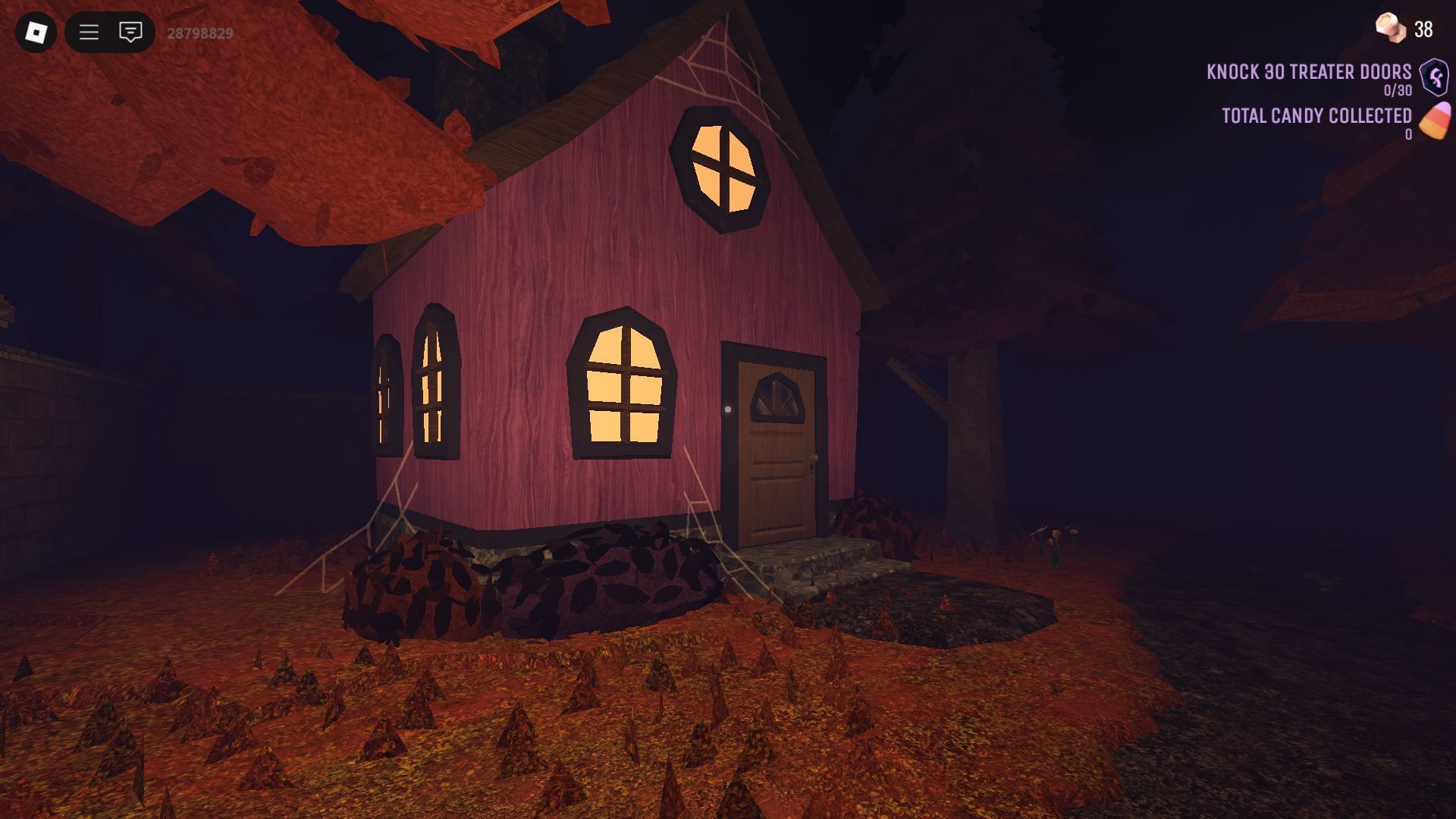
How to check a suspected progress reset on mobile
- Read the exact quest text. Check whether the task is a daily objective, a multi-step quest, a reward claim or a task completed in a participating experience.
- Record the tracker before leaving. Take a screenshot of the objective name, counter and status. Avoid sharing private account information in public posts.
- Wait for confirmation. If the game displays a completion message, check mark or updated counter, allow it to appear before closing the experience.
- Reopen the official event. Return through Roblox's official The Hollow page, then check the same objective again. Give the interface a moment to refresh.
- Check the reward separately. If the task has a claim button or separate reward step, complete it and confirm the item appears in the relevant inventory or event interface.
- Compare devices only if practical. If you can safely test the same account on another supported device, record what happens with the same objective. A single comparison is not proof of a platform-wide bug.
- Report repeatable failures. Include device model, operating-system version, Roblox app version, approximate time, objective wording and screenshots when contacting official support or the experience's official channels.
Why mobile players may notice a different result
Phones and tablets can have different network conditions, memory pressure, app lifecycle behavior and interface layouts from desktop computers. Switching apps or briefly losing a connection may interrupt a session. Those general differences can help explain why two players describe different experiences, but they do not establish that The Hollow has a mobile-only defect.
Keep observations separate from assumptions. “My counter showed 2/3 before I left and 0/3 after I rejoined on an iPhone” is a specific observation. “Roblox is resetting all mobile players” is a much broader claim that requires evidence from multiple reproducible tests or an official acknowledgement.

What to do if progress really disappears
First, avoid repeating a long quest until you have checked whether the tracker is delayed or the reward is waiting to be claimed. Re-enter the official event, inspect the objective, and keep a record of the visible status. If the same progress loss repeats, report it through Roblox's official support route and include the steps that reproduce it.
Do not give anyone your password, session cookie or verification code in exchange for a promised progress restoration. Avoid third-party “free reward” pages that ask you to sign in outside Roblox. A screenshot or social-media clip can document an individual case, but it should not be treated as an official fix unless Roblox or the relevant developer confirms it.

Official event details and source notes
Roblox's October 21, 2026 announcement is the primary source for the event format, daily mazes, monsters and reward window. The live The Hollow experience page is the best place to check current event instructions. The public announcement reviewed for this report does not confirm a mobile-only progress reset bug.
Editorial standard: This article distinguishes official event facts from unverified player reports. Historical images are explicitly labelled and are not presented as screenshots of the current event or proof of the alleged bug.
Frequently asked questions
Has Roblox confirmed a mobile-only progress reset bug in The Hollow?
No. The public Roblox event announcement reviewed for this article does not confirm a defect that affects only mobile players. Treat individual reports as reports until an official notice or repeatable evidence establishes more.
Will I lose The Hollow progress if I leave on mobile?
The public announcement does not establish a universal save-or-reset rule for every objective. Check the live quest tracker, follow the task wording and verify the same objective after rejoining.
How can I tell whether a reward was claimed?
Look for the reward's status in the event interface and check whether a separate claim step is required. A completed objective and a claimed reward may be shown separately.
Should I reinstall Roblox to fix a progress issue?
Do not start with reinstalling. First rejoin through the official event page, check the tracker and document the result. If the app repeatedly fails, consult official Roblox troubleshooting guidance before taking more disruptive steps.
Where should I report a repeatable mobile issue?
Use Roblox's official support channels or the relevant experience's official developer channels. Include the device and app details, objective wording, approximate time and screenshots that show the before-and-after state.
When does The Hollow reward collection end?
Roblox's announcement says players can continue collecting rewards until noon Pacific time on November 2, 2026. Check the live event interface for any separate task-specific instructions.
Author: Shivam Das






