

Roblox’s The Hollow Halloween event is live, and players trying to enter its maze may be frustrated if the mobile app stalls on a loading screen. However, as of October 23, 2026, we could not independently verify a widespread The Hollow-specific loading-screen bug or confirm that a recent soft patch caused it. Roblox’s public status page currently lists its Mobile App and Games components as operational, so this should be treated as a troubleshooting guide—not a confirmed platform-wide outage report.
A green status dashboard does not rule out a device-specific, regional, network, or individual-experience issue. It does mean there is not currently an official status incident confirming a broad Roblox mobile outage.
What is confirmed about The Hollow right now?
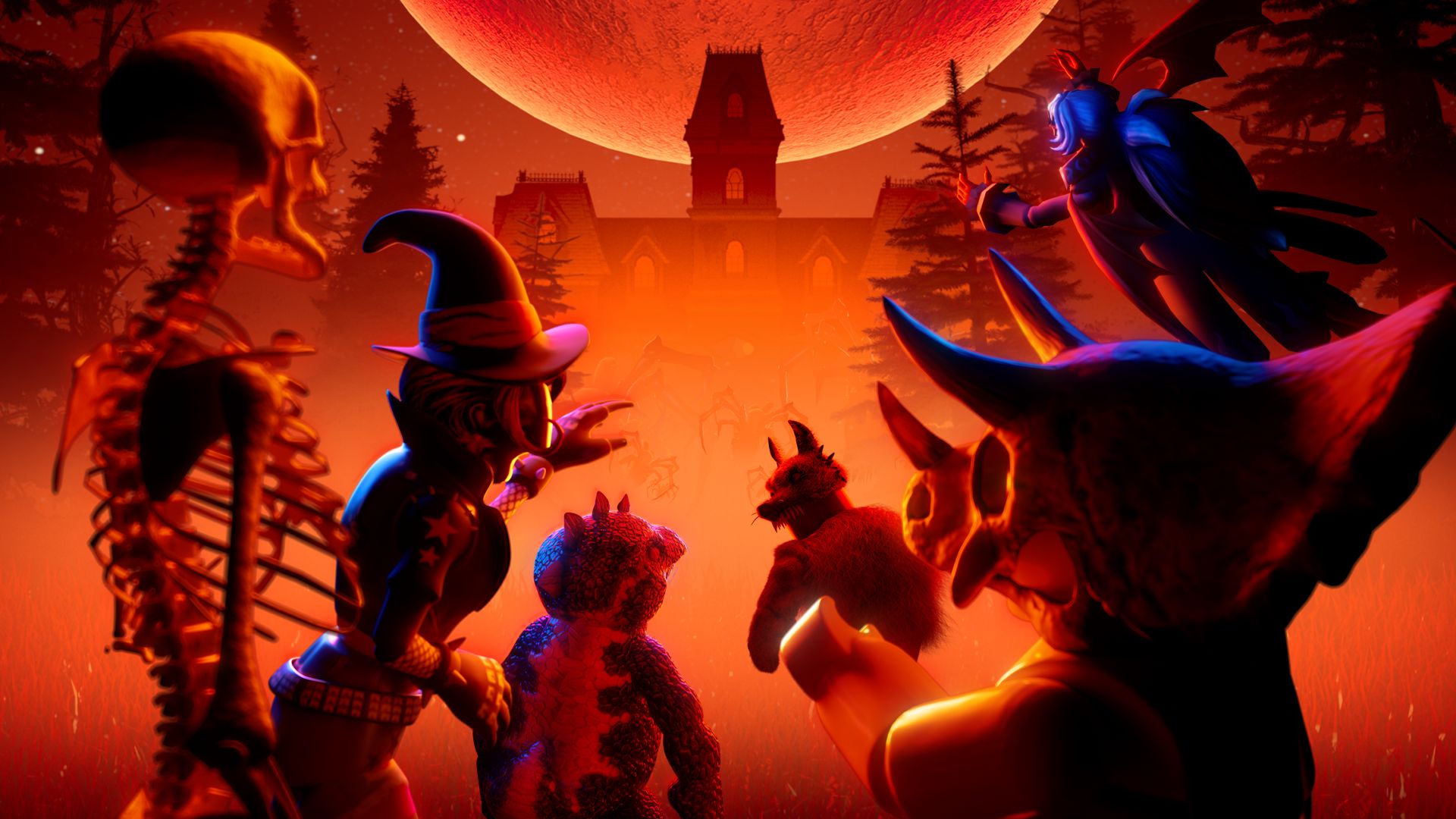
Roblox announced The Hollow as a Halloween survival event featuring nine horror-game experiences, daily monsters, quests, and avatar rewards. The official experience page shows the event is active. Roblox has not, in the sources checked for this report, published a notice confirming a mobile loading freeze caused by a new soft patch.
Open the official The Hollow experience on Roblox or review Roblox’s official event announcement.
How to troubleshoot a Roblox mobile loading freeze
- Check Roblox status first. Visit the official Roblox Status page.
- Fully close and reopen Roblox. Force-close the app rather than simply returning to the home screen.
- Restart your device. This can clear temporary memory or network-related problems.
- Switch networks once. If safe and available, compare Wi-Fi with mobile data.
- Update Roblox and your operating system. Use the official app store and avoid unofficial APKs or older client downloads.
- Try joining another experience. If other games load but The Hollow does not, that helps narrow the problem to an experience-specific or session-specific issue.
- Wait before reinstalling. Reinstall only after simpler steps fail, and make sure you know your account login details.
Is the latest soft patch responsible?
That cause remains unconfirmed. A loading freeze can come from a client update, device compatibility, a temporary network problem, cached app data, or an issue isolated to one experience. Without a reproducible report or an official developer statement tying the freeze to a specific patch, it would be premature to label the patch as the cause.
Players reporting a reproducible issue should include their device model, operating-system version, Roblox app version, approximate time, region, and the exact step where loading stops. Do not share passwords or private account details in public posts.
Where to check for verified updates
Monitor Roblox Status, the Roblox Developer Forum, and the official The Hollow experience page. Community posts can help reveal patterns, but individual reports are not proof of a widespread bug.
Frequently asked questions
Is The Hollow mobile loading bug officially confirmed?
No. We could not find an official confirmation of a widespread The Hollow-specific loading freeze or a statement linking it to a soft patch as of October 23, 2026.
Is Roblox down right now?
The public Roblox Status page currently lists its Mobile App and Games components as operational. Individual players can still experience localized or device-specific problems.
What should I do if The Hollow stays on the loading screen?
Check Roblox Status, force-close and reopen the app, restart the device, test another network, update the official app, and try another experience.
Where should I report a persistent loading issue?
Use Roblox’s official Android troubleshooting guide and provide device model, OS and app versions, failure time, and reproducible steps.
This article separates official event facts from unverified community-level troubleshooting reports. It should be updated if Roblox confirms a patch-related issue.
Official event announcement
Read Roblox’s official Developer Forum announcement for The Hollow.






