

Quick answer: Roblox has named nine experiences for The Hollow, scheduled for October 22, 2026. Which games will receive extra quests, stages, or rewards after launch is not confirmed. The best clues to watch are each developer’s update history, existing Halloween event schedules, and new announcements from Roblox or the game creators—not leaks or assumptions.
For players in the United States, the smart approach is to prepare a short watchlist rather than assume a mid-event expansion is guaranteed. The Hollow’s lineup gives players clear places to check, but an event teaser or a game’s own Halloween update does not prove that extra Hollow content is coming.
What is confirmed about The Hollow?
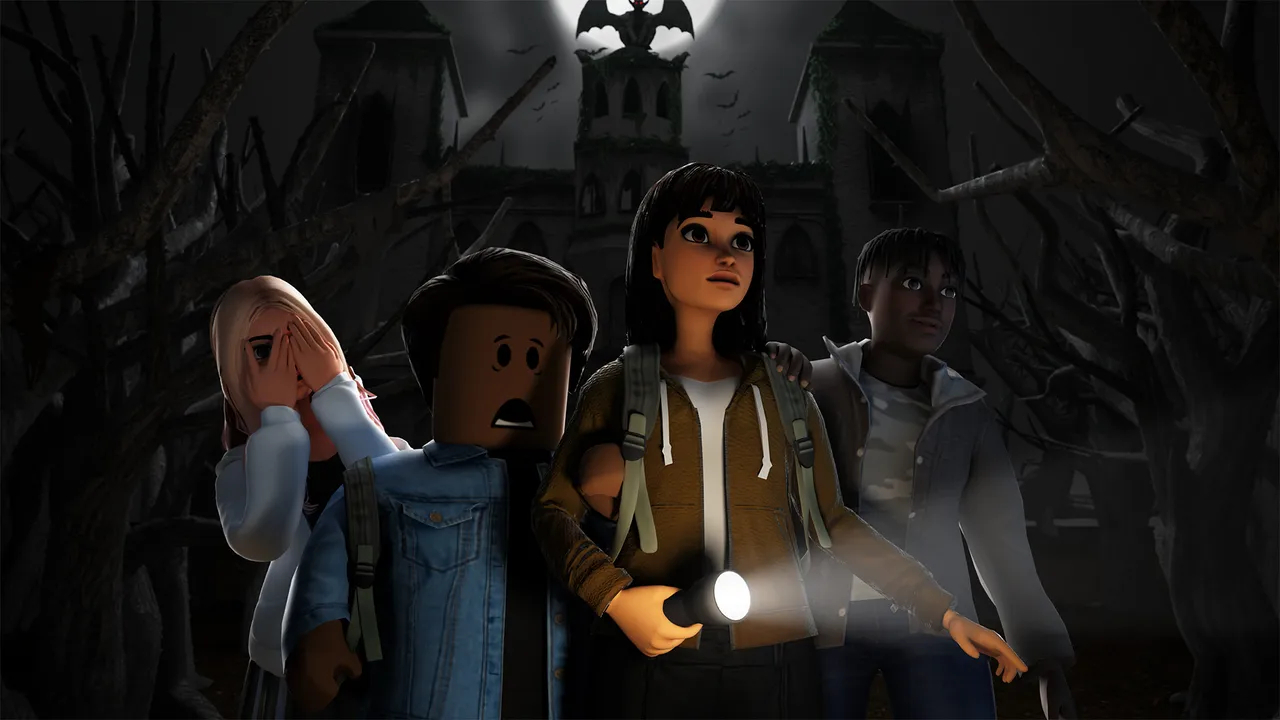
Roblox’s teaser points to October 22, 2026, and current event coverage reports nine participating experiences: DOORS, Piggy, Dandy’s World, 99 Nights in the Forest, Animal Hospital, The Mimic, Scary Shawarma Kiosk, Warden, and Demonology. The date and lineup are separate from the details players still need to verify in the live event: quest steps, reward requirements, the exact launch time, and whether additional content will arrive later.
That distinction matters. A developer can update its own game during Halloween without adding a new task to The Hollow. Until an official event page or developer announcement says otherwise, treat any claim about a bonus stage, surprise boss, extra reward, or delayed unlock as unconfirmed.
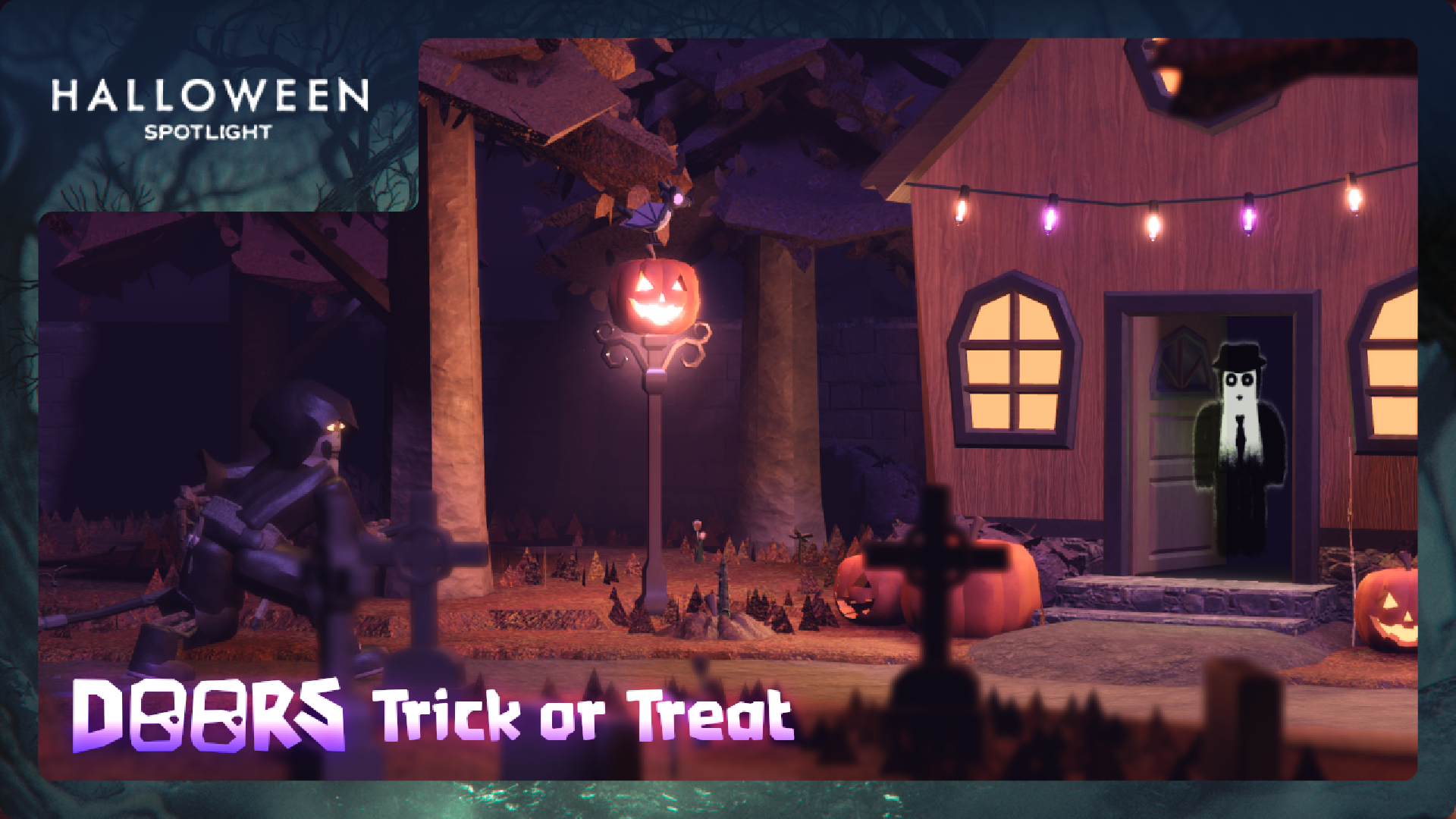
Five signals that could point to a mid-event update
1. A developer publishes a dated event schedule
The strongest early signal is a schedule from the experience’s own creator that lists multiple update windows, staged chapters, or a later reward drop. A single Halloween banner is not enough. Check the official Roblox experience page and the developer’s verified social channels, then compare the dates with The Hollow’s own announcements.
2. The game already has a seasonal content cadence
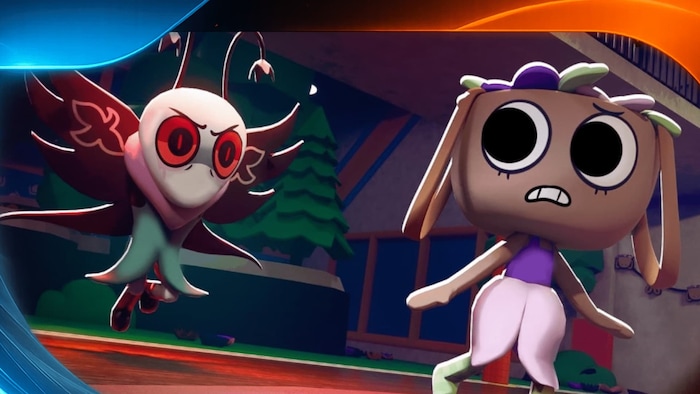
Games with seasonal maps, rotating quests, or time-limited cosmetics may have more reasons to refresh content during a long event. That is a reason to monitor them, not proof that they will receive extra Hollow quests. Dandy’s World, for example, has its own Halloween content and event listings; those should be tracked separately from platform-wide event tasks.
3. A new chapter is explicitly named
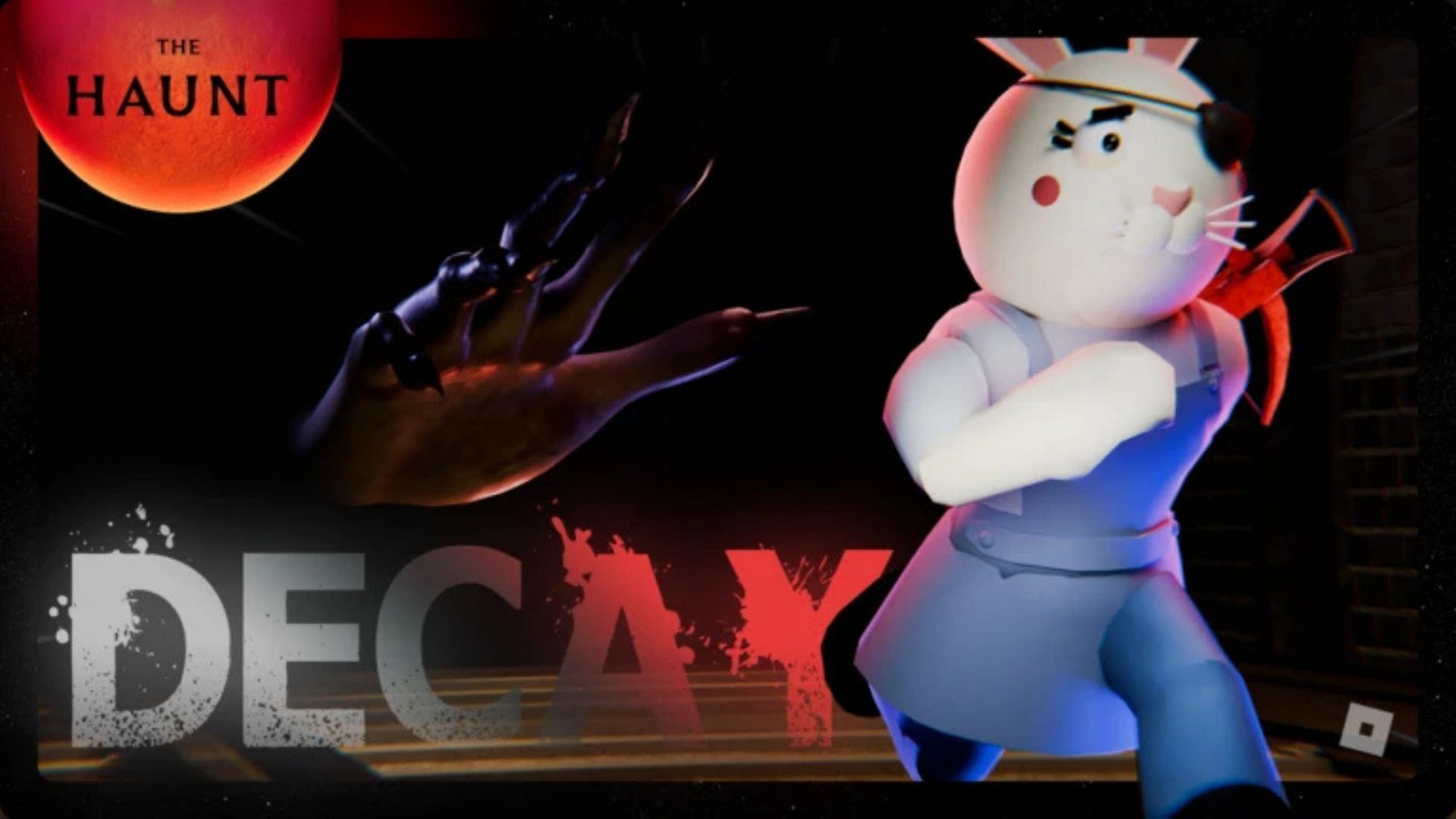
A chapter announcement is more meaningful than a vague teaser. Piggy’s event-related messaging, for instance, should be read literally: a named chapter can establish that the game has new content, but players should still look for wording that connects it to The Hollow before assuming it unlocks cross-event progress.
4. The creator posts new instructions, not just promotional art
Look for practical details: a new objective, a changed quest requirement, a new portal, a reward claim window, or a patch note naming the event. Promotional artwork can build excitement, but it rarely tells players what to do. Keep screenshots or links to the original announcement so you can distinguish a developer post from a repost or fan theory.
5. The live event hub changes
Once The Hollow opens, the event hub itself should be the first place to verify new portals, quest descriptions, progress indicators, and reward requirements. If a new task appears, check whether it is officially linked to the event. Avoid third-party pages that ask for a password, session cookie, verification code, or an “unlock tool” to claim a reward.
Which games should players watch first?
Rather than predict a winner, use this practical monitoring order:
- DOORS: Check the official experience page for its own scheduled Halloween content, then confirm whether any task is explicitly tied to The Hollow.
- Piggy: Watch for chapter notes or a developer announcement that names the event and explains any related objective.
- Dandy’s World: Track its seasonal event page and distinguish game-only rewards from platform-event rewards.
- 99 Nights in the Forest: Look for official patch notes or a clearly dated event announcement before planning a long session around a rumored quest.
- Animal Hospital, The Mimic, Scary Shawarma Kiosk, Warden, and Demonology: Follow each experience’s own announcements and verify new tasks inside the live hub.

How to avoid wasting launch-day time
- Bookmark the official event hub and the Roblox pages for the experiences you want to play.
- Complete only tasks whose requirements are visible in the game or announced by the developer.
- Take note of reward deadlines, server requirements, and whether progress saves between sessions.
- Recheck official announcements after patches; community posts can be useful leads but are not final confirmation.
- Do not spend Robux based on a rumor that a reward will become exclusive or more valuable later.
Related Roblox coverage
For launch context, read Roblox The Hollow: start date and what players know so far and The Hollow DOORS quest: what players should prepare. For the difference between the platform event and individual game updates, see The Hollow vs. individual Roblox Halloween events.
Frequently asked questions
Which Hollow games are most likely to receive extra content?
No reliable ranking can be confirmed before the developers announce additional content. Watch official schedules, patch notes, and live hub changes rather than treating a game’s popularity as proof.
Has Roblox confirmed a mid-event update?
A general promise of extra mid-event content has not been verified here. The confirmed event date does not establish later update dates or bonus rewards.
Can a game’s Halloween update count as a Hollow quest?
Not automatically. It counts as Hollow-related only when the event hub or the developer explicitly connects the activity to The Hollow.
Where should players verify new rewards?
Use the live Roblox event hub and the official page or announcements from the relevant experience creator. Be cautious with reposted images and reward claims that have no traceable source.
Should players wait before claiming rewards?
Do not delay a confirmed, time-limited reward just because an extra reward is rumored. Follow the visible deadline and revisit the official hub for updates.
Reporting note: This guide separates confirmed event information from predictions. Images are historical or game-specific context and are not presented as screenshots of The Hollow 2026. Update this guide when Roblox or participating developers publish verified quest or reward changes.






