

Quick answer: Roblox supports friend-invite prompts in experiences that implement them, but that does not guarantee The Hollow hub will offer a dedicated invite button or that every invite will work instantly during launch traffic. Roblox’s public event announcement says The Hollow opens October 22, 2026, at 2 p.m. Pacific Time. It does not explain a special Hollow-only friend-invite feature. Plan to join through Roblox’s normal friend and experience tools, then follow any instructions shown in the live hub.
For US players, the practical question is whether friends can enter the same experience, stay connected, and regroup if a server is full or someone disconnects. Coordinate before launch, use Roblox’s built-in controls, and avoid third-party queue-bypass or reward links.
What Roblox has confirmed about The Hollow
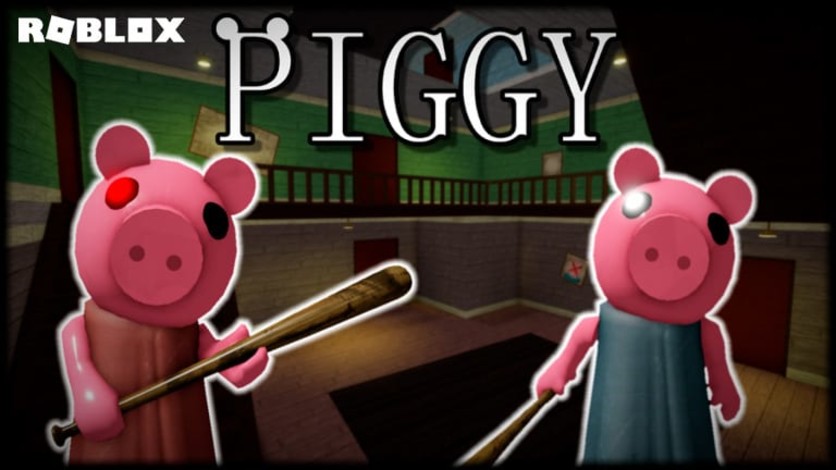
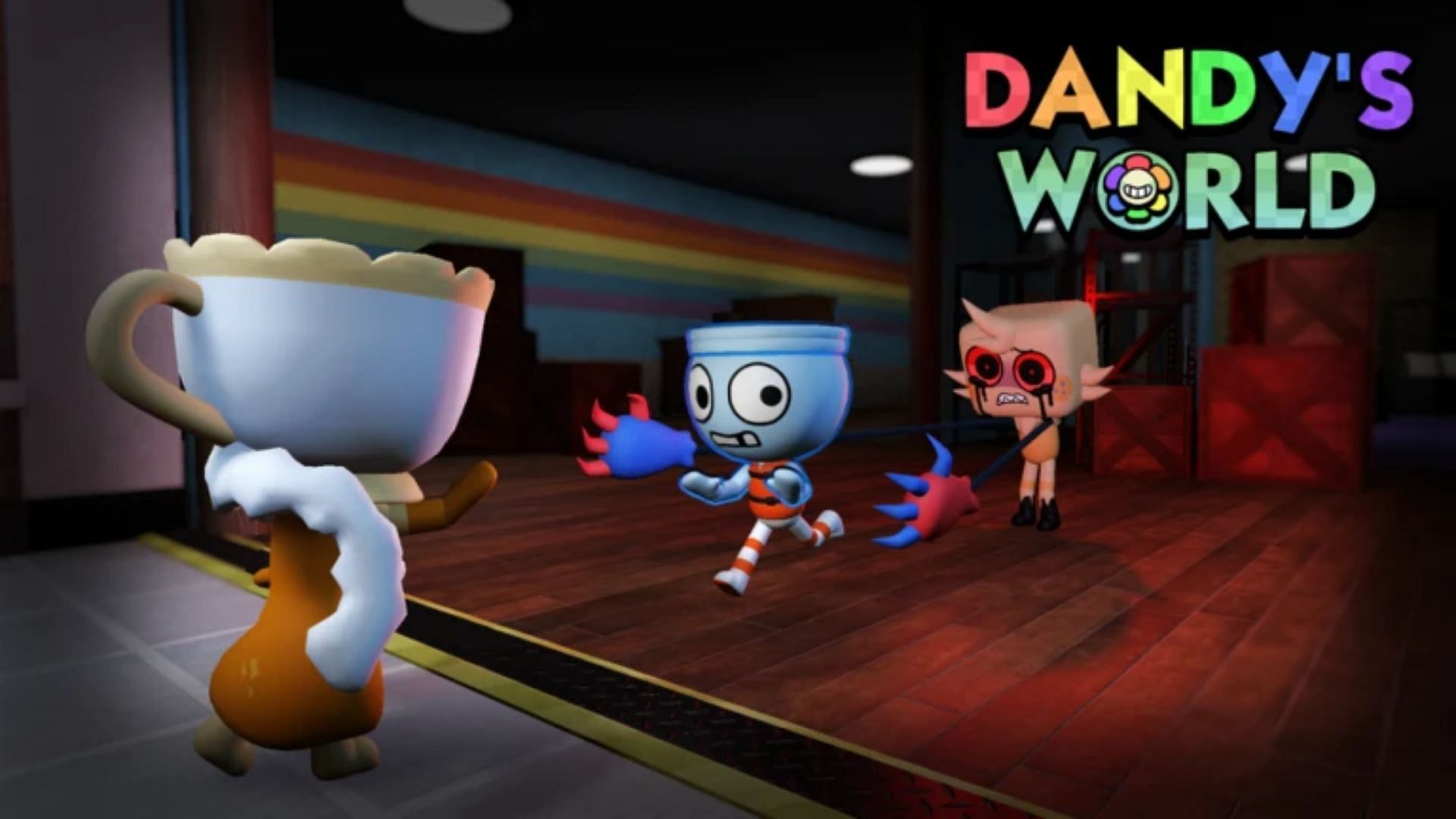
Roblox says The Hollow begins at 2 p.m. PT on October 22 and runs through November 2, with a different monster appearing across nine days and a live finale on October 31. Players will explore a maze, search for clues, evade monsters, and complete quests for rewards. The announcement names nine horror experiences: DOORS, Piggy, Dandy’s World, 99 Nights in the Forest, Animal Hospital, The Mimic, Scary Shawarma Kiosk, Demonology, and Warden.
The public announcement does not specify queue priority for friend groups, a dedicated invite system for The Hollow, or a guarantee that friends will be placed in the same server. Treat those details as unconfirmed until the live hub or an official Roblox help page says otherwise. Read the official Roblox event announcement.

Does Roblox’s friend-invite system work during peak hours?
Roblox documents a developer feature called invite prompts. When a game creator implements it, a player may be able to invite one or more friends through a built-in selection menu. Roblox notes that invite availability can depend on the platform or player, and developers are expected to check whether an invite can be sent before opening the prompt.
The platform has invite technology, but each experience must support the relevant flow. Roblox’s documentation does not promise that The Hollow’s event hub uses a custom invite prompt, nor does it guarantee a place in a particular server during a busy launch. The Roblox Creator Hub guide to invite prompts explains the system for developers; it is not confirmation of a specific Hollow feature.
Best way to join The Hollow with friends
- Coordinate before 2 p.m. PT. Agree on who will host the first attempt and keep Roblox usernames ready.
- Use Roblox itself. Join through Roblox’s own profile, friends list, or official event controls if displayed. Never share passwords, browser cookies, or verification codes.
- Check the live controls. If the hub exposes a party or invite option, follow its instructions. If no such option appears, do not assume a hidden feature exists.
- Have a regroup plan. If players enter separate servers, retry the normal friend-join flow after checking whether joining that server is permitted.
- Keep the event page handy. Follow the official listing instead of copied social graphics.

What to do if an invite fails
Check the exact on-screen message first. Confirm that both players are signed in, the Roblox app is current, and account settings and regional availability allow access. Retry the normal join flow once, then wait briefly. If one player reaches the hub and the other does not, share the official Roblox event listing—not a third-party “join now” site. If the error persists, consult Roblox Support and include the error text, device type, and approximate time. Never download an unofficial launcher or give another player your login details to “fix” a queue.
Mobile, PC, and console: does the device change invites?
Roblox’s documented invite feature can vary by platform or player eligibility, so do not assume every device exposes identical controls. Before launch, update Roblox, sign in on the device you plan to use, and check that you can open a friend’s profile and join an ordinary experience. For launch day, a stable connection and a prepared friend list are more useful than switching devices repeatedly.
What we still do not know
- Whether The Hollow hub will display a dedicated party or friend-invite button.
- Whether launch queues will prioritize friends or keep groups together automatically.
- Whether server capacity or device-specific restrictions will affect joining a friend.
- Whether Roblox will publish a separate troubleshooting guide for this event.
These are live-event questions, not facts to fill in with guesses. We will treat a feature as confirmed only if Roblox documents it or it can be verified directly in the event.
Frequently asked questions
Can I invite friends to Roblox The Hollow?
Roblox supports friend-invite tools in experiences that implement them, but a dedicated The Hollow invite feature has not been confirmed in the public event announcement. Check the live hub for its actual controls.
Will friends automatically enter the same server?
There is no published guarantee that The Hollow will automatically group friends together during peak launch traffic. Use Roblox’s normal friend-join options and follow in-game instructions.
What time does The Hollow open in the United States?
Roblox says the public event begins October 22, 2026, at 2 p.m. Pacific Time—3 p.m. Mountain, 4 p.m. Central, and 5 p.m. Eastern on that date.
What if a friend invite fails?
Check the error message, app updates, account access, and official event listing. Retry through Roblox’s built-in controls, and contact Roblox Support if the problem continues.
Are third-party queue or reward links safe?
Avoid sites that ask for your Roblox password, session cookie, or verification code, or promise guaranteed queue access. Use Roblox’s own app, event listing, and support pages.
Sources and reporting notes
This guide separates Roblox’s published event details from features that have not been confirmed for The Hollow. Sources: Roblox’s The Hollow announcement and Roblox Creator Hub invite-prompt documentation. Game images are credited in their captions and are illustrative context, not screenshots of the live event hub.






