

For U.S. players · Updated October 20, 2026 · By Shivam Das
Quick answer: The biggest Day 1 mistake in Roblox’s The Hollow will be treating guesses as instructions. The event is expected on October 22, 2026, but players should verify the live hub, available quests, reward conditions, and any timers in-game before committing hours to a route. Prepare your account and a short checklist now; adapt once the real objectives appear.
The Hollow is close enough that social feeds are filling with predictions, supposed reward lists, and confident launch-time claims. That creates a familiar problem: a useful preparation tip can sit right beside an unverified rumor. This guide focuses on mistakes you can avoid without pretending that unreleased mechanics are already known.
What is actually known before launch?
Roblox’s teaser has been reported as showing October 22, 2026. Current coverage also names nine experiences associated with The Hollow: DOORS, Piggy, Dandy’s World, 99 Nights in the Forest, Animal Hospital, The Mimic, Scary Shawarma Kiosk, Warden, and Demonology. Because event details can change and secondary reports may interpret social posts differently, use the live Roblox event hub and each developer’s own announcement as the final authority.
The exact opening time, the complete quest steps, every reward, and the end date should not be assumed unless they are visible in official event information. A game update landing on the same date is not, by itself, proof that it belongs to The Hollow.
1. Mistake: logging in without checking your account first
Do not discover on launch day that you cannot access your account, that your email is outdated, or that you have forgotten your password. Sign in ahead of time, check that your recovery options work, and make sure you can complete your normal verification steps. If you play on a shared device, check that you are using the correct account before starting a quest.
Never hand your password, two-step verification code, or browser session cookie to a “reward checker” or a person claiming to unlock an exclusive Hollow item. Roblox’s own guidance says to keep account credentials private and be cautious of free-Robux or reward-generator promises. Use the official app or website instead of links from unsolicited messages.
Official safety resources: Keep Your Account Safe and Free Robux or Subscription Generators.
2. Mistake: trusting a viral “complete quest list” before the hub opens
A polished graphic is not proof. Before The Hollow is live, lists of exact quest steps, item names, currencies, and reward requirements may be predictions, recycled material from older events, or outright fabrications. Do not spend Robux, trade a valuable item, or grind a game solely because a post claims it is required for The Hollow.
On launch day, compare a guide with the actual in-game objective. Look for a link from Roblox’s event hub or a direct post from the game’s developer. If the claim cannot be matched to an official source, mark it “unverified” and move on.

3. Mistake: trying to finish every participating game in one sitting
If The Hollow links several experiences, hopping between all of them immediately may waste time. First, read the hub instructions and identify which objectives are available, which rewards you actually want, and whether a task requires a friend, a specific skill, or a longer run. Then complete one objective at a time and confirm that progress registered before leaving the experience.
Do not assume every game has the same difficulty or that a badge appears instantly. If a reward does not register, take a screenshot of the visible objective and check the game’s official help or update notes before repeating a long task. A short break and a clean checklist are usually more useful than blindly replaying the same section.
4. Mistake: ignoring device performance and controls
Before launch, update Roblox, close unnecessary apps, and test the device and network you plan to use. On mobile, make sure touch controls do not cover key prompts; on PC, check movement, camera sensitivity, and any interaction keys. If the experience becomes unstable, lower graphics settings where available and rejoin only after checking whether your progress is saved.
There is no verified basis to promise that PC or mobile will receive better Hollow rewards. Performance depends on the individual experience, device, connection, and settings. Choose the device on which you can navigate reliably, not the one a random post declares “best.”
5. Mistake: leaving before checking whether progress counted
After a quest, badge, or reward prompt, pause long enough to confirm the completion message or the relevant inventory entry. If the game uses a hub tracker, return to it and check the status. Avoid assuming that reaching the end of a round automatically records a reward.
If progress appears stuck, do not immediately repeat the entire quest. First, re-open the objective panel, allow a moment for the server to update, and check whether the item or badge has appeared. If the problem persists, capture the exact error and look for a developer status update. Do not trust unofficial “fix” sites that ask you to download files or share login details.
6. Mistake: following a crowd instead of reading the objective
Launch-day servers can be noisy. Other players may be testing routes, recording content, or repeating a theory that has not been verified. Read the task text yourself. If the objective asks for exploration, rushing directly to a popular location may be counterproductive; if it asks for a specific interaction, following a crowd without checking the prompt can send you in circles.
When playing with friends, agree on a simple role split: one person reads the objective, another tracks clues, and everyone confirms the completion state before moving on. For solo players, keep a short note of what you tried so that a reconnect does not force you to reconstruct the whole run.
7. Mistake: spending Robux before understanding the reward
Do not buy an item or currency because someone says it is essential for The Hollow unless the live event explicitly says so and you genuinely want it. Check the price, what the purchase provides, and whether the same objective can be completed for free. Never assume a limited-time purchase is required simply because the event is seasonal.
For younger players, set a budget with a parent or guardian before the event starts. A limited-time banner can create urgency, but urgency is not evidence that an item improves your odds of completing an event.
8. Mistake: treating every delay as a personal progress failure
Large launches can bring queues, server restarts, slow loading, or temporary tracking issues. If an experience is unavailable, check Roblox’s service status and the developer’s official channels before repeatedly rejoining. A delay does not automatically mean your account is broken or that you have missed a reward.
Keep your expectations flexible: a launch date does not guarantee every experience will be stable at the first minute. If the hub is crowded, use the time to read the published instructions, secure your account, or play later rather than following suspicious links promising a private server or instant access.
Day 1 checklist for U.S. players
- Sign in before launch and confirm account recovery options.
- Open The Hollow through Roblox’s official surfaces, not a random reward link.
- Read the live objective and reward conditions before starting a long task.
- Choose one priority objective and verify progress before switching games.
- Check performance and controls on your chosen device.
- Keep passwords, verification codes, and browser cookies private.
- Recheck official announcements if a quest, reward, or timer seems inconsistent.
Frequently asked questions
When does Roblox The Hollow start?
Current coverage points to October 22, 2026. Check Roblox’s official event information for the precise launch time and any last-minute changes.
Are all The Hollow quests and rewards known yet?
No complete, reliable checklist should be treated as final until the event is live and Roblox or participating developers publish the objectives. Verify each task in-game.
Which games are part of The Hollow?
Recent coverage names DOORS, Piggy, Dandy’s World, 99 Nights in the Forest, Animal Hospital, The Mimic, Scary Shawarma Kiosk, Warden, and Demonology. Confirm the roster through the live hub or direct developer announcements rather than relying on reposted lists.
Can I get exclusive rewards through a free Robux generator?
No third-party generator should be trusted with your account. Roblox warns users about free-Robux and subscription-generator scams. Never share passwords, verification codes, or browser cookies.
What should I do if a Hollow reward does not appear?
Check the objective tracker and inventory, wait briefly for the server to update, and review the developer’s official status posts. Capture the error before repeating a long quest, and avoid unofficial tools that request your login.
Sources and update policy
For event details, prioritize Roblox Events, the official Roblox newsroom, and announcements from the individual experience developers. For account protection, use Roblox’s official account safety guidance. This article distinguishes launch preparation from details that still need confirmation; it will need a factual update after the live hub publishes its actual tasks and reward conditions.
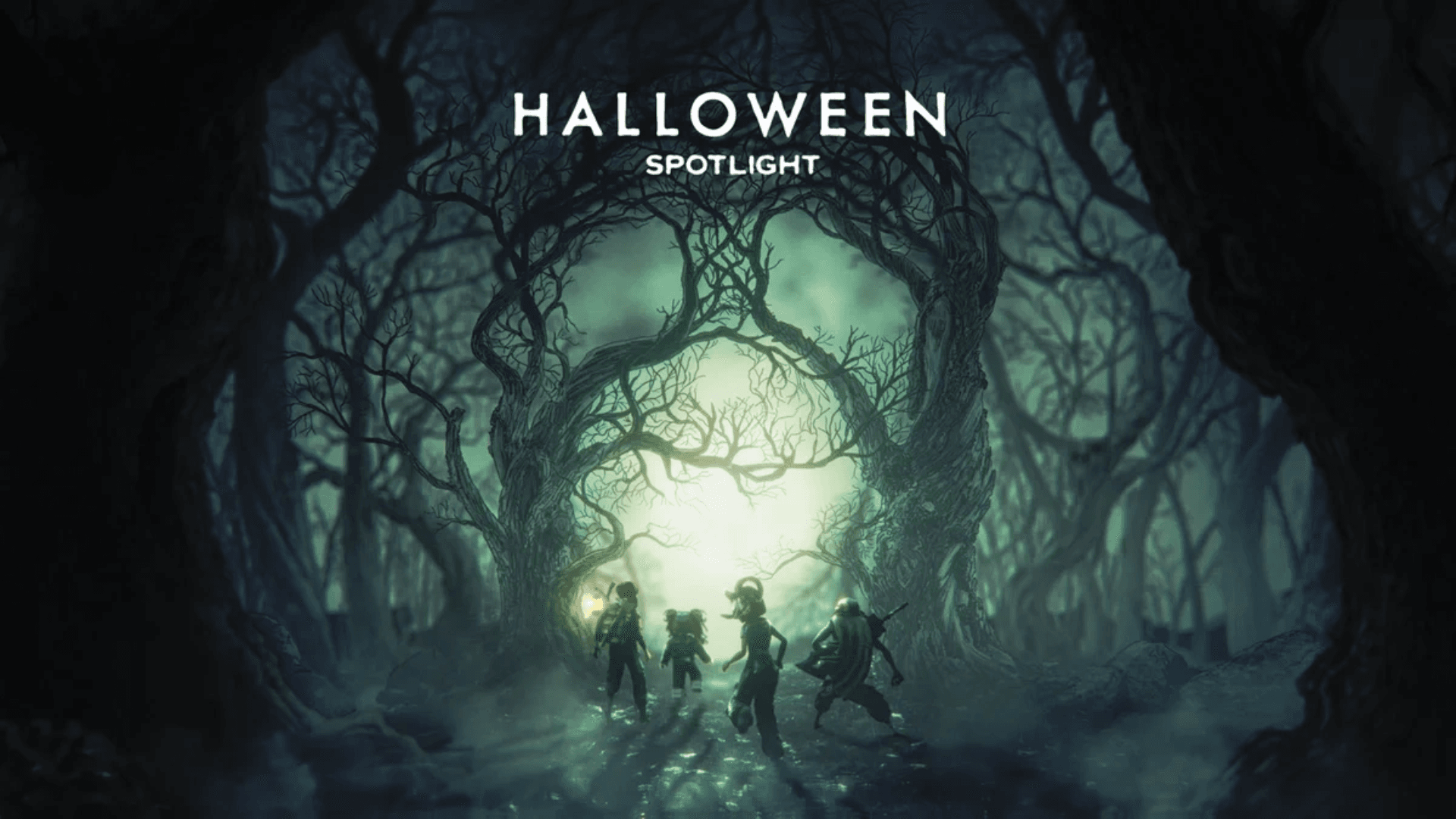
Editorial note: Images in this article are from previous Roblox Halloween coverage and are labeled as historical context. They are not presented as The Hollow 2026 gameplay or reward previews.
Author: Shivam Das






