

Quick answer: Roblox players commonly report an idle disconnect after about 20 minutes, but that is not a guaranteed timer for every experience. We could not verify a separate, official AFK-kick minute count for The Hollow. A queue timeout, an experience-specific AFK rule, and a network disconnect are different problems.
For U.S. players · Updated October 22, 2026 · By Shivam Das
Getting disconnected while waiting for a limited-time event can mean losing your place or needing to check whether your progress saved. The safest approach is to treat “about 20 minutes” as a widely reported platform behavior—not a promise that The Hollow’s queue will wait that long or kick you at that exact moment.
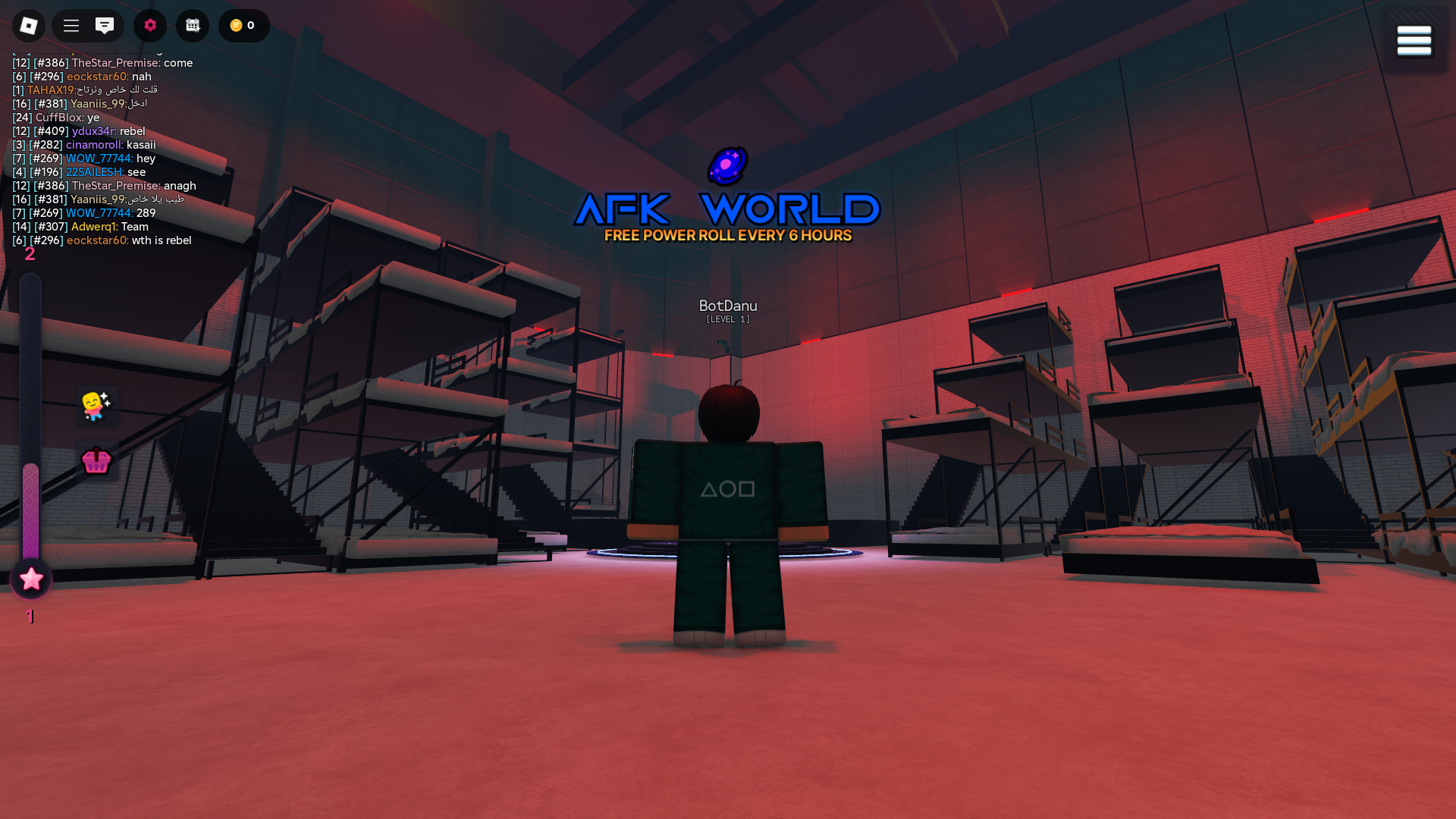
How many minutes before Roblox kicks an AFK player?
About 20 minutes is the commonly reported figure for Roblox’s platform-level idle disconnect. Roblox’s public Creator Hub documents the Player.Idled event for developers, but it is not a player-facing setting and does not promise one universal kick time across all experiences. Individual game developers can also create their own inactivity rules.
So, although “Roblox AFK kick timer” searches often return a 20-minute answer, the exact number should not be presented as an official The Hollow rule. We could not find a public Roblox statement specifying a Hollow-only AFK timer. Check the live event hub and in-game messages for current rules.
AFK kick vs. queue timeout vs. connection error
- Platform idle disconnect: Roblox disconnects an inactive session after a period of inactivity; around 20 minutes is commonly reported.
- Experience AFK kick: A particular game may remove inactive players, pause rewards, or move them to an AFK area on its own schedule.
- Queue timeout: A queue can expire or fail independently of the platform’s idle timer. Do not assume both clocks are the same.
- Connection or app issue: Wi-Fi changes, mobile background restrictions, device sleep, server maintenance, or a crash can disconnect an active player.
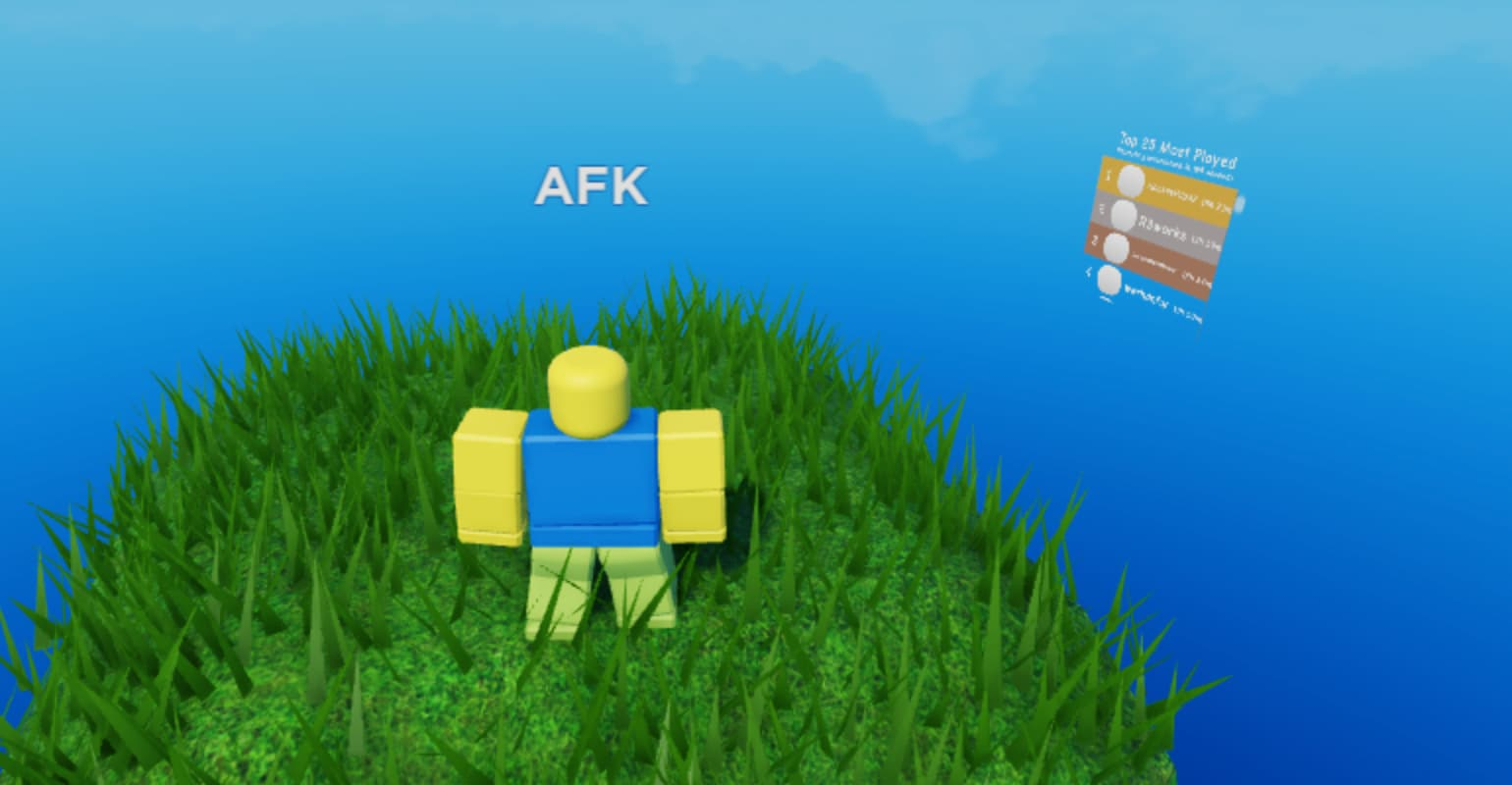
How to reduce the risk of losing your place in The Hollow
- Stay present while queued. Keep Roblox in the foreground and interact normally when needed. Do not assume a queue will hold your spot indefinitely.
- Check the official event hub. Use Roblox’s live event page and in-game messages for access instructions, maintenance notices, and event-specific rules.
- Keep your device awake. On mobile, backgrounding Roblox or letting the device sleep can interrupt play. On PC, make sure the game has not lost focus or been paused by the operating system.
- Use in-game checkpoints. If the experience offers a save or checkpoint, use it. Do not assume every kind of progress survives a disconnect.
- Rejoin through Roblox. Avoid third-party queue-fixer sites, exploit scripts, or anyone asking for your password, browser cookies, or verification code.

What Roblox has confirmed about The Hollow
Roblox’s official newsroom says The Hollow begins at 2 p.m. Pacific Time on October 22, 2026, with Roblox Plus members receiving early access at noon Pacific Time. The announcement describes nine nights of survival and says players can continue collecting rewards until noon Pacific Time on November 2. It does not state a separate AFK-kick timer.
Read the official Roblox Newsroom announcement for event details.
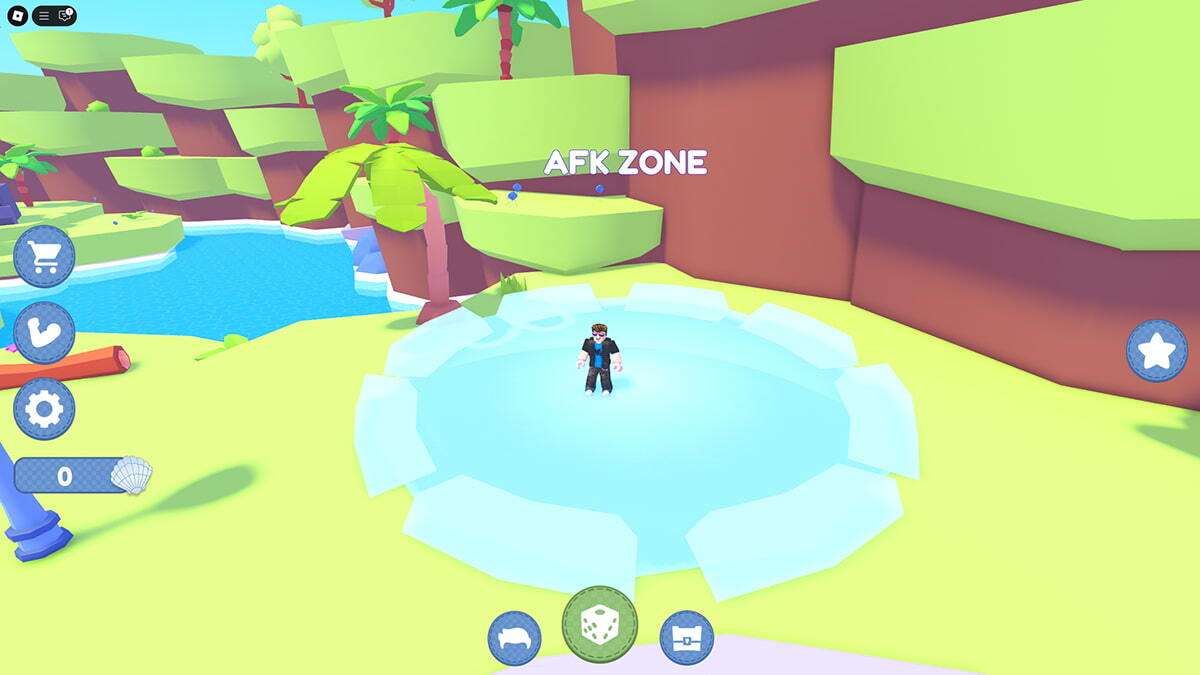
Can you disable the Roblox AFK kick?
There is no documented universal player setting that guarantees an inactive Roblox session will stay connected. Some experiences offer their own AFK areas or idle-play features, but those may only affect that game’s rules. Avoid “undetectable” anti-AFK scripts and automation tools; they are unsupported and can put your session or account at risk.
What to do if The Hollow disconnects you
Read the message Roblox shows. An inactivity notice points toward an idle disconnect; a generic connection error may indicate a network or server issue. Reopen the official experience, check Roblox’s event updates, and confirm your progress in-game. If you are repeatedly disconnected while actively playing, save the error message and approximate time before contacting Roblox Support or the experience developer.
For developer-facing detail, see the Roblox Creator Hub documentation for Player.Idled. This API documentation is not a promise of a specific player timeout.
Frequently asked questions
What is the Roblox AFK kick timer in minutes?
About 20 minutes is the commonly reported platform-level idle-disconnect window. Roblox does not offer it as a player-configurable setting, and individual experiences may use separate rules.
Does The Hollow kick players after exactly 20 minutes?
We could not verify an official The Hollow-specific timer. Treat 20 minutes as a general reported behavior, not a confirmed rule for The Hollow’s queue.
Is the queue timer the same as the AFK timer?
No. A queue can expire or fail for reasons unrelated to inactivity. Use the in-game message and official event guidance to identify the problem.
Will I lose Night progress if I get kicked?
That depends on the experience’s checkpoint and save mechanics. The official announcement does not guarantee that every kind of progress survives a disconnect.
Can I use an anti-AFK script to stay connected?
We do not recommend exploit scripts or third-party automation. Use only features provided by the experience developer and follow Roblox’s rules.
Where should I check for The Hollow updates?
Start with the official Roblox Newsroom announcement and the live event hub in Roblox. Treat unsourced social posts and leaked timer claims as unverified.
Bottom line: Around 20 minutes is a useful estimate for Roblox’s commonly reported idle disconnect, but it is not an official, guaranteed AFK timer for The Hollow. Stay active while queued, check the live event hub, and distinguish an AFK kick from a queue or network failure.
Image note: These images show AFK concepts or separate Roblox experiences. They are not presented as The Hollow screenshots or proof of its timer.






