

For U.S. players · Updated October 20, 2026 · By Shivam Das
Quick answer: You can make meaningful progress in a Roblox Halloween event in 10–30 minutes if you set one small goal, check the live event panel first, and stop when that goal is done. Start with the events whose listed windows are closest: Brookhaven’s current event listing is shown ending October 22, Adopt Me’s Halloween Week 3 listing October 23, and Steal An Egg’s Halloween Dimension and 99 Nights in the Forest’s Trick or Treat listing October 24. These are event-window dates, not proof that every individual item disappears at the same time. Confirm the countdown in the official game before relying on it.
This is a short-session plan, not a promise that every quest or reward can be fully completed in 30 minutes. Roblox experiences change, servers can be busy, and some objectives require more time or multiple visits.
Your 30-minute rule: choose one finish line
Before joining, decide what “done” means for this session. Examples include checking whether a reward is still claimable, completing one clearly displayed daily objective, visiting the event shop and recording prices, or confirming whether your progress saved. Do not start a long survival run if you only have a few minutes.
- Minutes 0–3: Open the official Roblox experience page or in-game event board. Check the event countdown, requirements and any update notice.
- Minutes 3–20: Work on one objective with a visible completion condition. Avoid switching between unrelated tasks.
- Minutes 20–25: Claim the reward if the game requires a separate claim action, then check your inventory, badge list or quest tracker.
- Minutes 25–30: Note what remains, exit safely and decide whether another session is worth it.
Best short-session picks for October 20–24
1. Brookhaven: do a fast deadline check first
The current event tracker lists a Brookhaven RP event ending October 22, 2026. Use a short visit to inspect the live event panel and any visible task or reward you care about. If there is no clear event objective in the game, do not spend the whole session hunting for a reward based on an old screenshot. The listed end time can change, so confirm it in the live experience.
2. Adopt Me: check the Halloween Week 3 panel
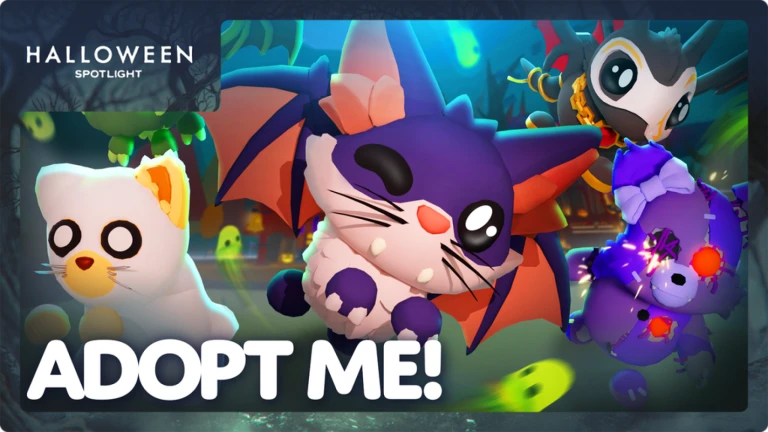
The current event calendar lists Adopt Me’s Halloween Week 3 update through October 23. A 15–20 minute check is useful if you already know which event activity you want to try: open the current event area, read the objective, and confirm that the reward or currency is actually available. Don’t assume a previous year’s minigame, item price or schedule is unchanged.
3. Steal An Egg: prioritize one Halloween Dimension objective
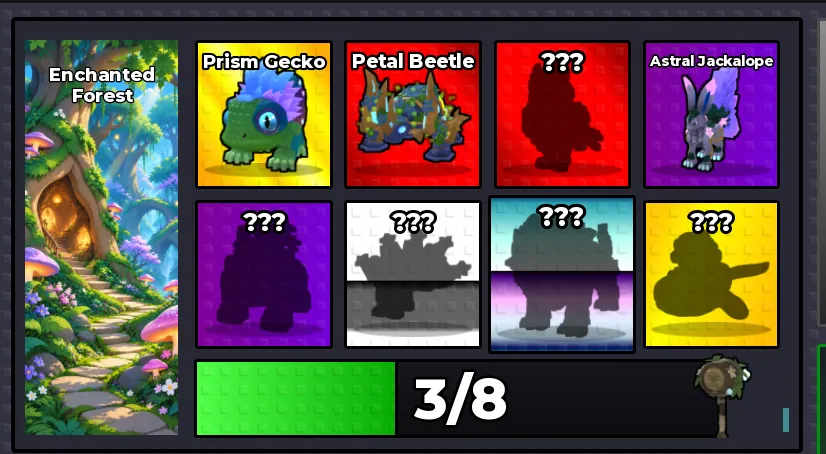
The Halloween Dimension event listing is currently shown through October 24. Use a short session to enter the dimension, read the actual objective text and choose one achievable target. If an egg, boss, gate or shop item has a specific requirement, trust the current in-game text over a copied guide. Do not spend Candy Corn or trade valuable items based only on a rumor about a secret reward.
Related reading: Steal An Egg Candy Corn: farming priorities for the final 72 hours.
4. 99 Nights in the Forest: check the event board before starting a run

The current listing shows the Trick or Treat event window through October 24. Because survival objectives can run longer than a quick visit, don’t launch a full run unless you have time. Instead, use the first few minutes to inspect the event board, learn the current requirement, and determine whether a short task can be completed independently. If a goal requires a long night or several stages, save it for a longer session.
5. Choose a quick minigame only if its live rules fit your time
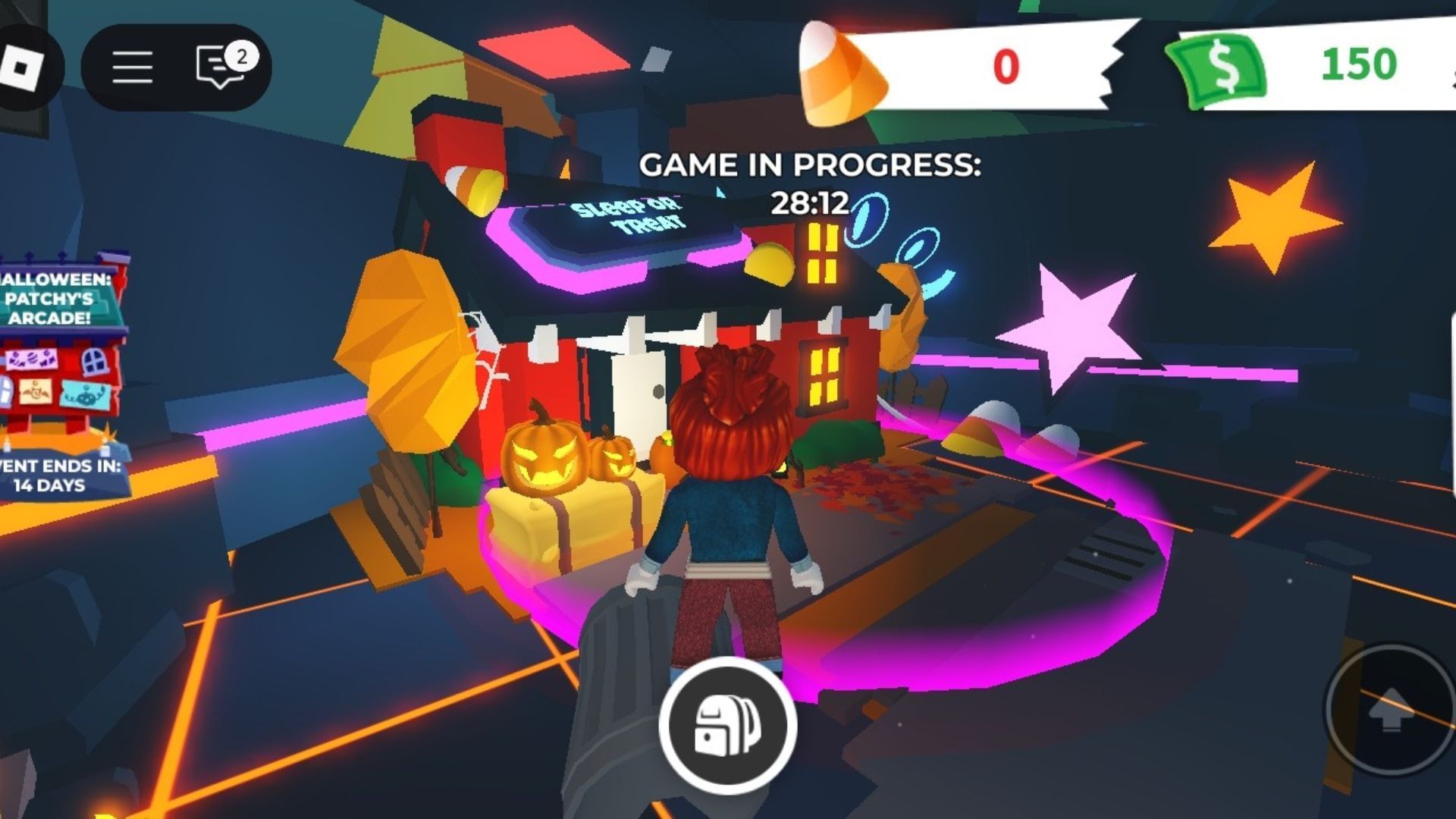
Some seasonal activities are built around rounds or repeatable minigames, which can fit a short session better than open-ended survival or collection grinding. Check the live timer and reward rules first. If a round lasts longer than your available time, pick a different activity rather than leaving midway and risking lost progress.
A quick priority list for busy U.S. players
- First: Check any event or reward with a countdown ending before October 24.
- Second: Finish one already-started quest whose remaining steps are clearly visible.
- Third: Claim completed rewards and verify they registered.
- Last: Explore secrets, repeatable grinds and unconfirmed rumors only if you still have time.
For current event windows, the Roblox events calendar is a useful third-party overview, but use each experience’s official Roblox page and in-game countdown as the final check. Roblox’s own Events page is another starting point. An event listing does not guarantee every item has the same deadline.
Five-minute account-safety check
Never sign in through a third-party “free Robux” or reward generator, and never share your password, browser cookie or two-step verification code. If a short-session guide asks you to visit an unfamiliar claim page, stop and open the game directly through Roblox instead. See Roblox’s guidance on fake free-Robux offers.
Frequently asked questions
Can I finish an entire Roblox Halloween event in 30 minutes?
Not necessarily. This guide is designed for one small objective or a quick progress check. Some quests require multiple stages, long survival runs or repeated visits.
Which Roblox Halloween events should I check first on October 20?
Start by checking live countdowns for events listed through October 22–24, including Brookhaven, Adopt Me, Steal An Egg and 99 Nights in the Forest. Confirm the current in-game deadline before deciding what to do.
Will I lose progress if I leave after 30 minutes?
That depends on the experience. Check whether the game saves automatically and whether the objective has a separate claim button. If unsure, finish a clear checkpoint and verify your inventory or quest tracker before leaving.
Are these exact times guaranteed?
No. The time blocks are a planning method, not guaranteed completion times. Server queues, game updates, and your current progress can change how long a task takes.
Editorial note: Event windows referenced here were checked against a current third-party Roblox event calendar on October 20, 2026. Schedules and in-game mechanics may change. This guide distinguishes event listings from item-specific expiry times and does not promise that every objective can be completed in under 30 minutes.
Author: Shivam Das






