
Updated October 26, 2026 · By Shivam Das
Quick answer: “Veil of Darkness” has appeared in recent third-party tracking of The Hollow’s hub badges, but Roblox has not published a confirmed unlock walkthrough for it. Open the official event hub, inspect the current reward display and badge details, and follow only the requirement shown in-game. Do not rely on a fixed route or a claimed reset time unless it matches what your live session shows.
Roblox’s official announcement confirms that The Hollow is a nine-night Halloween survival event with a new maze and monster each day. Roblox says players earn avatar items and rewards by completing event quests, and that rewards can be collected until noon Pacific time on November 2, 2026. The announcement does not name Veil of Darkness or explain its unlock conditions, so this guide separates the reported badge appearance from an officially confirmed method. Read Roblox’s official event announcement.
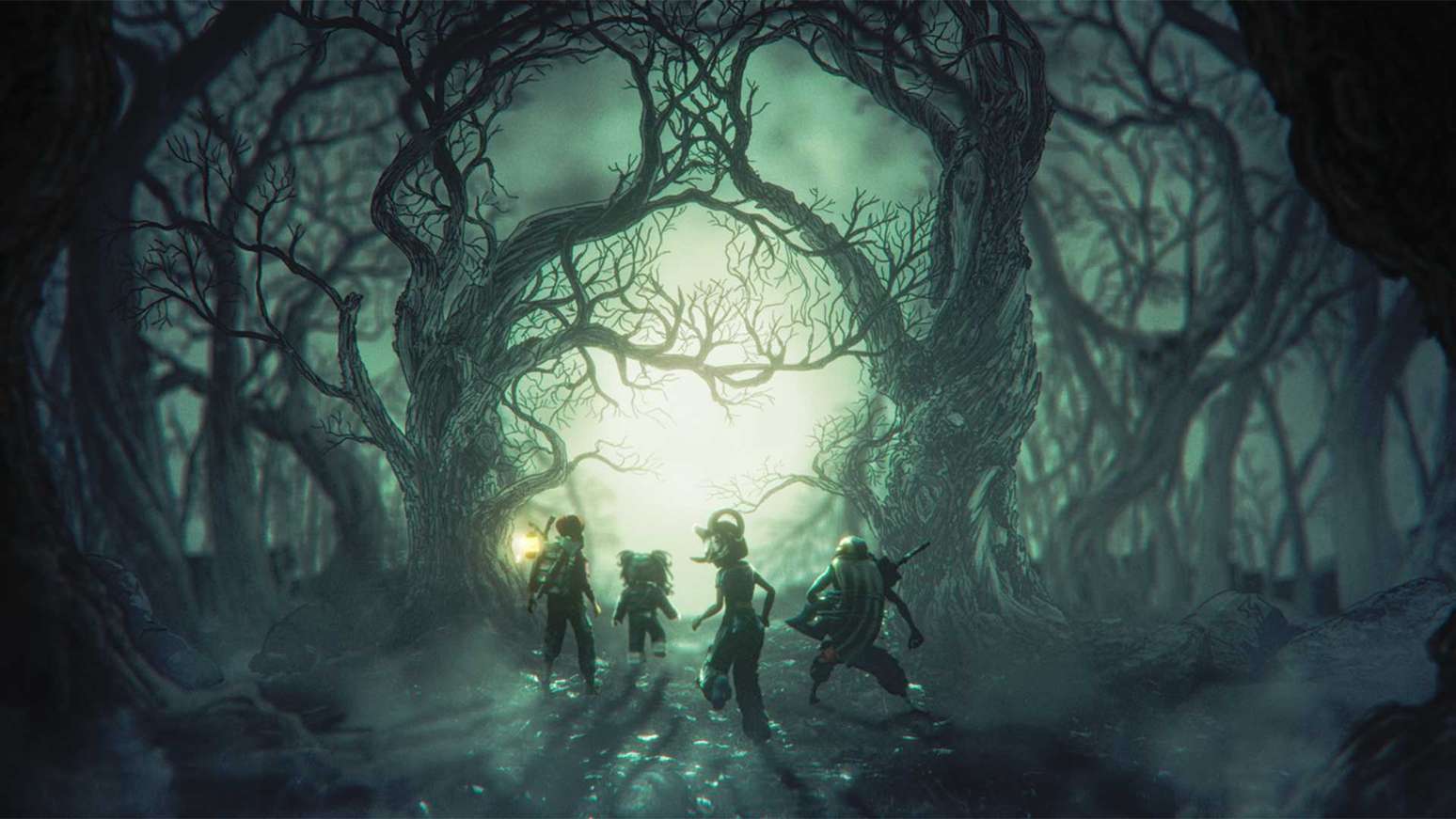
Is Veil of Darkness confirmed, and is the unlock method known?
Current third-party tracking reports a The Hollow hub badge named Veil of Darkness appearing in the badge list around October 26. That supports the item name’s presence in the event’s badge ecosystem, but a badge title alone does not prove the item’s exact requirement, whether it is free for every account, or whether a particular hidden room unlocks it. Roblox’s public launch post does not list the item or provide a step-by-step route.
Our recommendation is to treat the unlock method as unconfirmed until the live hub or the badge’s official Roblox page supplies clear instructions. If a creator’s video claims a precise route, check whether it shows the same event version, the badge name on-screen, the relevant interaction, and the successful reward notification—not just a dramatic corridor or a thumbnail.
How to check Veil of Darkness in the live Roblox hub
- Open the official experience. Use Roblox Presents’ The Hollow, not a similarly named fan-made experience.
- Inspect the badge or reward display. Look for the exact name “Veil of Darkness” and read any requirement, quest note, or claim prompt attached to it.
- Check the current floor objective. If the maze is active, read the quest text before searching side passages. The layout and daily challenge can change, so old screenshots may not match your run.
- Record the starting state. Note your badge list, reward status, or relevant quest counter before trying a suspected route.
- Follow visible in-game clues. Investigate doors or interactable objects only when they appear connected to the active objective. Do not assume every dark corridor is a secret path.
- Verify the result. After the interaction, recheck the badge/reward display and your avatar inventory. A badge, a shop purchase, and a delivered accessory may be separate steps.
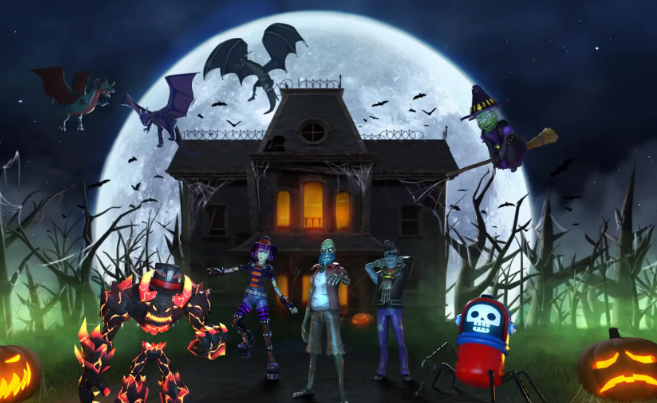
What does “before the hub resets” actually mean?
There is no universal reset time for Veil of Darkness confirmed in Roblox’s official announcement. The event has a published overall reward deadline—noon Pacific time on November 2, 2026—but that is not proof that this specific badge or its route resets at the same time each day. Treat any countdown on an individual item as the relevant timer, and read its time zone carefully.
For US players, Pacific Time and Eastern Time differ by three hours on October 26, 2026. If a live display says noon Pacific, that corresponds to 3 p.m. Eastern on the same date. The United States changes from daylight time to standard time on November 1, so re-check the displayed timer near the end of the event rather than relying on an old conversion.

How to avoid fake Veil of Darkness unlock guides
- Do not enter your Roblox password on an external website to “verify” a badge or claim a free item.
- Do not download scripts, executors, or browser extensions promising to reveal hidden event rooms.
- Be cautious of videos that do not show the game title, current floor, or successful unlock notification.
- Do not assume a badge name automatically means the avatar item has been delivered to your inventory.
- Use the official event hub and Roblox’s announcement as the primary references; use community videos only as supporting evidence.
Where to get reliable updates
Start with the Roblox Newsroom announcement and the official Roblox Developer Forum announcement. Then check the current badge/reward display in The Hollow experience. Third-party tracking pages can help identify a newly appearing badge, but they should not override the live requirement or be presented as official confirmation.
We could not verify an official X post with a specific Veil of Darkness route, so we are not embedding an unrelated social post as proof. If a creator publishes a clip that clearly shows the badge unlock from start to finish, it can be added after the post and its evidence are checked.
Frequently asked questions
Is Veil of Darkness a real Roblox The Hollow badge?
Third-party event tracking reports a hub badge with that name. The exact unlock method and item delivery conditions were not explained in Roblox’s public event announcement, so confirm the badge and its requirement in the live Roblox experience.
How do I unlock Veil of Darkness?
Open The Hollow, inspect the exact badge/reward entry, and follow the current in-game instructions. We could not verify a reliable official step-by-step route, so a specific secret-room method should not be treated as confirmed.
When does The Hollow event end?
Roblox says players can continue collecting event rewards until noon Pacific time on November 2, 2026. That overall deadline does not establish a separate daily reset time for Veil of Darkness.
Does earning the badge automatically give the avatar item?
Not necessarily. Check whether the hub asks you to claim the reward separately, then confirm the item appears in your Roblox inventory.
Can I trust a free Veil of Darkness generator?
No. Do not share your password, run scripts, or sign in on unofficial claim pages. Use Roblox’s official experience and in-game reward flow.
Bottom line
Veil of Darkness is being reported in current The Hollow badge tracking, but its exact unlock route and any special hub-reset deadline remain unconfirmed by Roblox’s public announcement. Check the live reward board, follow the displayed requirement, and verify the badge and item after claiming. We will update this guide when an official source or clear in-game evidence confirms the method.
For more event walkthroughs, visit our Roblox news and guides category.