

Quick answer: Roblox voice chat is not guaranteed to work in every experience inside The Hollow. Check whether the experience supports it, confirm that your account is eligible, and agree on a simple plan for sharing clues. Roblox says voice chat is for eligible users aged 13 and older who have completed an age check, and availability depends on region and experience support.
Roblox’s The Hollow event begins October 22, 2026, at 2 p.m. Pacific Time, with nine horror-themed experiences and a maze-based survival format. Voice chat may help eligible friends coordinate, but don’t assume the event hub itself enables it: check the in-game controls after joining. Roblox’s official event announcement is the best source for event details.
1. Check voice chat before entering the maze
Do this before the event gets busy. Open Roblox settings and look for the voice option, then complete the age-check steps Roblox requires if you are eligible. Voice chat is generally limited to users aged 13 or older who have completed an age check, and it only works in experiences that support the feature. If you cannot see the voice control, don’t assume your microphone is broken: the account, region, or experience may not support it.
Use the official instructions here: How to turn on Roblox Voice Chat.
2. Solo players: keep callouts short and useful
If voice is available, narrate only information that helps you act: where you last saw a threat, which route you checked, or whether a path appears blocked. Long running commentary can bury the one clue that matters. If you’re playing solo, keep the microphone muted when you are not speaking, especially if background noise makes it hard to hear game audio.
3. Squads: assign simple roles before the first run
- Navigator: calls out turns and landmarks.
- Observer: watches for threats and reports their last known location.
- Progress checker: keeps track of clues or objectives the group has already checked.
Small, repeatable callouts are easier to understand under pressure. Agree on words such as “stop,” “back,” and “regroup” before starting. If teammates are not using voice, use the text and ping tools available in the experience instead; do not pressure anyone to enable a microphone.
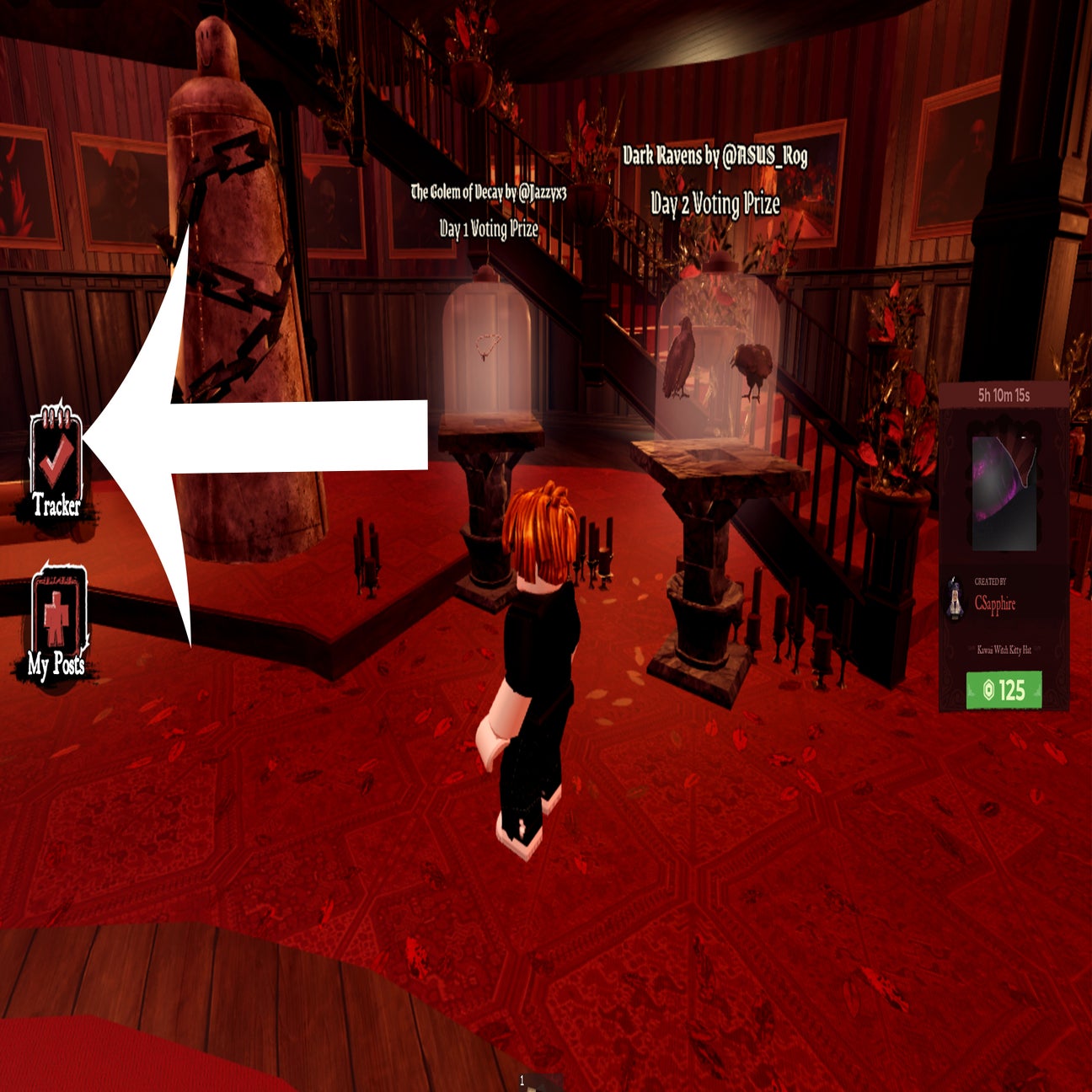
4. Keep the microphone safe, clear, and respectful
Use a headset if you have one, lower background audio, and mute yourself when needed. Never share your real name, school, phone number, address, passwords, or private account details over voice. Roblox applies age-based communication restrictions and moderation, but players should still block or report anyone who harasses others or asks to move a conversation off-platform.
For current safety guidance, read Roblox’s explanation of age checks and age-based chat.
5. Troubleshoot voice chat if it does not connect
- Check the experience’s settings to confirm voice chat is supported.
- Check the microphone permission for Roblox in your device settings.
- Disconnect and reconnect using the in-experience voice control.
- Try a headset or check that the correct input device is selected.
- If the voice option is missing, review Roblox’s eligibility and regional availability guidance rather than downloading unofficial “voice unlock” tools.
Voice chat should be treated as an optional coordination tool, not a requirement for completing The Hollow. If the hub or a particular game does not support it, stick to in-game signals and text options that are available to your account.
What to know before The Hollow opens
Roblox’s announcement says The Hollow starts October 22, 2026, at 2 p.m. PT. The event features a different monster each day for nine days, with a live finale on October 31 and reward collection continuing until noon Pacific Time on November 2. Event mechanics and voice availability can vary by experience, so verify the controls in the actual hub rather than relying on assumptions from earlier Halloween events.
Official event details: The Hollow — Roblox Newsroom. Voice chat help: Roblox Voice FAQ.
Frequently asked questions
Can everyone use voice chat in The Hollow?
No. Voice chat requires an eligible account and age check, is limited by region, and only works in experiences that support it. Roblox has not promised that every part of The Hollow will have voice chat enabled.
What age do you need to use Roblox voice chat?
Roblox’s current guidance says users must be at least 13 and complete an age check. Eligibility and verification options can vary by region.
Is voice chat necessary to finish The Hollow?
There is no official indication that voice chat is required. Use the controls and communication tools offered by the experience, and coordinate with friends in a way everyone is comfortable with.
What should solo players say over voice?
Keep callouts short: identify a landmark, report a threat’s last known location, or say when you are regrouping. Mute your microphone when you are not speaking if background noise is distracting.
How can I stay safe while talking to other players?
Never share personal or account information. Mute, block, and report harassment, and do not follow requests to move to suspicious outside links or reward sites.
By Shivam Das. Updated October 21, 2026. Images in this guide are contextual examples from earlier Roblox Halloween experiences; they are not represented as screenshots of The Hollow 2026.






