

Quick answer: Roblox has confirmed that The Hollow is a nine-night Halloween survival event with a new monster appearing each day, maze exploration, clues, quests, and rewards. But Roblox’s public announcement does not clearly promise that every unfinished quest, counter, or reward carries over from one night to the next. Check the live event hub and each objective’s wording before assuming progress is saved—or reset.
For U.S. players · Updated October 22, 2026 · By Shivam Das
What Roblox has confirmed about The Hollow
In its October 21 announcement, Roblox described The Hollow as a shared survival event that begins October 22 and runs through November 2. The event features nine familiar horror-game monsters, a different monster across each of nine nights, mazes, clues, and quests that can award exclusive user-generated content and other rewards. Roblox also announced a live finale on October 31 and said players can continue collecting rewards until noon Pacific time on November 2.
Those details establish the event’s structure and broad reward window. They do not, by themselves, explain the save behavior for every objective. The public announcement does not set out a universal rule for unfinished quest counters, daily objectives, rewards awaiting a claim, or progress between separate experiences. Read the official Roblox announcement and use the instructions shown inside the live hub as the authority for your specific task.
Carry-over rules: confirmed facts vs. unverified claims
| Question | What can be said responsibly |
|---|---|
| Does The Hollow run for nine nights? | Confirmed by Roblox: a new monster appears each day across nine days. |
| Can quests earn event rewards? | Confirmed by Roblox: quests can earn exclusive UGC and other rewards. |
| Does every unfinished quest save when you leave? | Not clearly specified in the public announcement. Check the actual tracker and task text. |
| Does progress automatically reset each night? | Not established as a universal rule by the announcement. A new monster does not prove every older objective resets. |
| Does completing a task mean its reward is already claimed? | Not necessarily. Follow any separate claim instructions shown by the event interface. |
| Can progress from a participating game transfer to the event hub? | Do not assume it does unless the task instructions or tracker confirm it. |
This is the important distinction: an official event schedule is not the same thing as a published technical rule for saving every quest. Community screenshots and videos can help players compare what they see, but they are evidence of a particular run—not automatic proof that every account and objective behaves the same way.
How to check whether your progress saved
Use this simple verification routine whenever you finish a quest, leave the hub, or return for another night:
- Read the exact objective. Check whether it asks you to enter a maze, find a clue, survive an encounter, complete a separate task, or claim an item. Do not treat those actions as interchangeable.
- Finish the stated requirement. If the task has a counter, wait for it to reach the required value. If it displays a completion prompt, let the confirmation appear before leaving.
- Inspect the event tracker. Look for a completed label, check mark, updated counter, or reward status. If the interface does not show confirmation, do not assume the task has registered.
- Check the reward separately. If the event provides a claim button or a separate reward step, complete it and verify that the reward appears where expected.
- Rejoin and compare. Return through the official Roblox event or experience link and inspect the same objective. A screenshot of the tracker before leaving can help you compare states without sharing private account details.
- Re-read the rules after a nightly change. A new monster or maze may bring a new objective, but only an explicit instruction establishes a reset or deadline.
This checklist is a way to test what your interface shows; it is not a claim that Roblox uses one specific save system for all The Hollow activities.
Why player reports can disagree
Two players can report different results without either report proving a universal rule. They may have completed different objectives, entered on different nights, left before a tracker refreshed, or confused a completed quest with an unclaimed reward. The experience developer’s own task instructions may also matter when a challenge takes place outside the central hub.
When evaluating a community post, ask four questions: Is it from the current event? Does it show the exact task wording? Does it show the tracker before and after reconnecting? And does it link to an official source or developer explanation? A short clip saying “progress reset” without those details is a lead to investigate, not final confirmation.
What to do if the tracker looks wrong
- Wait briefly for the interface to update, then reopen the tracker.
- Check whether the objective has a separate completion and claim step.
- Confirm you used the official event hub or the linked experience rather than a similarly named fan-made game.
- Capture the objective text and visible status, while keeping usernames, account details, and private information out of public screenshots where possible.
- If the mismatch remains, contact Roblox Support or the relevant experience developer through its official support channel.
Never give another player your password, session cookie, or verification code to “restore” progress. Avoid third-party reward pages and free-Robux offers that ask you to sign in outside Roblox.

What should players prioritize before the next night?
Finish objectives that are available now and have an explicit deadline first. After that, prioritize quick tasks whose requirements are clear, and verify each completion before moving on. Avoid spending Robux or trading for an item based only on a claim that it unlocks, saves, or restores event progress unless the official interface says so.
If you need a broader plan, read our The Hollow Night 1 vs. Night 2 preparation guide and our late-join progress and catch-up guide. For event-wide timing, use the official Roblox event announcement rather than unsourced countdown graphics.
Official announcement and social updates
Roblox’s official announcement is the primary source for the nine-night format and the published reward window. You can read it on the Roblox Developer Forum. For current quest-level instructions, check the live event hub directly. Creator streams and community posts can offer route ideas, but they should not replace the task text shown in the game.
Evidence rule: treat an official Roblox announcement as confirmation of the rules it actually states; treat individual player reports as observations unless Roblox or the relevant developer confirms a broader rule.
Frequently asked questions
Has Roblox confirmed that all The Hollow progress carries over between nights?
No universal carry-over rule for every quest is clearly stated in Roblox’s public event announcement. The announcement confirms the nine-night event and quest rewards; check the live tracker and individual objective instructions for save and reset behavior.
Will I lose unfinished progress if I leave The Hollow?
The announcement does not establish that leaving always saves progress or always erases it. Check the tracker before leaving and compare it after rejoining.
Does a completed quest mean the reward has been claimed?
Not necessarily. Some interfaces separate task completion from claiming a reward. Follow the instructions displayed for that item and verify that the reward appears as awarded.
Do new monsters mean previous quests reset?
Not automatically. Roblox confirms a different monster appears each day, but that does not establish a universal reset rule for every earlier objective.
What evidence should I trust if players disagree?
Start with Roblox’s official announcement and the live in-game instructions. A tracker observed before and after reconnecting is useful for that task, while community posts and streams should be checked for date, objective, and context.
When does The Hollow reward collection end?
Roblox’s October 21 announcement says players can continue collecting rewards until noon Pacific time on November 2, 2026. Check the live hub for any separate task-specific requirements or deadlines.
Bottom line: Roblox has confirmed The Hollow’s nine-night format and quest rewards, but players should not assume every counter, unfinished quest, or unclaimed item follows one carry-over rule. Verify the task in the live hub, record what the tracker shows, and rely on official instructions over unsupported claims.
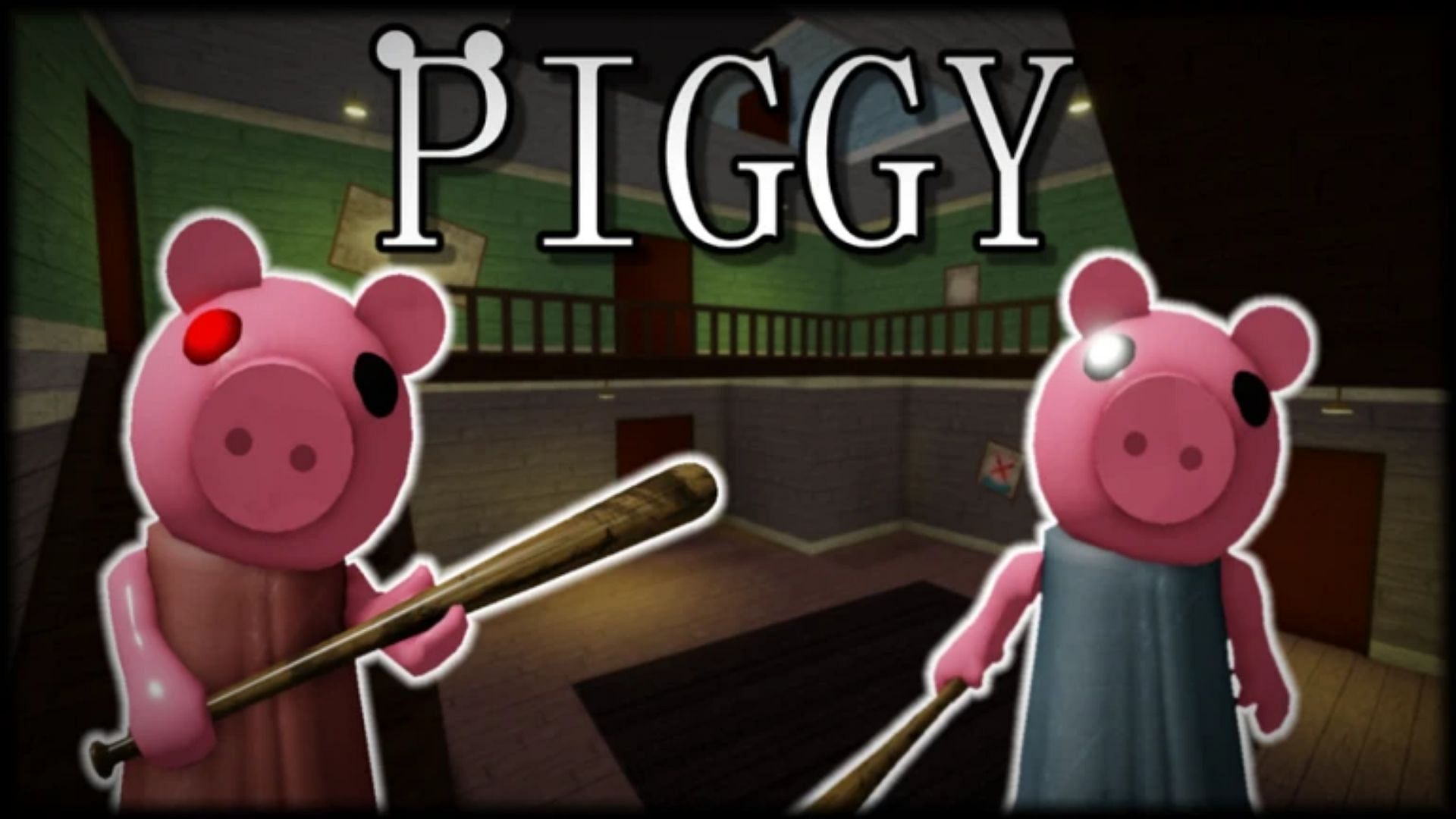
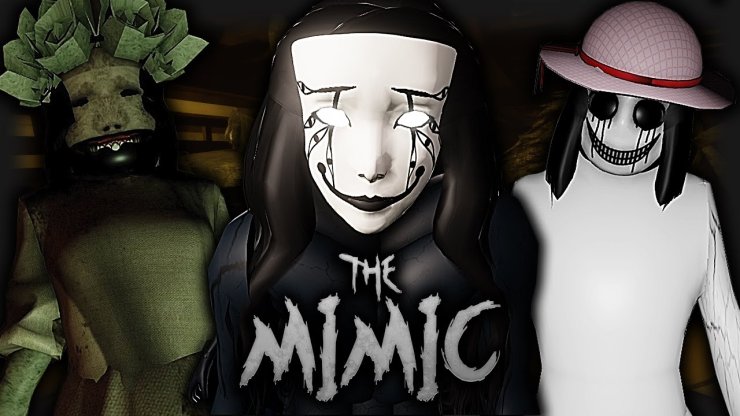
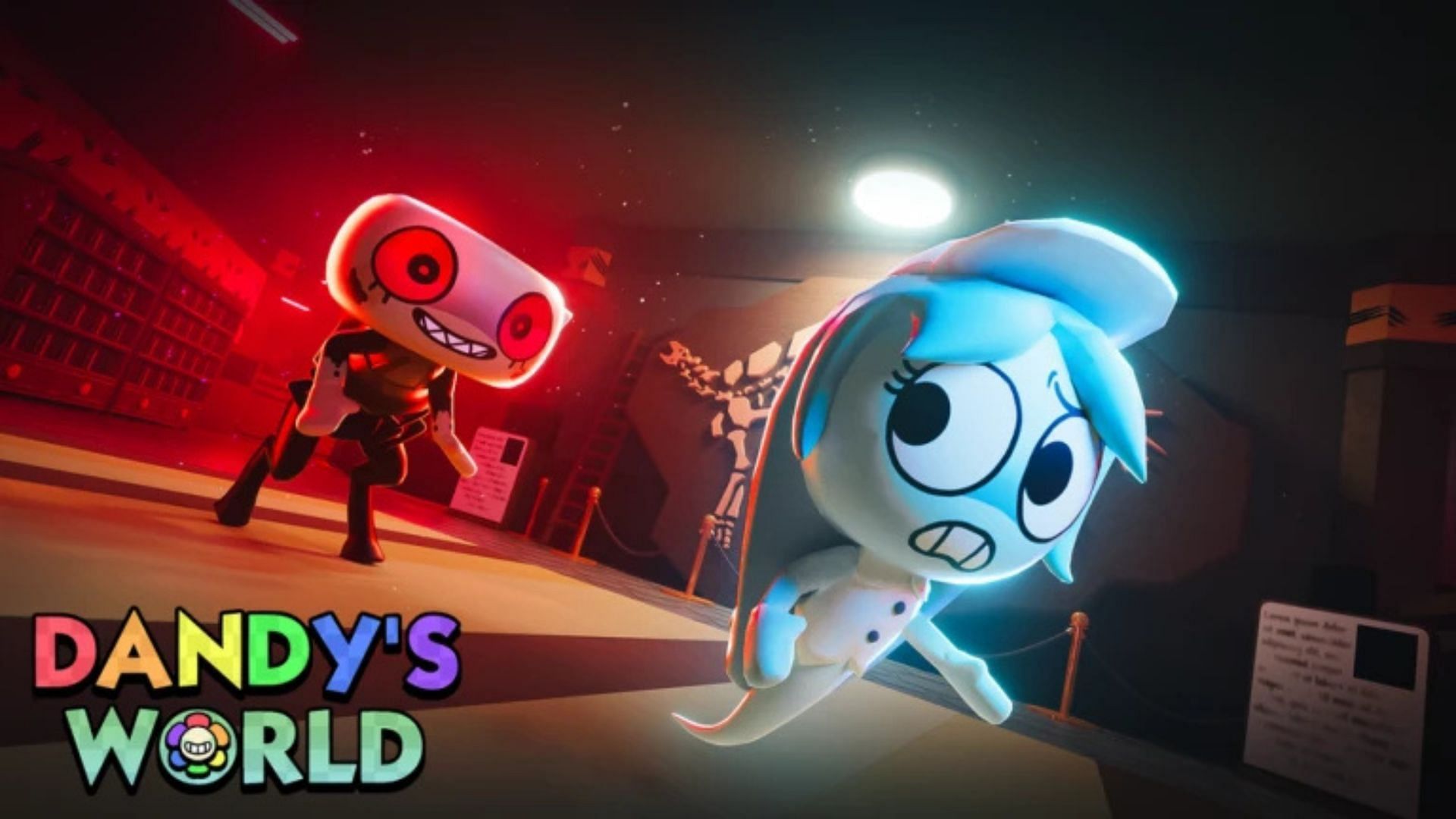
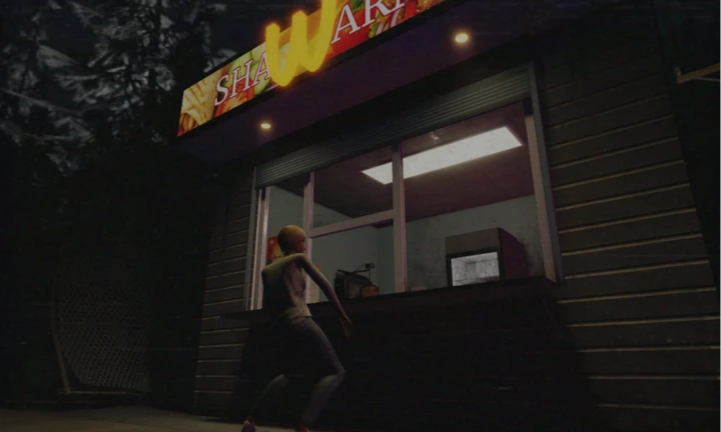
Reporting note: Updated October 22, 2026. This article distinguishes Roblox’s published event details from mechanics not clearly specified in the public announcement. Images from other Roblox horror experiences and the 2025 Halloween Spotlight are labeled as contextual artwork, not live The Hollow screenshots.






