

Quick answer: Roblox says active Roblox Plus subscribers can access an exclusive profile frame and background for The Hollow, plus an item launcher for gifting items during the event. To equip a frame on the web, open your Roblox profile, choose Edit Profile, select Profile Frame, then Frames, and choose an available frame from your inventory. On mobile, open your profile and follow the same path, or go through Avatar Editor in Marketplace. Menu labels may vary slightly by app version and rollout.
Updated October 21, 2026 · U.S. audience · By Shivam Das
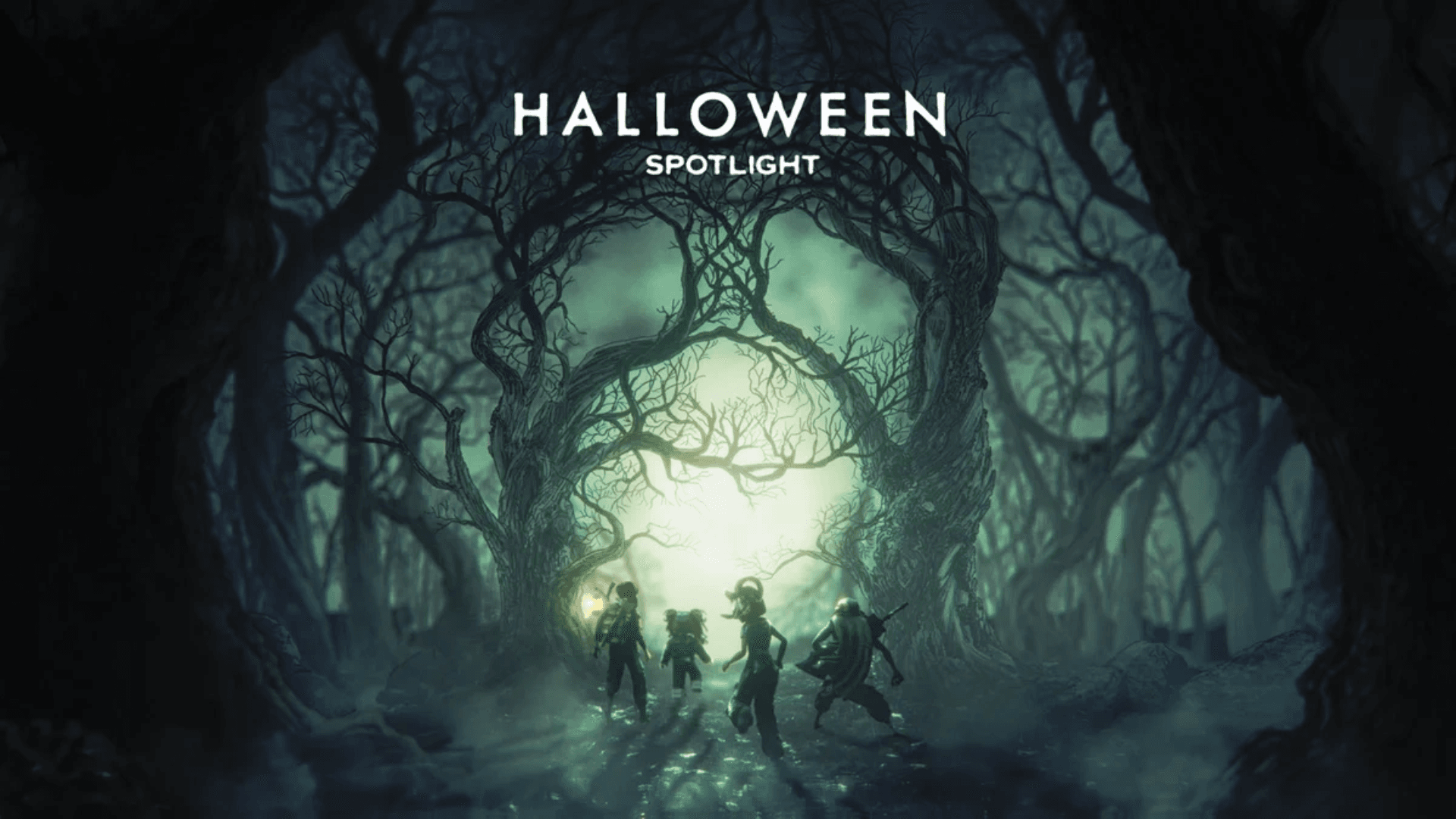
Roblox’s new Halloween event, The Hollow, begins at 2 p.m. Pacific on October 22, with Roblox Plus subscribers getting access to the hub at noon Pacific. Roblox’s official announcement says Plus members receive an exclusive profile frame and background, and active subscribers can keep the event theme beyond the finale. That distinction matters: the event hub is broadly available to eligible Roblox accounts, but the special profile styling is described as a Plus benefit. Check the official announcement and your own inventory before assuming an item is included on every account.

How to equip The Hollow profile frame on a computer
- Sign in at the official Roblox website and open your own profile page.
- Select Edit Profile.
- Open Profile Frame, then choose Frames.
- Select the frame you want from the frames available in your inventory.
- Return to your profile and confirm that the frame appears. If it does not, refresh the page and check whether the item is actually in your inventory.
Roblox previously documented this web workflow for profile frames. The Hollow-specific design may not appear for every account at the same time, so do not treat a missing option as proof that your account is broken. First confirm that your Roblox Plus subscription is active and that the relevant event benefit has been granted.

How to equip the frame on mobile
On mobile, open your Roblox profile and tap Edit Profile. Go to Profile Frame, then Frames, and choose an item from your inventory. Roblox has also documented an alternate route through Avatar Editor in Marketplace, then Profile Frame and Frames. If those controls are missing, update the app, close and reopen it, and check again. Availability can vary by app version and rollout.
How to equip an avatar background
A profile frame and an avatar background are separate customization options. Roblox’s developer announcements describe avatar backgrounds as being selected from the customization tools after the item is available in the account. For backgrounds, open the Avatar Editor or Customize area, find Backgrounds, and select an available background. If a background was newly created or granted, it may need to pass moderation or appear in inventory before it can be selected. The exact The Hollow benefit should be checked against the current account inventory and official event instructions.

Who gets The Hollow frame and background?
Roblox’s October 21 announcement identifies the exclusive profile frame and background as benefits for active Roblox Plus subscribers. It also says active Plus subscribers can access the hub two hours before the general opening and use an exclusive item launcher to gift items during the event. The public event itself is scheduled to run through November 2, with a live finale on October 31; Roblox says rewards can continue to be collected until noon Pacific on November 2.
Do not confuse the event’s general access with the subscription-specific profile benefits. If you do not subscribe to Plus, you may still be able to enter the event if your account meets Roblox’s regional age and access requirements, but you should not assume the exclusive profile frame or background will be granted to you.

Troubleshooting: why the frame may not appear
- Check the subscription: Confirm Roblox Plus is active on the account you are using.
- Check inventory: A benefit may not be selectable until it appears in the relevant inventory or customization menu.
- Update the app: Install the latest Roblox mobile app version and restart it.
- Try the website: If mobile controls are missing, check the profile editor on desktop.
- Avoid unofficial claim pages: Never provide your password, verification code, or session cookie to a third-party “free frame” site.
- Use official support: If the item is advertised for your active subscription but remains missing after checking the official instructions, contact Roblox Support.
Is the profile theme permanent?
Roblox says an active Plus subscription lets members keep The Hollow event theme beyond the finale. That statement should not be stretched into a promise that every event reward, frame, background, or gifted item will behave identically. Check the item description and official event terms for the specific benefit you receive, and save a screenshot of the description if you need to contact support.
Official sources and social updates
Use Roblox’s official newsroom announcement for confirmed event details and Roblox Support for account-specific help. Roblox also directs players to its official social accounts for updates, trailers, and previews. The embed below links to Roblox’s official X account; it is not a single post confirming that a particular account has received the frame.
Follow Roblox for official event updates, previews, and announcements.
— Roblox (@Roblox) Official Roblox updates on X
Official references: Roblox’s The Hollow announcement; Roblox Developer Forum: profile frames and backgrounds; Roblox’s official social media directory.
Frequently asked questions
Is The Hollow profile frame free for everyone?
Roblox’s announcement describes the exclusive frame and background as Roblox Plus subscriber benefits. Do not assume they are available to every account.
Where do I equip a profile frame on PC?
Open your Roblox profile, choose Edit Profile, select Profile Frame, then Frames, and choose an available item from your inventory.
Where do I equip a profile frame on a phone?
Open your profile, select Edit Profile, then Profile Frame and Frames. Roblox also documents a route through Avatar Editor in Marketplace.
Why can’t I see The Hollow frame?
Check that your Plus subscription is active, look in your inventory, update the app, and try the website. If the advertised benefit remains missing, contact Roblox Support.
Can I keep The Hollow theme after the event?
Roblox says active Plus subscribers can keep the event theme beyond the finale. Check the description of each specific item for its own terms.
When does The Hollow event end?
Roblox says players can continue collecting rewards until noon Pacific on November 2, 2026. The live finale is scheduled for October 31.
Reporting note: This guide distinguishes Roblox-confirmed subscription benefits from general profile-frame instructions. Images labeled as examples are from other Roblox experiences or events, not direct captures of The Hollow’s frame selector.






