

Quick answer: On October 21, 2026, Roblox players should check each experience’s live quest board and the official Marketplace before assuming a Halloween item is free or still available. Seasonal event cosmetics, free avatar items, limited-stock UGC and Roblox Limited collectibles are different things. An active Halloween event does not guarantee that every reward is free or claimable today.
Updated October 21, 2026 · U.S. players · By Shivam Das
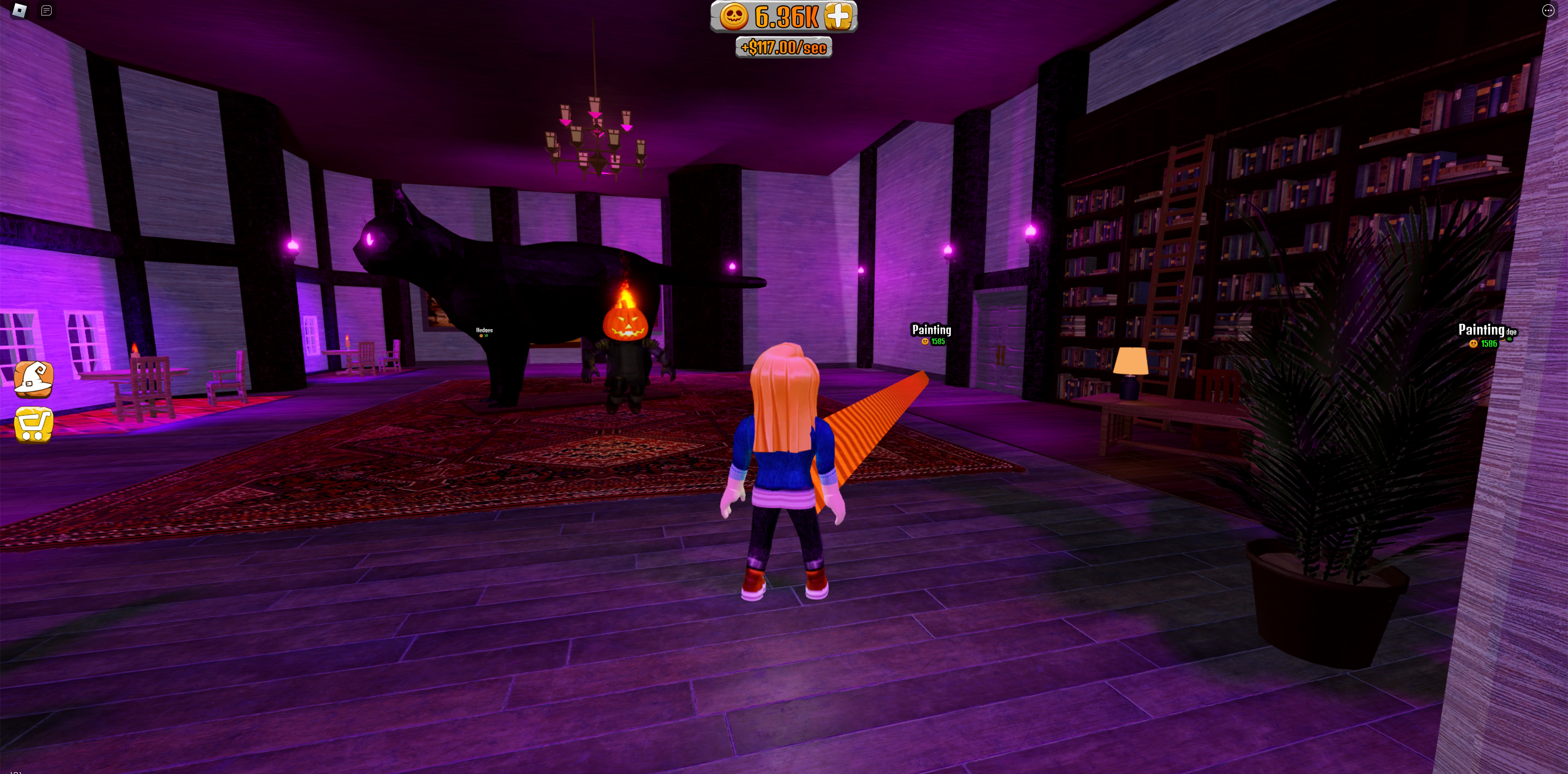
What does “free limited item” actually mean?
Players often use “limited” to describe any seasonal item that disappears after Halloween. On Roblox, however, a limited-time event reward is not automatically a Roblox Limited collectible. Some rewards are earned inside a game, some are free avatar items, some require seasonal currency, and others cost Robux or are available only in limited stock.
Before starting a quest, check the item’s price, the exact unlock requirement and any official end date. If these details are missing, treat the claim as unconfirmed rather than assuming the item is free.
Halloween experiences worth checking on October 21
1. Delve: Halloween event cosmetics
The current Roblox listing for Delve describes a Halloween event with Candy collection, event bosses, limited races, limited cosmetics and daily Trick or Treat quests. It lists an event end of November 1. That makes the game worth checking for quest rewards, but the listing does not prove that every cosmetic is free. Inspect the in-game requirement and price; “limited” does not mean “zero Robux.”

2. Monopoly: Halloween update
The current listing for Monopoly describes a Haunted Mansion map, Candy earned through play and limited-time cosmetics in a Halloween Box. Treat this as a seasonal reward track to inspect, not proof that every item is free. Check the in-game price and Candy cost before grinding.
3. Search the Marketplace directly
Use the Roblox Marketplace free-items filter as a starting point. Search Halloween-related terms, open the item page and confirm the displayed price and availability. Marketplace results change; a free result is not automatically event-exclusive or limited-stock.

4. Check official event listings
Review the Roblox Creator Events calendar and the event section on each experience’s Roblox page. An update announcement or creator livestream is not automatically an avatar-item giveaway. Look for a clear reward description and unlock requirement.
How to claim a reward without wasting time
- Open the experience from its official Roblox page, not from a reposted “free item” link.
- Find the event board, quest giver, reward track or seasonal shop.
- Read the requirement: “earn,” “unlock,” “buy with Candy” and “claim for free” mean different things.
- Complete the objective and press the final claim button if one appears.
- Check the reward screen or your inventory before leaving. A completed quest animation is not always proof that an avatar item was added.
- If the reward is missing, rejoin a fresh server and check official developer announcements before repeating a costly action.
Red flags: misleading free-item claims
- A post promises free Robux in exchange for your password, session cookie, verification code or survey.
- The item page shows a Robux price, but the guide calls it free without explaining an alternate unlock route.
- The guide uses an old screenshot without a current game page, deadline or quest requirement.
- A countdown appears only on a third-party site, not in the game or a developer announcement.
- A site asks you to install an extension or “verify” your account to receive an item.
Roblox warns players about free-Robux and account-safety scams. Read the official guidance on fake free-Robux generators and keeping your account safe. Never share passwords, session cookies or one-time codes to get an item.
October 21 checklist for U.S. players
- First: check games you already play for a visible Halloween quest board or reward track.
- Next: prioritize rewards with an explicit in-game deadline and a short remaining task list.
- Then: verify Marketplace price and stock before spending time on a UGC claim.
- If a reward bugs out: screenshot the requirement and consult the game’s official support channel.
- Finally: do not spend Robux based only on rumors that an item will become rare.
For more seasonal planning, read our Roblox Halloween events ending this week guide and Halloween event checklist. Recheck the live game page before acting because schedules, prices and reward requirements can change.
Frequently asked questions
Are Roblox Halloween items guaranteed to be free on October 21?
No blanket guarantee is safe. Confirm the price and unlock path on the live item page or inside the game. The event descriptions above identify Halloween activities and cosmetics, but do not establish that every reward costs nothing.
Does “limited-time” mean a Roblox Limited collectible?
No. “Limited-time” usually describes a short availability window. Roblox Limited collectibles are a separate category, so check the item’s own Marketplace details.
What if I completed a quest but did not receive the item?
Check quest status and inventory, rejoin a fresh server, and look for an official developer notice. Keep a screenshot of the completed objective and never use a third-party recovery site that asks for login credentials.
Can free UGC sell out?
Some UGC releases have limited stock or availability rules. A search result is not a guarantee that stock remains; open the live item page and verify the status.
Sources and verification links
- Delve — Roblox experience page
- Monopoly — Roblox experience page
- Roblox Marketplace free-items filter
- Roblox Creator Events
- Roblox Support — free-Robux scams
- Roblox Support — account safety
Editorial note: This guide separates current event listings from item-level details that must be checked in-game. Reward prices, stock and deadlines can change after publication.
Author: Shivam Das






