

For U.S. players · Updated October 22, 2026 · By Shivam Das
Quick answer: Do not assume every Roblox Halloween event ends on the same day. Check each experience’s live event board and item timer, claim rewards you have already earned, and prioritize any clearly displayed deadline before spending Robux. Roblox’s official 2026 event, The Hollow, is not scheduled to end this week: Roblox says the finale begins October 31 and reward collection continues until noon Pacific on November 2. Roblox’s official announcement is the source for that platform-wide schedule.
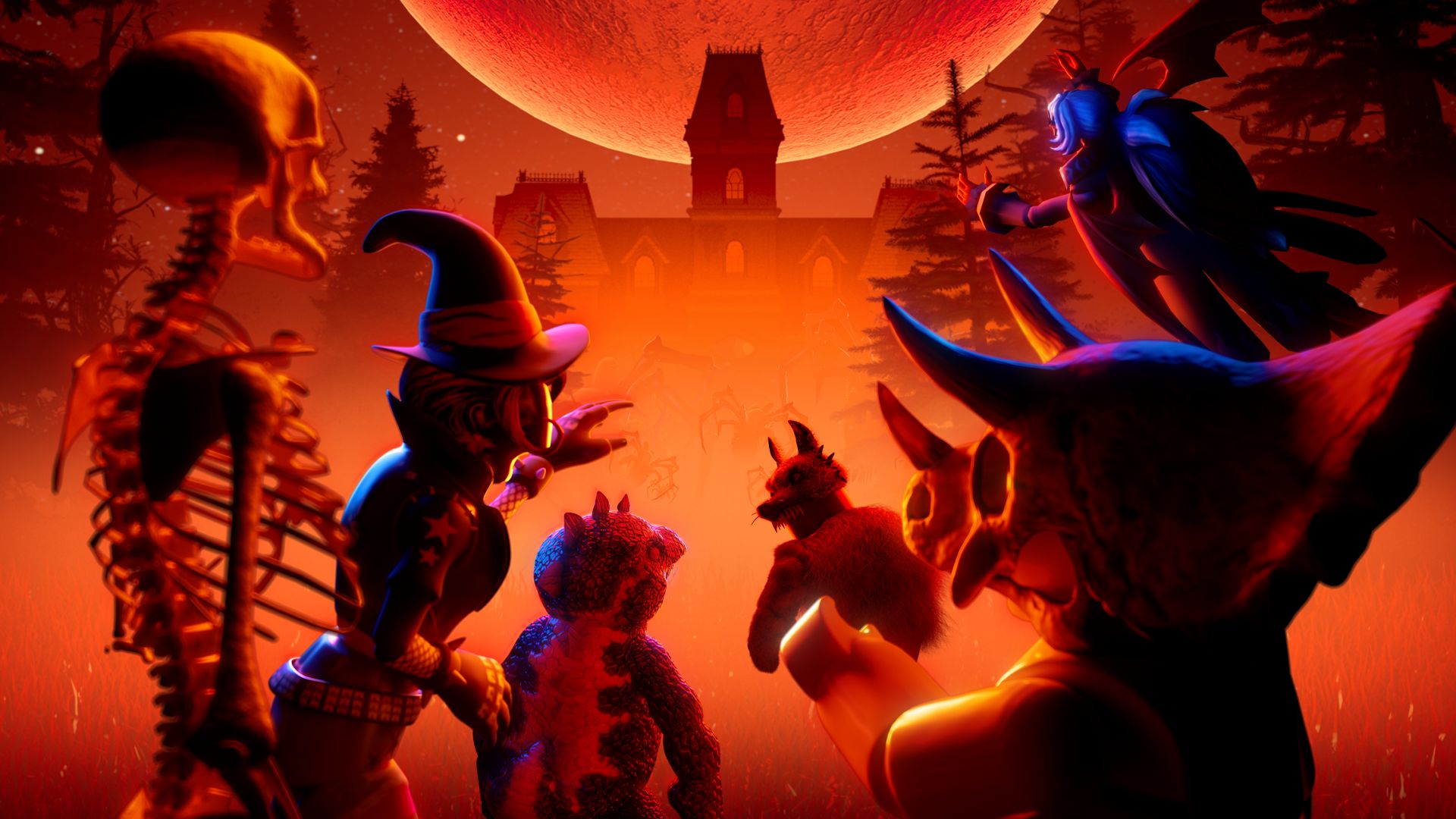
Historical context: The Haunt 2024. This image is not a screenshot of a 2026 event.
Start with the deadline shown inside the game
The safest last-chance checklist starts with evidence, not a viral countdown graphic. Open the experience from Roblox, look for its event panel, quest board, shop timer, or developer announcement, and note the exact date and time. An event’s end date does not necessarily prove that every item disappears at that same moment; a limited shop listing, quest window, and event hub can have separate rules.
Use this order when time is short:
- Claim completed rewards first. If the game has a claim button, use it and verify that the reward appears in the expected inventory or event panel.
- Finish short, guaranteed objectives. Choose tasks with clear requirements and visible progress instead of starting a long quest with an uncertain payoff.
- Check the item-level timer. A store item can have a different availability window from the event itself.
- Recheck after an update. Developers can change event timing or requirements, so an old screenshot may no longer be accurate.
- Keep spending optional. Do not buy a cosmetic simply because a post says it will “sell out” unless the official listing confirms its price and availability.
What Roblox has confirmed about The Hollow
Roblox’s October 21 newsroom announcement says The Hollow opens to the public at 2 p.m. Pacific on October 22, with active Roblox Plus subscribers receiving hub access at noon Pacific. The shared survival event features nine horror-game characters across nine nights, a live finale on October 31, and reward collection through noon Pacific on November 2. That means the Halloween-week priority is to start quests and check each reward’s instructions—not to treat October 24 as a confirmed universal deadline.

Historical context: Roblox Halloween Spotlight 2025, not The Hollow 2026.
Roblox confirms that players can earn exclusive UGC and other rewards by completing quests, but the precise requirement for each item should be read in the live event interface. Do not rely on an unofficial list to decide whether an item is free, paid, limited, or already claimed.
Last-chance checklist for free Halloween items
- Open every active event board: check your favorite experiences individually rather than relying on one “all events end today” post.
- Finish the nearest-to-complete quest: prioritize objectives where the remaining steps and reward are visible.
- Check your avatar inventory: confirm claimed accessories, clothing, and other UGC items are present before repeating a task.
- Read eligibility rules: age, account, region, or platform restrictions can affect access to an event.
- Save evidence for support: if a completed reward does not appear, keep the quest name and a screenshot of the completion state, without sharing private account details.
- Verify the final cutoff: use the event’s own timer or an official developer announcement for the exact time zone.
Past-season promotional art is included only as Halloween context; it does not identify this year’s reward inventory.
How to compare free rewards with paid cosmetics
Free quest rewards and Marketplace cosmetics serve different purposes. A quest reward costs time and effort but should have an in-game requirement you can inspect. A paid cosmetic costs Robux and should be evaluated by its displayed price, design, and whether you actually want to use it. Neither a countdown nor a creator’s prediction proves that an item will rise in value or disappear at a particular time.
Before purchasing, ask three questions: Is the item listed in Roblox’s official Marketplace or event interface? Is the price and sale window visible? Would you still want it if it never became rare? If any answer is unclear, wait and verify rather than rushing into a purchase.

Historical event artwork; not a claim about a 2026 item or reward.
Avoid fake reward links and rushed claims
Never enter your Roblox password, one-time verification code, or session cookie on a third-party “free Robux” or “instant Halloween reward” page. Use Roblox itself and the linked experience to complete tasks. If an event appears to be missing, update the app if needed, rejoin a fresh server, and check the developer’s official announcement before assuming a reward has expired.
For players under 18, it is especially worth asking a parent or guardian before making a purchase. Roblox notes that event access and age availability can vary by region; check the official experience and account settings rather than assuming every account sees identical content.

Another previous-season image for context, not a live 2026 event screenshot.
What to do today
Spend a few minutes checking the event board and any individual item timers, claim what is already earned, and complete the shortest confirmed free objective first. For The Hollow, use the live hub to verify the current quest steps and keep the November 2 reward cutoff in mind. For other experiences, treat the timer inside that specific game as the deciding evidence.
Frequently asked questions
Does every Roblox Halloween event end this week?
No. Roblox experiences run separate events and shop windows. Check each game’s current event board or developer announcement.
When does The Hollow stop giving rewards?
Roblox says players can continue collecting rewards until noon Pacific on November 2, 2026. The live finale begins October 31.
Are all Halloween cosmetics free?
No. Some rewards are earned through quests, while some avatar items are sold on the Marketplace. Check the exact price and requirement before taking action.
What if I completed a quest but the item is missing?
Confirm the task is fully complete, check whether there is a separate claim step, and look in the correct inventory category. If it still does not appear, consult Roblox Support and never share your password or authentication codes.
Can I trust a social post claiming an item expires tonight?
Treat it as a lead, not proof. Verify the date and time in the official experience or a developer announcement before spending Robux or abandoning a quest.
Sources and related reading
- Roblox Newsroom: The Hollow Halloween survival event
- Roblox Developer Forum: official event announcement
- Roblox — official platform
- Related Vervado guide: how to claim The Hollow UGC rewards
- Related Vervado guide: preparing for The Hollow’s next night
Editorial note: This checklist separates Roblox’s confirmed platform-wide dates from individual game deadlines that must be verified in their own live interfaces. Historical images are labeled as such; they are not presented as current 2026 gameplay or reward screenshots.






