
Updated October 21, 2026 | By Shivam Das
A Roblox avatar item can look free, show up in a Halloween video, or still appear in a game’s reward menu—and yet be impossible to claim. The most important distinction is whether an item is currently available, merely visible in an old post, sold out, off sale, or locked behind a game-specific task. This October 21 check explains how to verify a free UGC reward before you spend time chasing it.
Quick answer: Don’t trust a “FREE UGC” thumbnail by itself. Open the item’s official Roblox page, check its current price and availability, then read the experience’s current instructions. A zero-Robux price does not guarantee unlimited stock, and an old screenshot does not prove that a limited reward is still claimable.
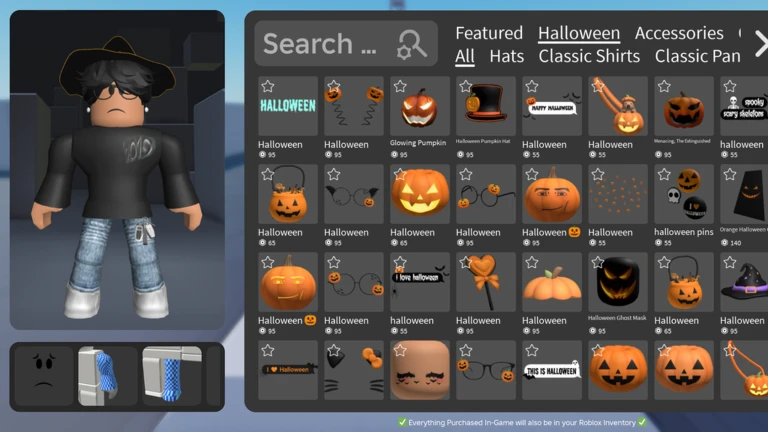
What “expired” actually means on Roblox
Players often use “expired” as a catch-all, but several different situations can stop a claim. Knowing which one you’re facing helps you avoid dead links and misleading guides.
- Sold out: A limited quantity has been claimed. The item may still have a public page, but the original free claim is no longer available.
- Off sale or unavailable: The creator or platform is not currently offering the item for its original purchase or claim method. A page can remain visible even when it cannot be obtained.
- Event ended: A game’s quest, code, or event window has closed. The avatar item page may still exist even though the event route no longer works.
- Experience-only reward: The item must be earned through a particular Roblox experience. Searching the general catalog may not be enough to claim it.
- Price changed: A video may show an item as free even though its current listing has a price—or it may have become free after the video was posted. Always check the live listing.

Five checks to make before you chase a free item
1. Open the official item page—not just the video
Start with the Roblox avatar marketplace or the exact item link supplied by the creator. Confirm that the item title, creator, price, and purchase or claim controls match what the guide describes. If the page does not offer a usable claim or purchase action, treat the reward as unverified until you find a current official instruction.
2. Check the date and the wording
“Free UGC” can mean a permanent free catalog item, a limited-stock giveaway, a quest reward, a code reward, or an item that was free only during a past event. A guide published last Halloween may be accurate about what happened then but useless for October 2026. Look for an update date and a direct link to the current event.
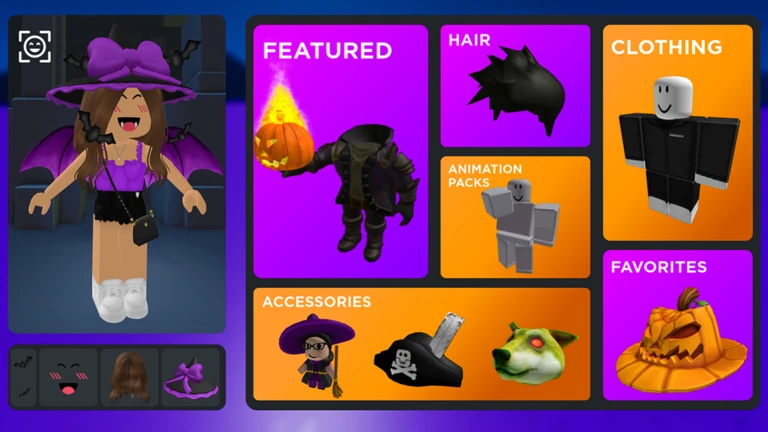
3. Separate a sold-out limited from a broken claim
A Roblox Developer Forum discussion posted in October 2026 described a creator’s limited Halloween UGC selling out before the planned in-game quest became accessible. That report is a useful warning: a reward can look like it should be claimable while its supply is already gone. It is one community report, not proof that every Halloween UGC reward is sold out. Read the original developer-forum discussion for context.
If a reward appears unavailable, check the creator’s latest announcement and the game’s official description. Don’t assume that repeatedly joining servers will restore limited stock.
4. Verify the experience and any remaining requirements
Some rewards require a quest, a code, a minimum playtime, or a specific in-game interaction. Follow instructions from the experience’s official Roblox page or its verified creator channels. If a guide asks you to visit an unrelated site, share your password, install a browser extension, or “verify” your account outside Roblox, stop. A legitimate reward should not require your password or a third-party Robux generator.
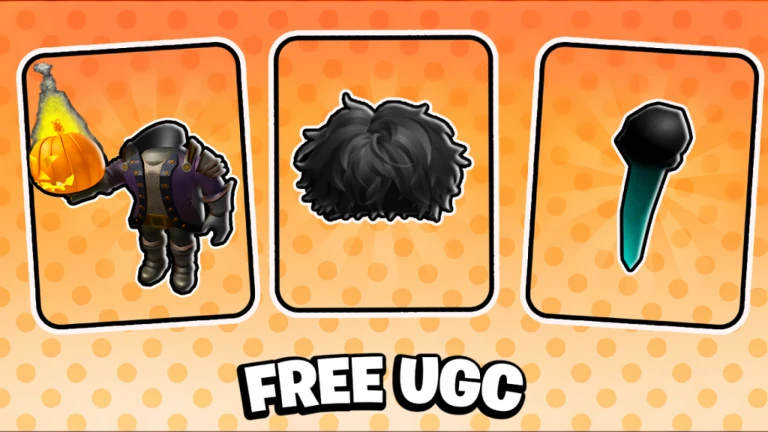
5. Check whether the information is official and current
Use the Roblox Creator Events calendar for platform-hosted creator events, and check the official game page or creator announcement for experience-specific rewards. The calendar is not a complete list of every game event, so an event missing there does not automatically mean a reward is fake. It simply means you need to verify it at the source that is actually running the promotion.
Examples that can fool players
An old “free Halloween item” video: The item may have been available in a previous season, or the creator may have been showing a limited quantity. The video’s continued presence does not extend the offer.
A catalog page that still loads: A visible page is not the same as a working claim. Read the current status and look for an active action rather than assuming that the item can still be obtained.
A game reward menu that still shows the item: The menu might be retained for reference after a quest closes, or the game may not have refreshed correctly. Check the event’s current end date and developer notes before spending more time.
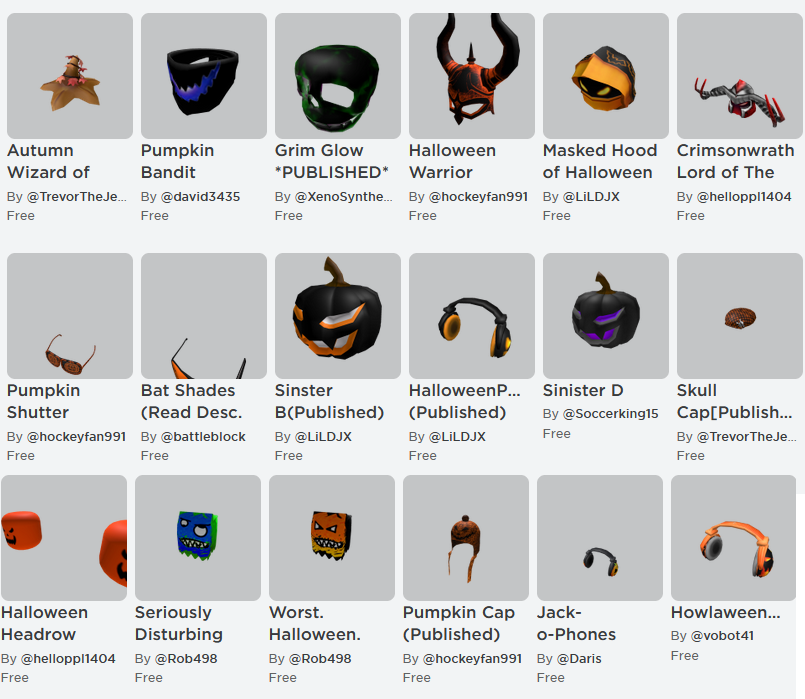
October 21 checklist: should you keep trying?
- Keep going if the official item page is active and the creator’s current instructions describe a working claim route.
- Try one fresh server if the official experience says the reward is active but the claim prompt fails. Then check the developer’s update notes.
- Stop chasing it if the limited quantity is confirmed sold out, the official event window has ended, or the creator has said the reward is no longer available.
- Do not pay a third party to unlock a supposedly free reward, and never provide your Roblox password or account recovery codes.
For broader seasonal planning, see our Roblox Halloween events ending this week guide. It’s also worth checking the official Roblox catalog directly before committing to any item hunt.
Frequently asked questions
Can a free Roblox UGC item sell out?
Yes. A limited-stock reward can run out even if an old video or post still calls it free. Check the current item page and the creator’s announcement.
Does a visible Roblox item page mean I can claim it?
No. The page may remain visible after an event ends or a limited supply is gone. Look for a working claim route and current availability details.
Are all “expired UGC” lists accurate?
No. Lists can mix sold-out items, items that are merely off sale, old seasonal rewards, and still-available catalog items. Use them as a starting point, then verify each item at its source.
What if a free UGC guide asks me to log in on another website?
Do not enter your Roblox password or recovery information on a third-party site. Navigate to Roblox directly and check the official experience or item page instead.
Bottom line
On October 21, the safest rule is simple: verify the item, verify the route, and verify the date. A thumbnail, a social post, or a still-visible reward menu cannot guarantee availability. If the official listing or creator confirms that an item is sold out or its event has ended, move on to a reward that is still live. Availability can change, so this guide explains a verification method rather than promising that any particular item remains claimable.
Editorial note: Images in this article are illustrative examples of Roblox avatar/catalog content and do not certify that any pictured item is currently free or available.






