

Quick answer — October 18, 2026: FischFright2026 is reported as a newly active code for Roblox Fisch’s FischFright 3 event. Code status can change quickly, so the only reliable test for your account is to enter it in the game and check the confirmation message. Do not assume a specific reward until it appears in your inventory.
Last checked: October 18, 2026. Author: Shivam Das.
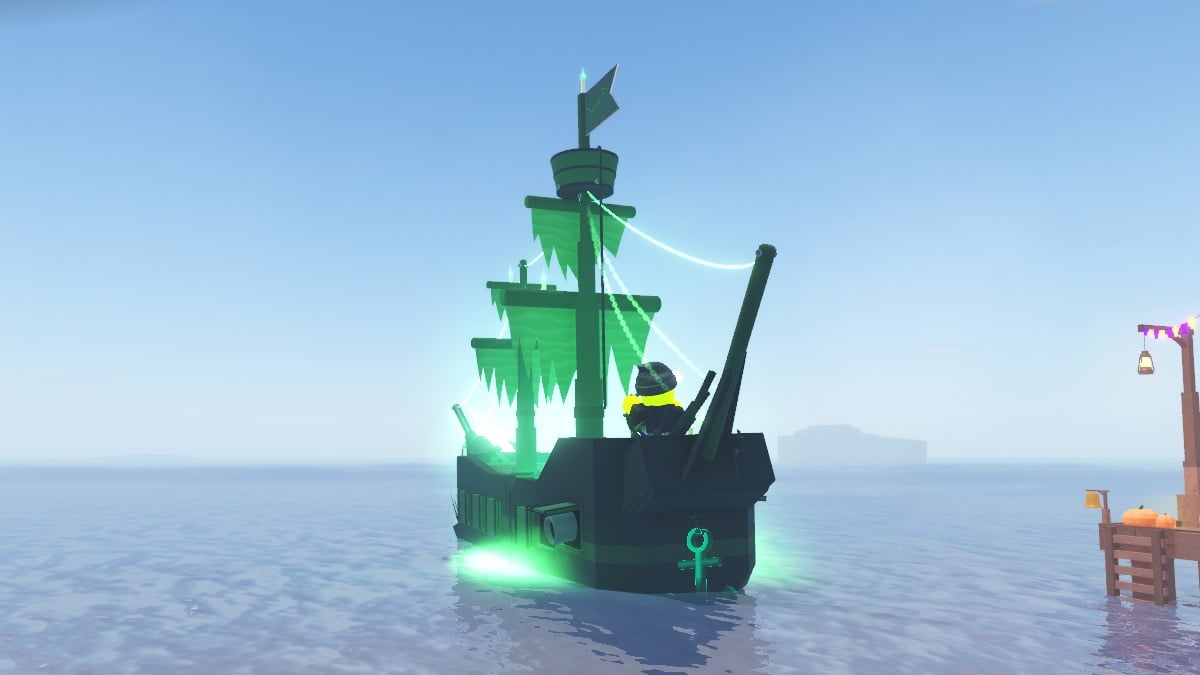
Is FischFright2026 still working?
Status: reported active, but not guaranteed. Gaming guides updated around the October 17 launch list FischFright2026 as a new code. The exact reward description varies between sources, and a code can expire or be disabled without notice. Redeem it yourself and trust the in-game result over a third-party list.
| Detail | Current information |
|---|---|
| Code | FischFright2026 |
| Experience | Fisch on Roblox |
| Event | FischFright 3 / Halloween 2026 |
| Status | Reported active by third-party trackers on October 17–18, 2026; verify in-game |
| Reward | Reports mention Halloween items, Coins and Treats; exact items should be confirmed on redemption |
How to redeem FischFright2026
- Launch the official Fisch experience on Roblox.
- Join a server and open the in-game Menu.
- Find the Codes option or code-entry box. Its position may change after updates.
- Enter
FischFright2026exactly as written, without extra spaces. - Submit the code and wait for the game’s response.
- Check your inventory and currencies to confirm what was added.
If the game says the code is invalid, expired or already redeemed, treat that message as the current result for your account. Check spelling, rejoin a fresh server once and try again. Never enter your Roblox password on an outside reward website.
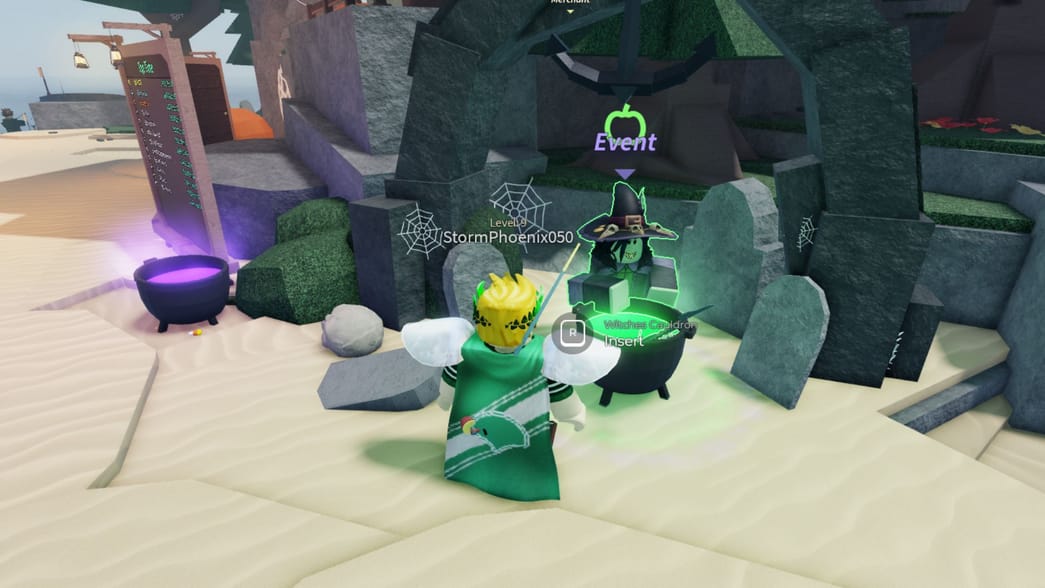
What reward does the code give?
Current third-party reports are not fully consistent. Some describe a Halloween reward bundle with a lantern or bobber, Coins and Treats. One guide lists a Jack-o-Statue Lantern, Doomsekkar Bobber, 2,026 Coins and 226 Treats. I could not verify every item in that list directly from a developer announcement, so treat it as a reported reward rather than a guarantee.
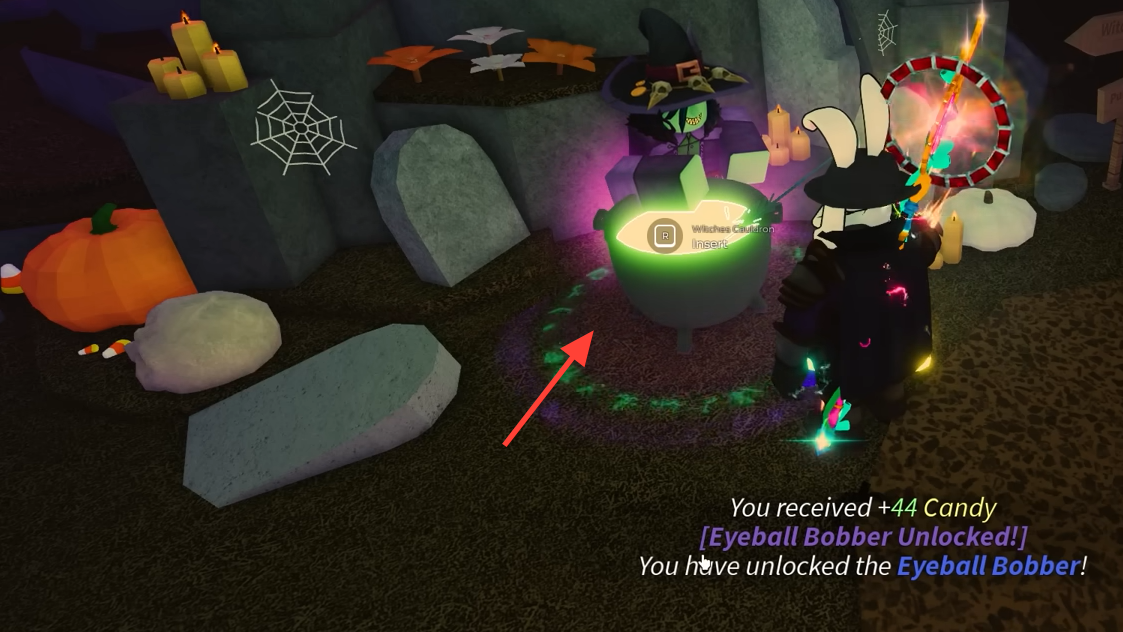
The safest way to settle the question is to redeem the code and read the confirmation message. If your reward differs, use the game’s actual result as the source of truth.
Why the code may fail
- Expired: seasonal codes can be disabled without warning.
- Already redeemed: codes are often limited to one use per account.
- Typing error: enter the exact spelling and capitalization.
- Server issue: rejoin the experience and try once more.
- Outdated reporting: trackers may repeat old or unconfirmed information.
Avoid code generators, browser extensions and any page requesting your account password. Legitimate codes are entered inside the game.
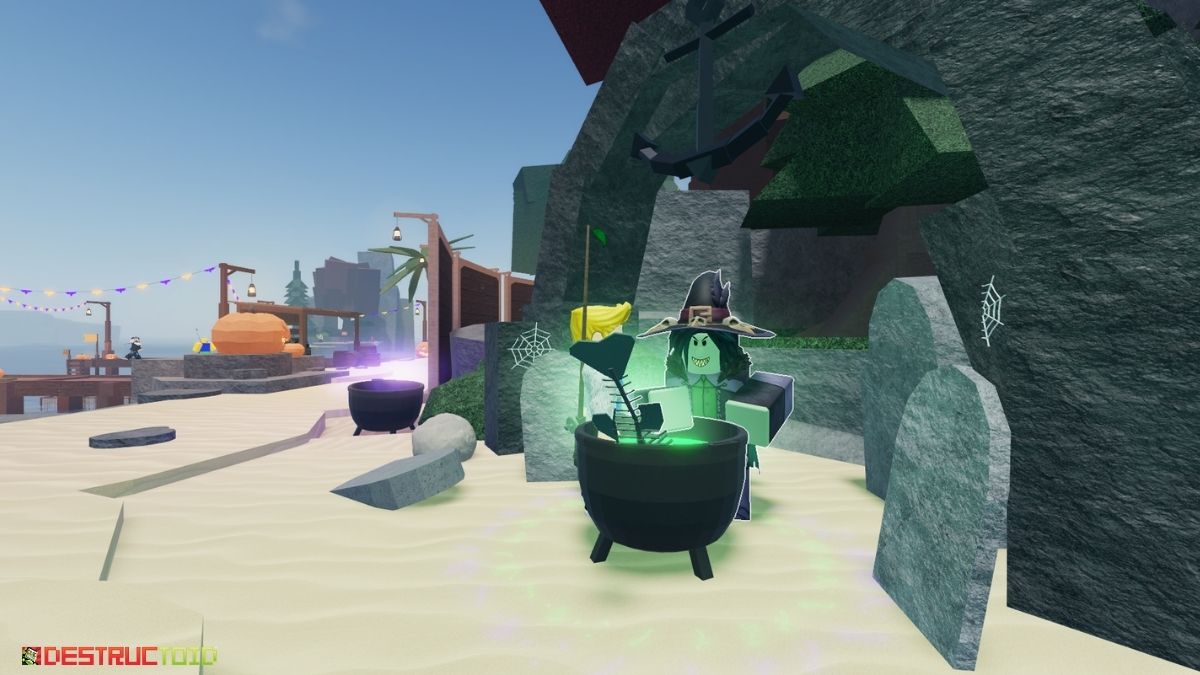
What to do after redeeming the code
After confirming the reward, choose your next FischFright 3 goal: Bestiary completion, event quests, rods or Treats for shop items. Check each NPC’s live requirements before spending currency. For more context, read our FischFright 3 schedule and confirmed-details guide and our Caustic Hallow and Beatrix progression guide.
Official updates
Use the official Fisch account on X and the live Roblox experience for developer announcements. The timeline may not load in every Shopify theme.
Posts by Fisch (@FischOnROBLOX)Frequently asked questions
Is FischFright2026 working on October 18, 2026?
Third-party trackers report it as active after the FischFright 3 launch. Verify it inside Fisch because codes can expire.
What does FischFright2026 give you?
Reports mention Halloween items, Coins and Treats, but the exact reward should be confirmed from the game’s redemption message.
Where do I enter Fisch codes?
Launch Fisch, open the in-game Menu, select Codes and enter the code exactly as written.
Why does Fisch say the code is invalid?
It may have expired, already been used, been entered incorrectly or not been recognized by the current server. Recheck spelling and consult official updates.
Can I redeem the code more than once?
Assume it is single-use per account unless the game explicitly states otherwise.
Is the reward list officially confirmed?
Third-party guides report different details. This article labels the reward as reported and recommends checking the in-game confirmation.
Sources
- All Things How: FischFright 3 update and code details
- Pro Game Guides: Fisch codes
- Fisch on Roblox
- Official Fisch account on X
Editorial note: Checked October 18, 2026. Code status and rewards can change without notice. Historical images are identified as such and are not presented as current 2026 screenshots. Updated by Shivam Das.






