

Updated October 24, 2026. If you only have ten minutes, do not spend them wandering between Roblox event lobbies. Start with rewards tied to daily tasks, short event quests, or a clearly marked claim button—and check the event timer before committing. This route is a practical priority list, not a promise that every player can finish every reward in ten minutes; progress, quest requirements, server conditions, and event rotations can vary.
Quick answer: Check The Hollow first for its daily maze and quests, then claim easy daily-task rewards in RIVALSWEEN or another event you already play. Use any remaining time on a nearby reward you can claim without a long grind. Roblox says The Hollow’s rewards remain collectible until November 2, 2026, at noon Pacific Standard Time; the live finale is scheduled for October 31. Roblox’s official announcement is the source for those dates.
The 10-minute route: what to do first
- Minute 0–1: Open the event you have already progressed in. Look for a free claim, daily reward, completed quest, or event-task panel before starting a new activity. A reward you have already earned is usually the quickest win.
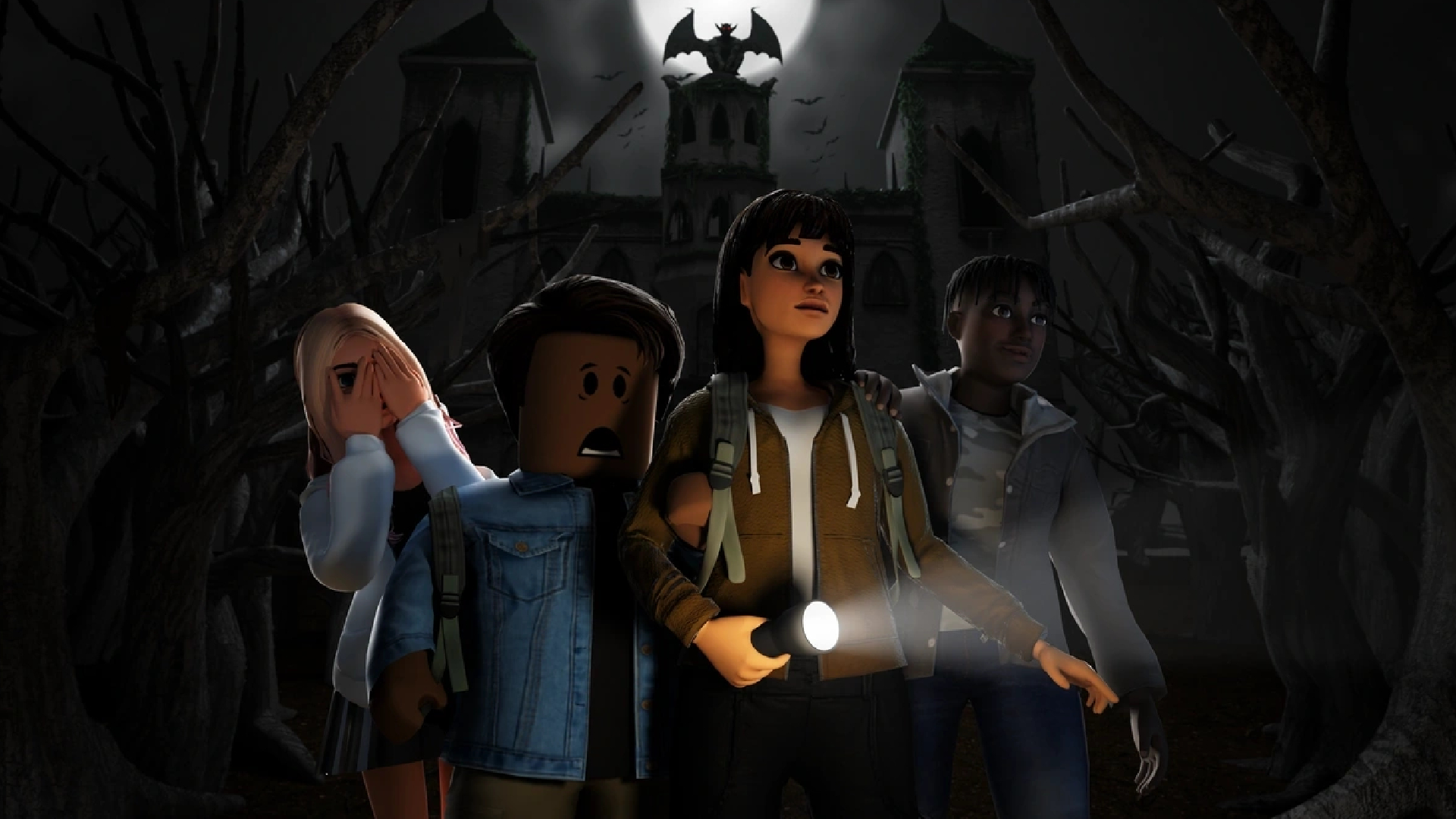
- Minute 1–4: Check The Hollow. Enter the official hub, read the current floor objective, and focus on the nearest clear quest marker or clue rather than exploring every corridor. Roblox describes The Hollow as a nine-night survival event with a new maze and monster each day. If the current objective is taking too long, note your progress and move on. Open The Hollow on Roblox.
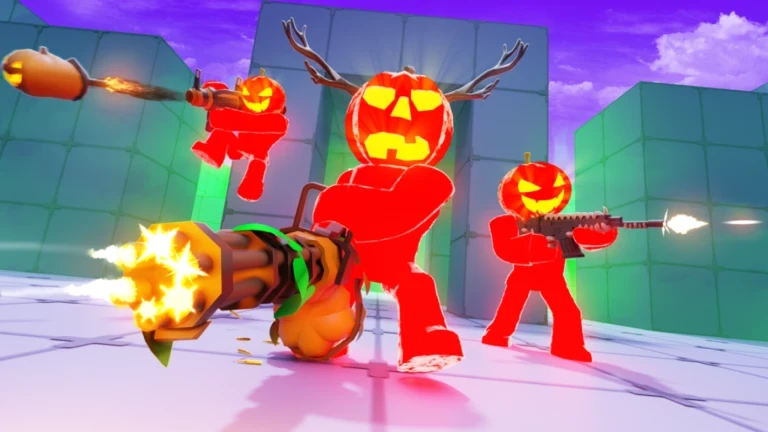
- Minute 4–6: Check RIVALSWEEN. Open the event/task screen and complete a short daily task if it is immediately achievable. The Halloween event is listed as running through November 7, and event currency may be time-limited, so check the in-game deadline and spend it before the event ends. See the current RIVALSWEEN guide for reported task and reward details; confirm the exact reward in-game.
- Minute 6–8: Choose one game you already know. If you have a nearly complete objective in Dress to Impress, Evade, Fisch, or 99 Nights in the Forest, finish that instead of learning a new event from scratch. The fastest route depends on your progress and whether the current activity is available on your server.
- Minute 8–10: Claim and verify. Return to the event’s reward or inventory screen. Make sure the item, currency, or badge actually appears before leaving. A progress bar that looks nearly complete is not the same as a claimed reward.
Best quick-stop options by game
1. The Hollow: prioritize the daily objective
The Hollow is the most obvious place to start if you want a shared Halloween event rather than a game-specific code hunt. Roblox says the event features nine monsters over nine nights, and quests can earn exclusive avatar items. Your ten-minute goal should be modest: identify the current maze objective, complete the nearest achievable step, and check the reward tracker. Do not assume every reward is unlocked just by entering the hub.
Timing matters. The event’s live finale is scheduled for October 31, while Roblox says players can continue collecting rewards until November 2 at noon PST. That gives you time to return, but daily objectives can change. Read the official Roblox developer announcement.
2. RIVALSWEEN: check completed daily tasks first
RIVALSWEEN is a strong quick-stop candidate for players who already play RIVALS. Open the event panel, review daily tasks, and take the shortest objective you can complete with your current loadout. Community guides report that daily tasks feed the event’s Candy and prize-wheel loop, but task values and reward availability can change; verify the current details in-game. Do not buy extra spins or spend Robux just to fit a ten-minute challenge—the point is to collect free rewards efficiently.
3. Dress to Impress: avoid a full quest detour
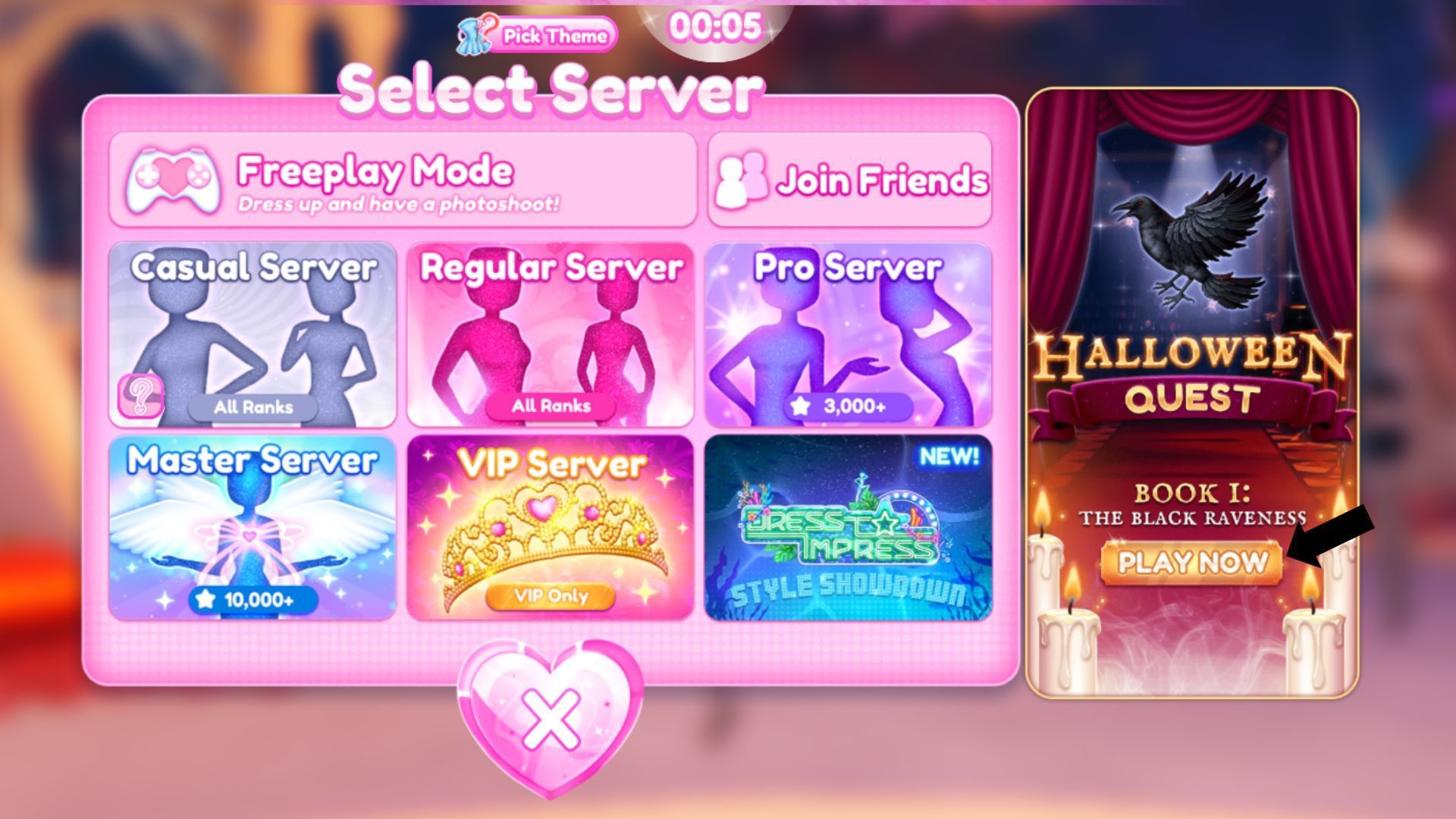
Dress to Impress can be a good stop if a Halloween quest stage is already close to completion. If you need to watch a long cutscene, queue for several rounds, or solve a multi-stage quest from the beginning, save it for a longer session. Before leaving, check whether the reward requires finishing the entire quest rather than simply opening the event menu.
4. Fisch and Evade: use them when you have a clear target
In Fisch, a short session works best when you know which Halloween currency or quest item you need and can reach the relevant area quickly. If you are still figuring out the event, travel time can eat the whole ten minutes. In Evade, look for a completed or nearly completed event objective before launching another run. Neither game should be treated as a guaranteed instant reward: map rotation, survival time, and task requirements can change the result.
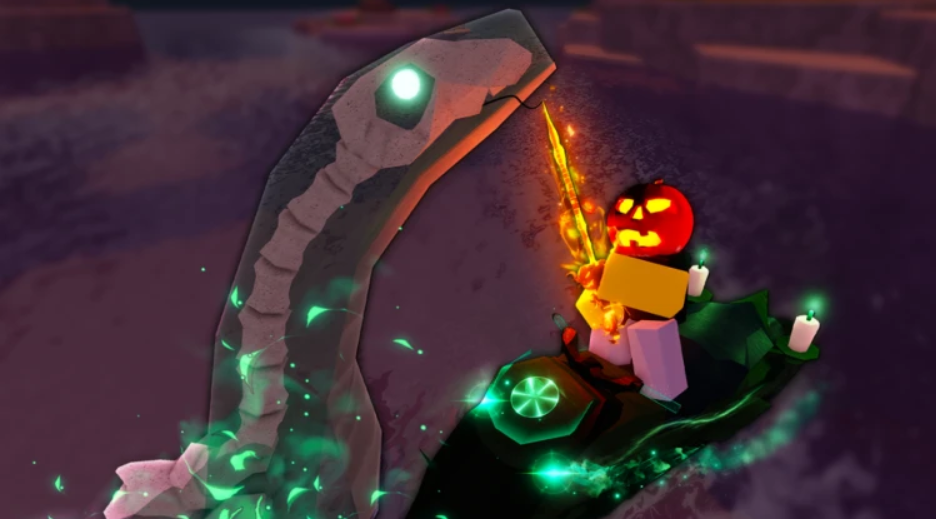
5. 99 Nights in the Forest and Brookhaven: only if the reward is immediate
For 99 Nights in the Forest, check the event or code information before starting a long survival run. A limited-time Trick or Treat activity may have a short deadline, so verify whether it is still open and whether your current progress is enough to claim something. For Brookhaven, use the in-game event panel or hunt tracker to see whether a Halloween prize can be picked up quickly. Do not assume a code exists for a game just because other Roblox games use codes.
How to avoid wasting your ten minutes
- Claim before you grind: inspect event menus and reward tracks first.
- Prefer progress you already have: a nearly finished task beats a fresh multi-step quest.
- Check the deadline: seasonal currencies may disappear when the event closes.
- Skip paid shortcuts: this guide is about free rewards, not Robux purchases.
- Use official game pages: avoid sites or players asking for passwords, cookies, or account access to “unlock” rewards.
- Verify the reward: look for the item in your inventory, badge list, or event tracker before leaving.
Suggested 10-minute checklist
| Time | Action | Success check |
|---|---|---|
| 0:00–1:00 | Check the event you have progressed in most | A free claim or completed task is available |
| 1:00–4:00 | Try one clear objective in The Hollow | Quest tracker or reward progress updates |
| 4:00–6:00 | Review RIVALSWEEN daily tasks | Claim or progress on a short free task |
| 6:00–8:00 | Finish a near-complete objective in another game | Task requirement is actually met |
| 8:00–10:00 | Return to reward/inventory screen | Reward visibly appears or is marked claimed |
Frequently asked questions
What is the fastest Roblox Halloween reward to claim in ten minutes?
There is no universal fastest reward because progress and event objectives differ by player. Start with a reward already marked complete, then try a short objective in The Hollow or RIVALSWEEN.
Can I get every free Halloween reward in ten minutes?
No. This is a quick-session priority route, not a promise to complete every game’s event. Some rewards require multiple rounds, survival time, event currency, or several quest stages.
When does The Hollow event end?
Roblox says the live finale is scheduled for October 31, 2026, and rewards can continue to be collected until November 2 at noon Pacific Standard Time. Check the official announcement for updates.
Are these rewards guaranteed to be available for every player?
No. Event access, progress, regional eligibility, game updates, and reward requirements can differ. Always confirm the current objective and claim status in Roblox itself.
Sources and further reading
- Roblox Newsroom: The Hollow Halloween survival event
- Roblox Developer Forum: The Hollow announcement
- The Hollow official Roblox experience
- RIVALSWEEN event guide (third-party reporting)
- FischFright farming guide (third-party reporting)
Editorial note: Event details and reward requirements can change without notice. This guide distinguishes official Roblox event dates from third-party gameplay reporting and does not claim that any reward was personally tested in a live server.






