

Quick answer: Roblox lists Halloween Begins for 99 Nights in the Forest on Saturday, October 17, 2026, at 1:00 p.m. Eastern / 10:00 a.m. Pacific. The listed event window ends October 24. The public announcement does not yet confirm every quest, reward, shop price, or route, so this guide separates verified launch information from steps players should check in-game after the update appears.
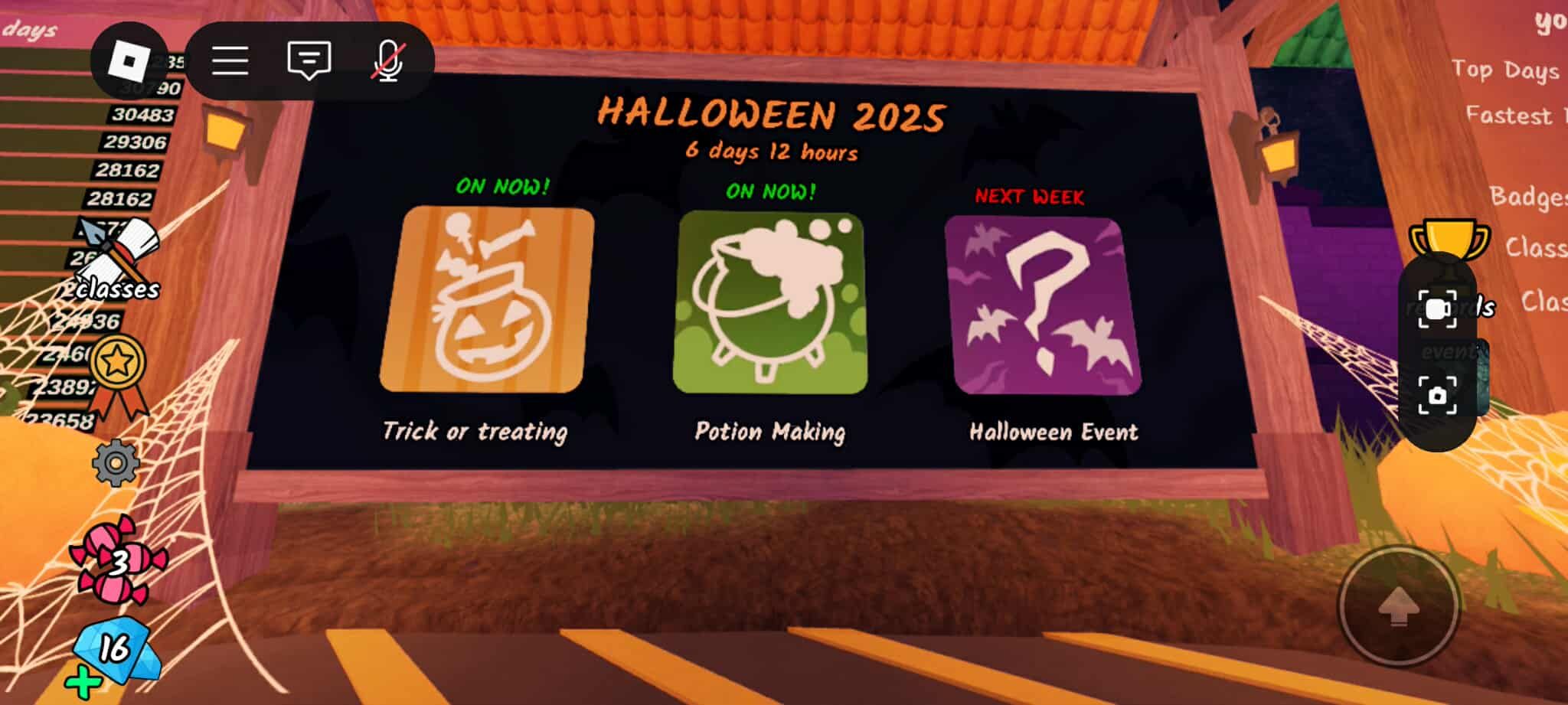
99 Nights in the Forest Trick or Treat: start time and event dates
The Roblox event listing names the seasonal launch “Halloween Begins.” The scheduled start is Saturday, October 17, 2026, at 1:00 p.m. ET (10:00 a.m. PT), with the listed event window ending Saturday, October 24. Times can change if the developers update the event listing, so check the official game page before you organize a group session.
- Game: 99 Nights in the Forest
- Developer: Grandma’s Favourite Games
- Scheduled start: October 17, 2026, at 1 p.m. ET / 10 a.m. PT
- Listed event end: October 24, 2026
- Confirmed new 2026 rewards: Not fully announced in the public listing reviewed for this guide.
Open the official 99 Nights in the Forest Roblox page and check its Events area. Use the notification option if it is available on your account.
Before the event opens: a practical preparation checklist
- Save the official game page. Use the original experience by Grandma’s Favourite Games rather than a copycat game or a third-party “event portal.”
- Convert the time for your group. For the United States, the currently listed launch is 1 p.m. Eastern and 10 a.m. Pacific on October 17. Ask friends in other time zones to verify their local conversion.
- Update and rejoin. If the event has started but the lobby looks unchanged, leave and rejoin to load a fresh server. This is a troubleshooting step, not a guarantee that the update has rolled out to every server instantly.
- Keep survival supplies ready. Bring the tools and supplies you normally rely on for night survival. The public 2026 event listing does not confirm a special required class or loadout.
- Record what the game actually says. Read new objective prompts, NPC dialogue, item descriptions, and expiry notices. These are more reliable than unverified social posts about secret rewards.

Full walkthrough: what to do when Halloween Begins goes live
Important: The public 2026 listing confirms the event name and schedule, but it does not publish a complete quest route. Follow this launch-day sequence to find the real objectives without relying on invented locations or reward claims.
Step 1: Enter the original experience
Open the official Roblox page, launch the game after the scheduled start, and allow the server to finish loading. If you arrive before the event is active, wait for the announced start and rejoin once rather than repeatedly clicking unofficial links.
Step 2: Inspect the lobby and new prompts
Walk through the lobby and look for new seasonal decorations, a marked NPC, an event notice, or an updated objective prompt. The exact NPC, location, and activation method for the 2026 event have not been confirmed in the public listing. Do not treat any specific character or portal location as confirmed until it appears in your game.
Step 3: Read requirements before spending currency
If a seasonal shop or limited-time item appears, check the price, currency type, expiry icon, and any class or quest requirement directly in the live game. Older guides may show earlier prices, including past candy costs, but those figures are not proof of this year's prices. Avoid spending currency based only on a screenshot from a previous Halloween event.
Step 4: Complete one objective at a time
Use the exact wording in the current objective prompt. If the game asks you to collect, light, deliver, survive, or interact with something, finish that step and check for the next prompt before moving far away. Take a screenshot of unfamiliar instructions so your group can follow the same route. Until the update is live, a fixed list of 2026 quest steps would be speculation.

Step 5: Verify rewards in your inventory
After completing an objective, check the in-game inventory, class menu, badge screen, or event interface—whichever the game itself identifies. Confirm that a reward was actually granted before spending more time repeating the task. Do not trust external reward generators, password requests, or sites promising free Robux.
Step 6: Rejoin if the event seems missing
Check the official event listing again, then leave and rejoin the original experience. If the event still does not appear, the rollout may be delayed or the listing may have changed. Avoid unofficial downloads or sharing account credentials with anyone claiming they can unlock the event.

What rewards are confirmed for 2026?
As of the information available while preparing this article, the official event listing confirms the scheduled Halloween event, but does not provide a complete 2026 reward catalogue, shop inventory, quest list, or new-class prices. We are not labeling older seasonal items as confirmed 2026 rewards. Once the event opens, use the in-game item descriptions and the official Roblox listing to verify any newly announced content.
Older Halloween versions have included seasonal interactions and limited-time items, but prior-year screenshots are context only. They should not be used as evidence that a particular class, candy cost, pet, furniture item, or quest has returned this year.
Official event page and community reference
Start with the official Roblox experience page for the current event status. A 2025 community discussion about the previous Trick or Treat update can provide historical context, but it is not confirmation of the 2026 quest route or rewards.
A community discussion about the 2025 Trick or Treat update
Video reference: previous Trick or Treat gameplay
This creator walkthrough shows the 2025 version of the mechanic. It is a historical reference only; the 2026 event may differ.
Frequently asked questions
When does 99 Nights in the Forest Halloween Begins start?
The current Roblox event listing schedules it for Saturday, October 17, 2026, at 1 p.m. Eastern / 10 a.m. Pacific.
When does the event end?
The listed event window ends October 24, 2026. That does not necessarily prove every seasonal item or feature will disappear at that exact time.
How do I join the event?
Open the original 99 Nights in the Forest experience on Roblox and join after the scheduled start. Check the Events section and any new in-game instructions.
Are the 2026 rewards and shop prices confirmed?
Not in the public event details reviewed for this article. Verify prices and rewards inside the live game rather than relying on previous-year screenshots.
What if I cannot see the Halloween event?
Confirm the time, check the official listing, then rejoin the game to load a fresh server. If it remains unavailable, wait for an official update rather than using third-party unlock tools.
Is this a separate Roblox game?
No separate event game is identified in the listing. Join the original experience by Grandma’s Favourite Games through its official Roblox page.
Bottom line
The most reliable launch plan is simple: save the official page, join at the listed US time, inspect the live objectives, and verify rewards in-game. This walkthrough intentionally marks unannounced details as unconfirmed instead of inventing a quest route. We will only treat new mechanics as confirmed when the live game or an official announcement supports them.
Author: Shivam Das
Sources: 99 Nights in the Forest on Roblox; The Click’s Halloween 2026 schedule report. Image credits appear beneath each image.






