
For U.S. Roblox players · Updated October 26, 2026 · By Shivam Das
A rumor that smaller Roblox games quietly doubled their ticket payouts overnight sounds like the kind of Halloween-event shortcut every player wants. But the evidence needs a closer look: we could not verify a blanket overnight doubling. The clearest dated report we found, published October 24, listed eight experiences in The Hollow’s “Visit Games” panel at 20 Tickets each. Roblox’s official announcement confirms the event and its quest rewards, but it does not publish a complete game-by-game ticket chart. Check the live reward label in your own hub before investing time in a run.
Open the official Roblox The Hollow experience and compare its current panel with the snapshot described below.
Quick answer: Five smaller or side experiences worth checking are Sell Lemons, Clean Crew, Survive Overnight in a Mega Store, +1 Speed Keyboard Escape, and Toons Universe. A dated third-party snapshot reported 20 Tickets per objective for each of these, but that is not proof that the amount doubled overnight or that every account still sees the same reward today.
What the payout reports actually say
Roblox introduced The Hollow as a platform-wide Halloween survival event with a new maze and monster across nine nights. Players can complete quests in the hub and participating experiences to earn avatar items, and Roblox says rewards remain collectible until noon Pacific on November 2, 2026. The official announcement does not promise a doubled payout or publish a permanent reward schedule.
AllThingsHow’s October 24 snapshot recorded eight “Visit Games” tiles at 20 Tickets each. That makes the reported baseline equal across the listed experiences—not evidence that five smaller games suddenly began paying twice as much. Other guides have described different amounts in other menus or quest routes, so the safest move is to trust the number displayed in your live event hub.
Roblox’s official event announcement · October 24 Visit Games snapshot · Independent ticket guide and redemption steps
Five games to check before you grind
1. Sell Lemons: a tycoon-style break from horror
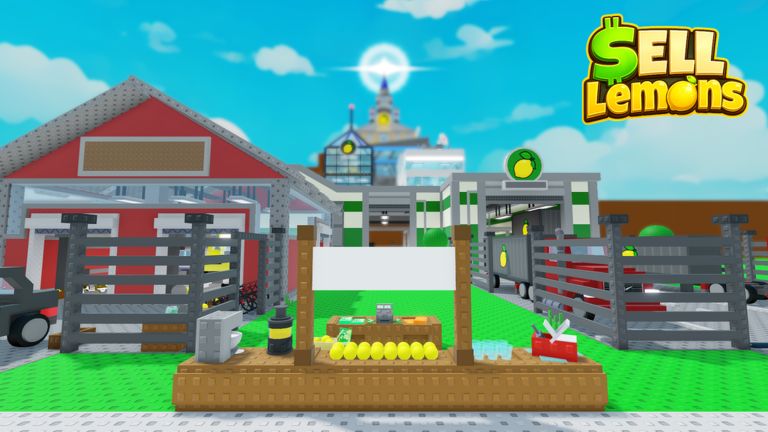
Sell Lemons is a useful option if you prefer a colorful simulation over a scare-heavy run. Start it from The Hollow’s own Visit Games panel rather than searching for a random badge or guide. Read the objective in the event prompt, complete that specific task, and then return to the hub to see whether a redeemable reward appears. Normal in-game cash or a regular Sell Lemons badge is not automatically the same as The Hollow Tickets.
2. Clean Crew: team up, but verify the event objective
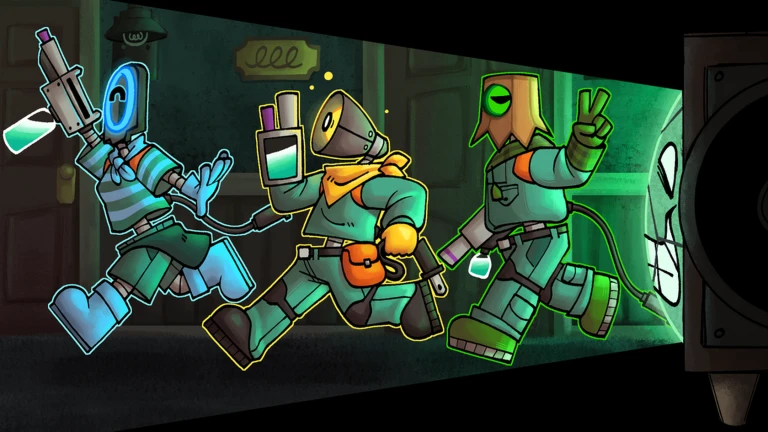
Clean Crew describes itself as a multiplayer survival-horror game and recommends playing with friends, although solo play is possible. That makes it a poor choice if you dislike jumpscares or need a quick, predictable task. Check the Hollow prompt first; if the required objective looks longer than your available session, choose another tile. Do not count a successful join as a completed event task.
3. Survive Overnight in a Mega Store: plan for a longer survival run
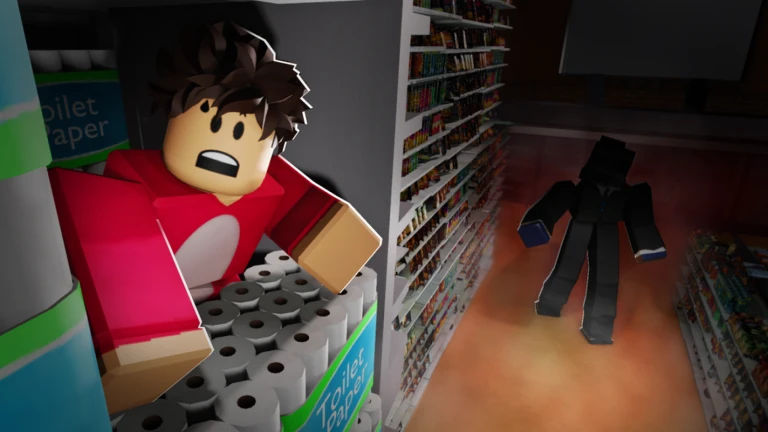
This experience is built around preparing a fort and surviving after the store closes. It may be more involved than a short obby, so check the event’s exact requirement before teleporting. If you have limited time, avoid starting a run simply because a social post says it is “double tickets.” We found no official Roblox confirmation of an overnight doubling for this game.
4. +1 Speed Keyboard Escape: for players who prefer an obby
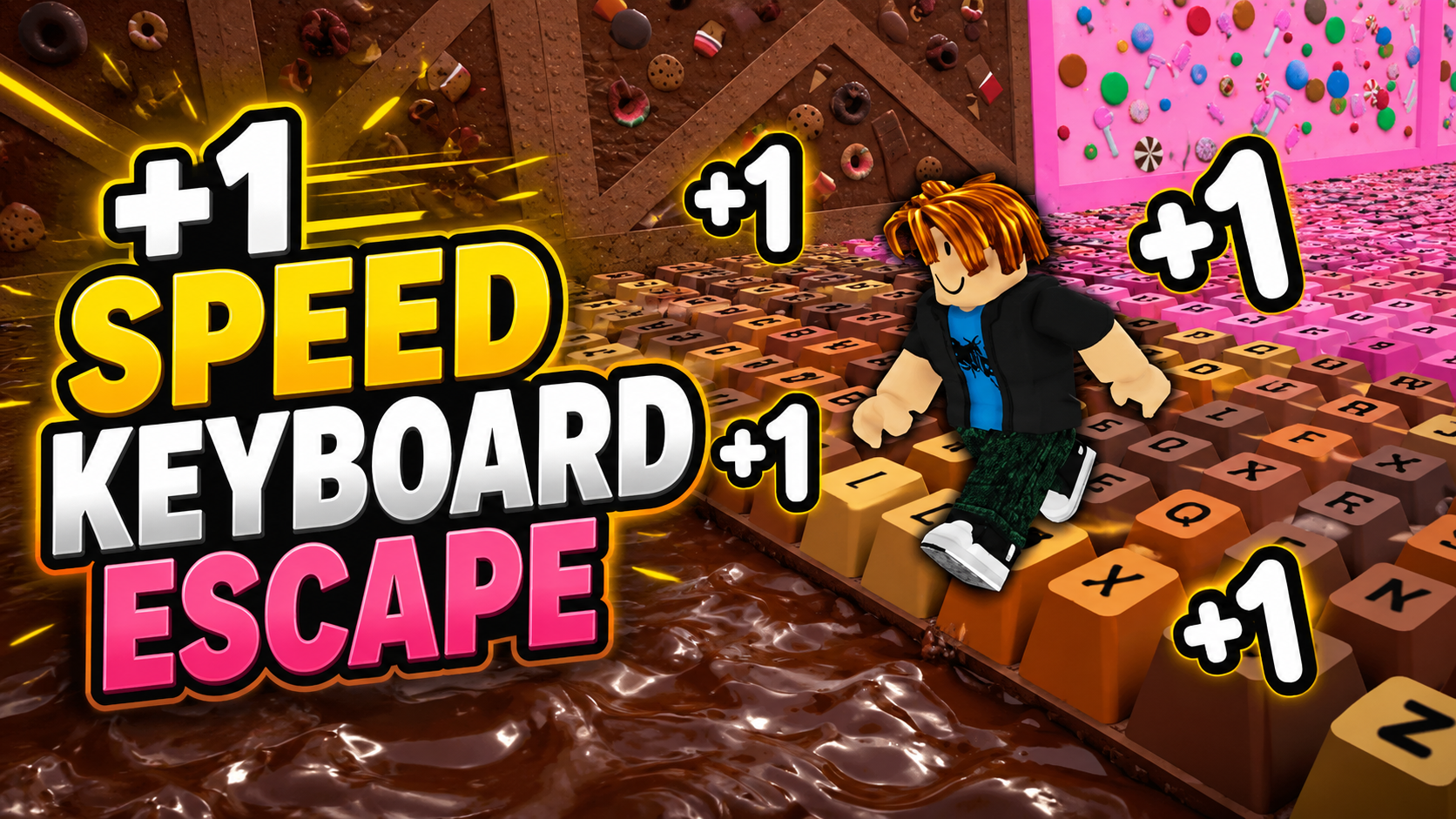
If you are more comfortable with an obstacle course than survival horror, this is worth checking. The game’s regular speed boosts and progress are separate from the event currency. Follow the task launched from The Hollow and check the event hub afterward; do not assume that ordinary obby progress has credited Tickets.
5. Toons Universe: check the quest before committing
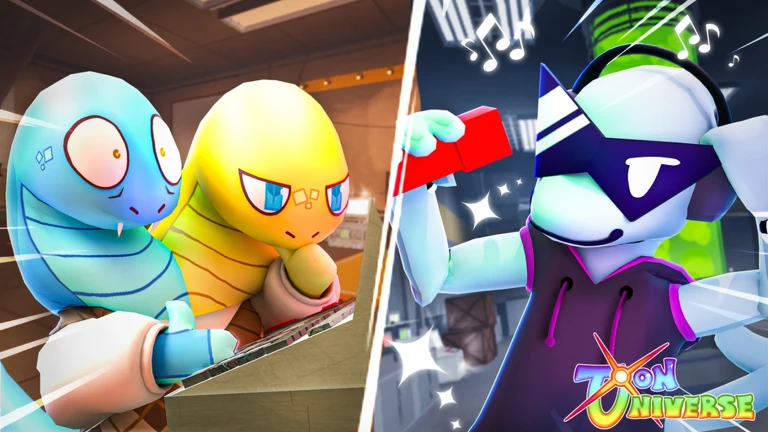
Toons Universe is another side experience reported in the October 24 Visit Games snapshot. The key question is not whether it is trending, but whether your current event panel still lists it and clearly states the reward. A game can update its own content without changing the event payout, and an old screenshot cannot establish today’s amount.
How to verify a real ticket increase
- Enter The Hollow through the official Roblox experience.
- Open the ticket shop and select Visit Games.
- Read the exact objective and Ticket amount on the tile or confirmation prompt before teleporting.
- Complete the event-linked objective in the same Roblox account. A normal game badge or in-game currency may not qualify.
- Return to The Hollow and open the relevant redeem or quest panel if prompted.
- Check your Ticket balance before and after. If it did not change, capture the objective and balance screens instead of repeatedly grinding an unverified route.
For a claim of “double payouts” to be credible, you need a before-and-after comparison of the same objective, with dates and the reward receipt visible. A screenshot of a game’s regular cash, speed, badge count, or popularity does not prove its Hollow Ticket reward changed.
Common mistakes that waste time
- Confusing game currency with event Tickets: Sell Lemons cash and keyboard-game speed are separate systems.
- Counting a visit as completion: the prompt asks you to complete an objective, not just load into a game.
- Trusting an old screenshot: event menus can change, and a snapshot is only evidence of what was shown at that time.
- Assuming all badges redeem the same way: follow the event’s own instructions and check the hub’s redeem panel.
- Calling a rumor a confirmed update: Roblox’s public announcement does not confirm a blanket overnight doubling.
Frequently asked questions
Did these five Roblox games officially double their Hollow Ticket payouts overnight?
We could not verify that claim. An October 24 third-party snapshot reported 20 Tickets for each of the five games listed here, but that does not prove the reward doubled or that the same amount is live for every player today.
Which of the five pays the most Tickets?
The dated snapshot reported the same 20-Ticket amount for the participating games it listed. It does not establish a higher-paying winner among these five. Check the live amount shown in your own Visit Games panel.
Do I earn Tickets just for joining a game?
Do not assume so. The event prompt tells players to complete an objective. Finish the specific task and check the hub’s redemption panel and Ticket balance.
Are The Hollow Tickets the same as Robux?
No. Tickets are event currency used for eligible event rewards. They are not Robux, cash, or the ordinary currency inside a partner experience.
When does Roblox stop letting players claim The Hollow rewards?
Roblox says players can continue collecting event rewards until noon Pacific time on November 2, 2026. Check the official event hub for your current task and claim status.
Bottom line
These five games are worth checking because they appeared in a reported snapshot of The Hollow’s partner-game list—not because an overnight payout doubling has been confirmed. The smart move is to compare the live reward label, complete the exact event task, redeem when prompted, and count only the Tickets that actually appear in your balance. We will not label a rumor as a verified payout update without a dated, comparable reward receipt.
Sources: Roblox Newsroom: The Hollow; official The Hollow experience; AllThingsHow’s dated Visit Games snapshot; The Click’s ticket guide.